


Featured
New
DesignEvo – Free Logo Maker
- https://www.designevo.com/
- June 4, 2026
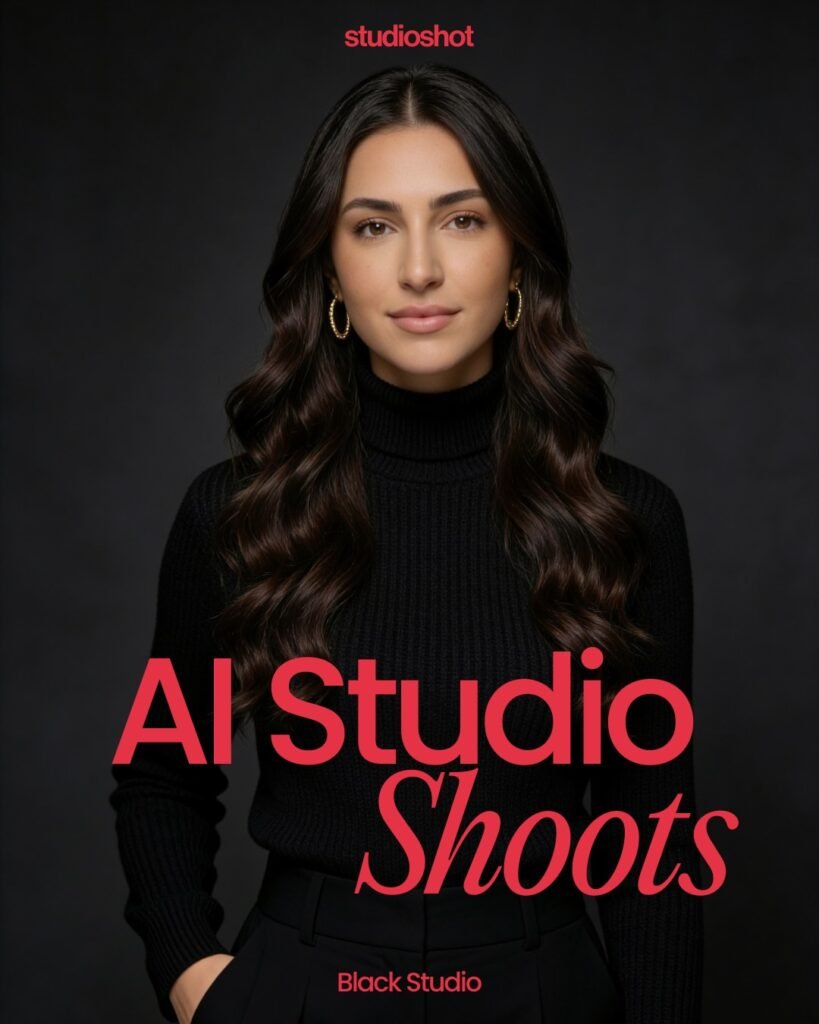
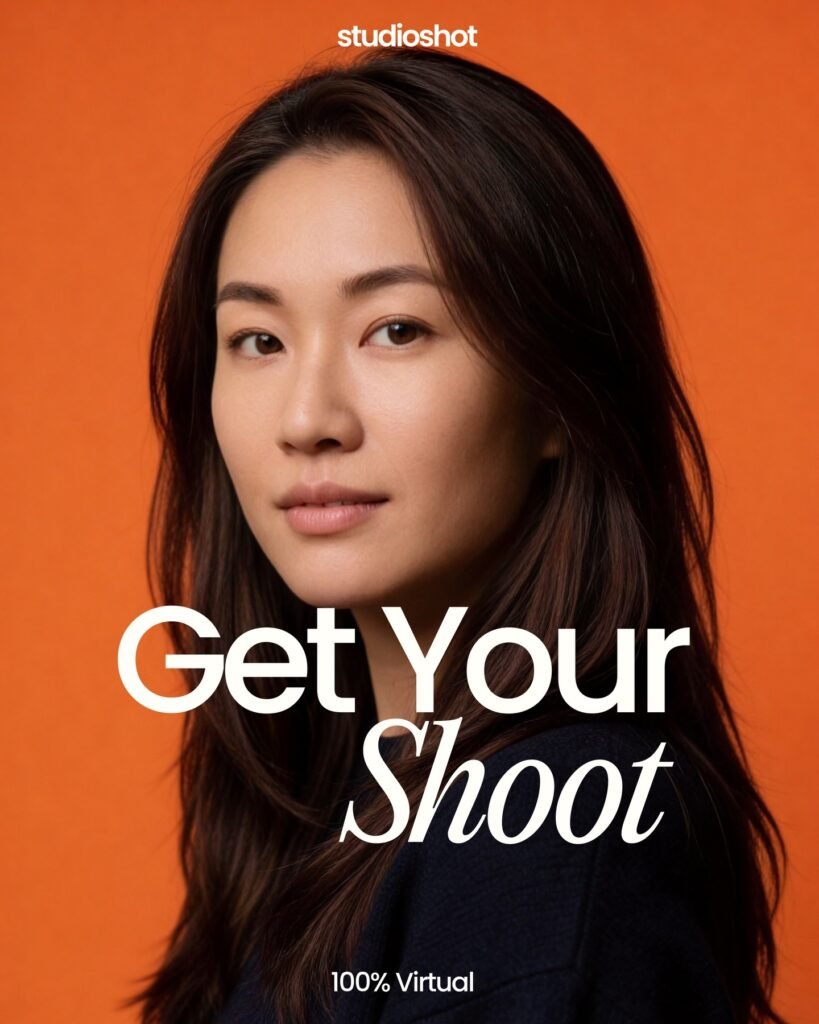
In today’s digital-first world, your online presence often starts with a photo—whether it’s on LinkedIn, a company website, or a freelance marketplace. Professional headshots have become essential, but traditional photoshoots are expensive, time-consuming, and often inconvenient. This is where StudioShot steps in.
StudioShot is an AI-powered headshot generation platform designed to turn ordinary selfies into high-quality, studio-grade professional portraits. Built with modern machine learning techniques, the tool aims to eliminate the need for physical photoshoots while delivering results that rival professional photographers.
As AI continues to reshape creative workflows, tools like StudioShot are gaining traction among professionals, startups, and content creators who need fast, affordable, and scalable image solutions. But does it really deliver on its promise? Let’s break it down in detail.
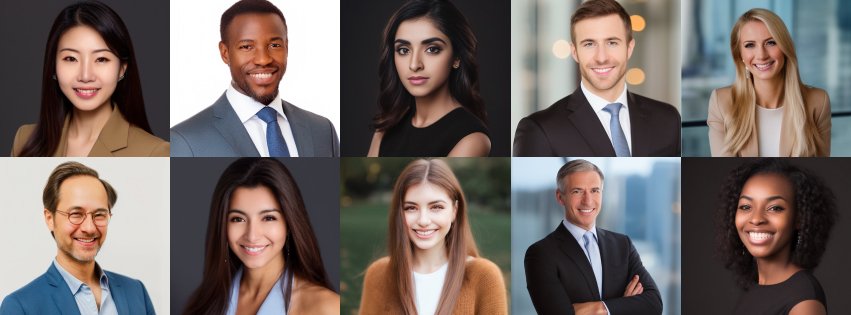
StudioShot is an AI headshot generator that creates professional-looking portraits from simple photos uploaded by users. Instead of booking a photographer, users upload a set of selfies, and the platform uses AI models to generate polished headshots in various styles, outfits, and backgrounds.
Traditional headshots come with several challenges:
StudioShot addresses these issues by offering:
In short, it democratizes access to professional-quality imagery.
StudioShot is designed to be beginner-friendly, even for users with no technical background. Here’s a step-by-step overview:
Users typically upload 10–20 high-quality selfies from different angles and lighting conditions. These images help the AI understand facial features accurately.
The platform trains a personalized AI model based on your uploaded photos. This step ensures the generated images closely resemble you.
You can choose from various styles, such as:
The AI generates dozens (sometimes hundreds) of headshots with different:
Once ready, you can download high-resolution images and use them across platforms like LinkedIn, resumes, websites, and social media.
StudioShot offers a range of features that make it competitive in the AI headshot space.
The tool creates a unique model based on your facial data, ensuring realistic and accurate outputs.
Example: A freelancer can upload casual selfies and receive polished business-style portraits suitable for client-facing platforms.
Users can generate headshots across different industries and aesthetics.
StudioShot provides images suitable for:
Unlike traditional photoshoots, results are delivered quickly—often within hours or a day.
You don’t need:
Generate multiple headshots at once, making it ideal for teams and organizations.
The AI can simulate:
Startups often need consistent team headshots for branding. StudioShot allows companies to:
Marketing professionals can use StudioShot for:
Example: A digital marketer can create multiple persona-based images for different campaigns.
While not a coding tool, developers benefit from:
Students can create polished headshots for:
Educators can use it for:
Freelancers on platforms like Upwork or Fiverr can:
No need to schedule or attend a photoshoot. The entire process is online and fast.
Compared to traditional photography, StudioShot is significantly more affordable.
Perfect for teams—generate consistent headshots for dozens or hundreds of employees.
Experiment with different looks and styles without additional cost.
Anyone with a smartphone can create professional-quality images.
Maintain a uniform brand image across platforms.
No tool is perfect, and StudioShot has a few limitations:
While generally realistic, some outputs may:
Poor-quality selfies can lead to:
Users may not have granular control over:
Uploading personal photos always raises:
For premium branding campaigns or editorial shoots, professional photographers may still be preferred.
StudioShot typically follows a paid model, though exact pricing may vary over time.
StudioShot competes with tools like Remini AI, Fotor AI Portrait, and HeadshotPro.
StudioShot is ideal for:
StudioShot handles sensitive user data (photos), so privacy is important.
StudioShot is a practical and efficient solution for anyone who needs professional headshots without the hassle of traditional photography. It delivers strong value in terms of cost, convenience, and scalability.
While it’s not a perfect replacement for high-end studio photography, it excels in everyday professional use cases—especially for remote teams, freelancers, and individuals building their personal brand.
If your goal is to quickly create polished, professional images with minimal effort, StudioShot is absolutely worth considering.
There are no reviews yet.


Get the latest AI tools and trends delivered to your inbox. Subscribe to the AI Tool Mapper newsletter for curated AI updates.
AI Tool Mapper is a curated AI tools directory that helps users discover, compare, and choose the best artificial intelligence tools for work, business, and creativity.
© 2026 AI Tool Mapper. All rights reserved