


Featured
New
DesignEvo – Free Logo Maker
- https://www.designevo.com/
- June 4, 2026

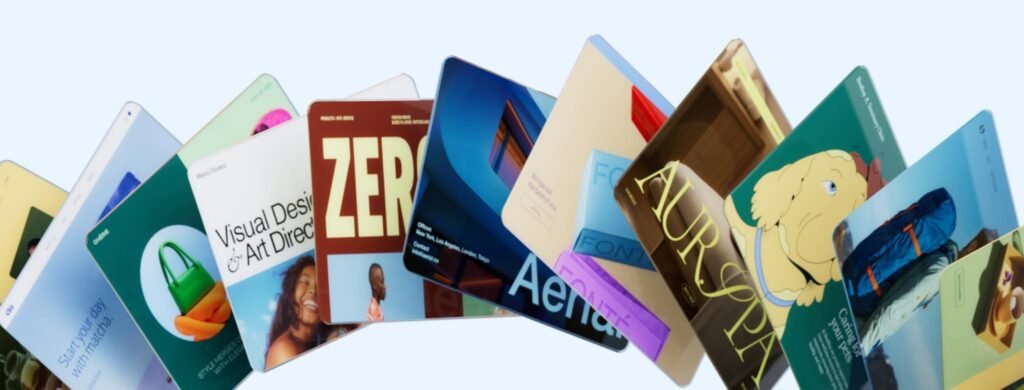
In today’s fast-paced digital world, branding is no longer optional—it’s essential. Whether you’re launching a startup, building a personal brand, or running a small business, your logo plays a critical role in how people perceive you. This is where Wix, a globally recognized website-building platform, steps in with its AI-powered design solution: Wix Logo Maker.
Wix has long been known for simplifying web design through intuitive drag-and-drop tools. With Wix Logo Maker, the company extends its expertise into branding, offering users an intelligent, beginner-friendly way to create professional logos without hiring a designer.
As AI continues to transform creative workflows, tools like Wix Logo Maker are becoming increasingly relevant. They help bridge the gap between creativity and accessibility—allowing anyone, regardless of design experience, to build a brand identity in minutes.
Wix Logo Maker is an AI-driven logo design tool that helps users create custom logos based on their preferences, industry, and brand personality. Instead of starting from scratch, the tool uses artificial intelligence to generate logo options tailored to your input.
At its core, it solves a common problem:
How can someone without design skills create a professional logo quickly and affordably?
With Wix Logo Maker, users can:
It’s especially useful for entrepreneurs, freelancers, and small businesses that need a strong visual identity without investing heavily in design services.
The platform is designed to be simple, intuitive, and guided by AI. Here’s a step-by-step breakdown:
You start by entering your business name and industry. This helps the AI understand your niche.
The tool asks questions about your design taste:
You may also select logos you like to train the AI further.
Based on your inputs, the AI produces multiple logo options tailored to your brand.
You can edit:
This gives you creative control while still benefiting from AI assistance.
Wix allows you to preview your logo on:
Once satisfied, you can purchase and download high-resolution files for commercial use.
Wix Logo Maker offers a strong set of features designed for both beginners and experienced users.
The AI engine creates logos based on your brand identity inputs, saving hours of manual design work.
Example:
A fitness startup selecting “energetic” and “modern” will receive bold, dynamic logo suggestions.
Unlike many AI tools, Wix doesn’t lock you into templates. You can:
Beyond logos, Wix provides a full branding suite:
You can download logos in multiple formats:
The AI tailors suggestions based on your niche:
If you’re building a website using Wix, your logo integrates seamlessly across your site and branding assets.
You can visualize how your logo will appear in real-world scenarios, reducing guesswork.
Startups often operate on tight budgets. Wix Logo Maker allows founders to:
Content creators can generate logos for:
This helps maintain a cohesive visual identity across platforms.
Developers building MVPs or SaaS tools can quickly create:
Students working on projects or presentations can:
Educators can also use it as a teaching tool.
Freelancers can:
Logo creation takes minutes instead of days.
No need to hire expensive designers for basic branding needs.
No design experience required.
AI assists—but doesn’t limit—you.
Works for individuals and growing businesses alike.
Built-in brand kits ensure visual consistency.
While Wix Logo Maker is powerful, it’s not perfect.
AI-generated logos may feel similar across industries.
Large enterprises may require deeper brand strategy and custom design.
While designing is free, downloading high-quality files requires payment.
Advanced designers may find the editor somewhat restrictive compared to professional tools.
Wix Logo Maker follows a freemium model:
Pricing typically ranges from:
(Prices may vary based on region and promotions.)
When compared to other AI logo tools like Looka, Brandmark, and Tailor Brands, Wix Logo Maker stands out for:
However:
This tool is ideal for:
It’s less suitable for:
Wix, as a well-established company, follows standard data protection practices.
Users should still review Wix’s privacy policy for full transparency.
Wix Logo Maker strikes a strong balance between simplicity, affordability, and functionality. It’s not meant to replace professional designers for complex branding projects—but it doesn’t need to.
For startups, freelancers, and small businesses, it delivers exactly what’s needed:
If you’re looking for a practical, AI-powered way to create a logo without overcomplicating the process, Wix Logo Maker is absolutely worth trying.
There are no reviews yet.


Get the latest AI tools and trends delivered to your inbox. Subscribe to the AI Tool Mapper newsletter for curated AI updates.
AI Tool Mapper is a curated AI tools directory that helps users discover, compare, and choose the best artificial intelligence tools for work, business, and creativity.
© 2026 AI Tool Mapper. All rights reserved