AI tools work by collecting data, learning patterns through machine learning, and producing outputs such as predictions, text, images, or decisions. Unlike traditional software, AI systems improve over time as they process more information. Today, AI tools are widely used in business, marketing, content creation, customer support, and everyday digital experiences. Understanding how AI tools work helps users choose the right solutions safely and effectively.
Key Takeaways
- AI tools learn from data, not intuition
- Machine learning enables pattern recognition
- AI tools improve productivity, not replace humans
- Beginners should start simple and scale gradually
- Understanding AI basics helps you choose better tools
Artificial intelligence sounds complicated. Many people imagine robots, complex math, or futuristic labs filled with blinking screens. But in reality, AI tools are already part of your daily life—quietly working in the background while you scroll social media, shop online, write emails, or manage business tasks. The good news? You don’t need to be a developer or data scientist to understand how AI tools work.
This guide breaks everything down in simple, human language. We’ll explore what artificial intelligence really is, how AI tools learn from data, and why businesses and beginners alike are using them every day. By the end, you’ll see that AI tools aren’t magic—they’re smart systems built to help humans work faster, make better decisions, and save time. And yes, once you understand the basics, choosing the right AI tool becomes much easier.
What Are AI Tools and Why Should You Care?
AI tools are software applications that use artificial intelligence to perform tasks that usually require human thinking. That could be writing content, recognizing images, answering questions, analyzing data, or recommending products. You may not realize it, but if you’ve used Google Search, Netflix, Grammarly, or voice assistants, you’ve already interacted with AI tools in everyday life.
So why should you care? Because AI tools are no longer optional. They’re becoming essential productivity partners for students, freelancers, marketers, and businesses. For beginners, AI tools simplify complex work. For companies, they reduce costs and improve decision-making. Understanding how AI tools work gives you control—so you use them wisely instead of blindly trusting them.
What Is Artificial Intelligence? (Quick & Simple Explanation)
Artificial intelligence is the ability of machines to imitate certain aspects of human intelligence. That includes learning from experience, recognizing patterns, understanding language, and making decisions based on data. Unlike humans, AI doesn’t “think” emotionally or consciously—it processes information mathematically.
Think of AI as a very fast learner with no intuition but excellent memory. Humans rely on common sense and experience. AI relies on data and algorithms. When people ask “What is artificial intelligence?”, the simplest answer is this: AI is software trained to recognize patterns and act on them.
According to IBM’s AI overview, AI systems are designed to simulate reasoning, learning, and problem-solving—without actually being human. That distinction matters when we talk about trust, accuracy, and safety.
How Do AI Tools Work? (Step-by-Step Breakdown)
This is the heart of the topic and where most confusion happens. Let’s simplify it.
Step 1 – Data Collection
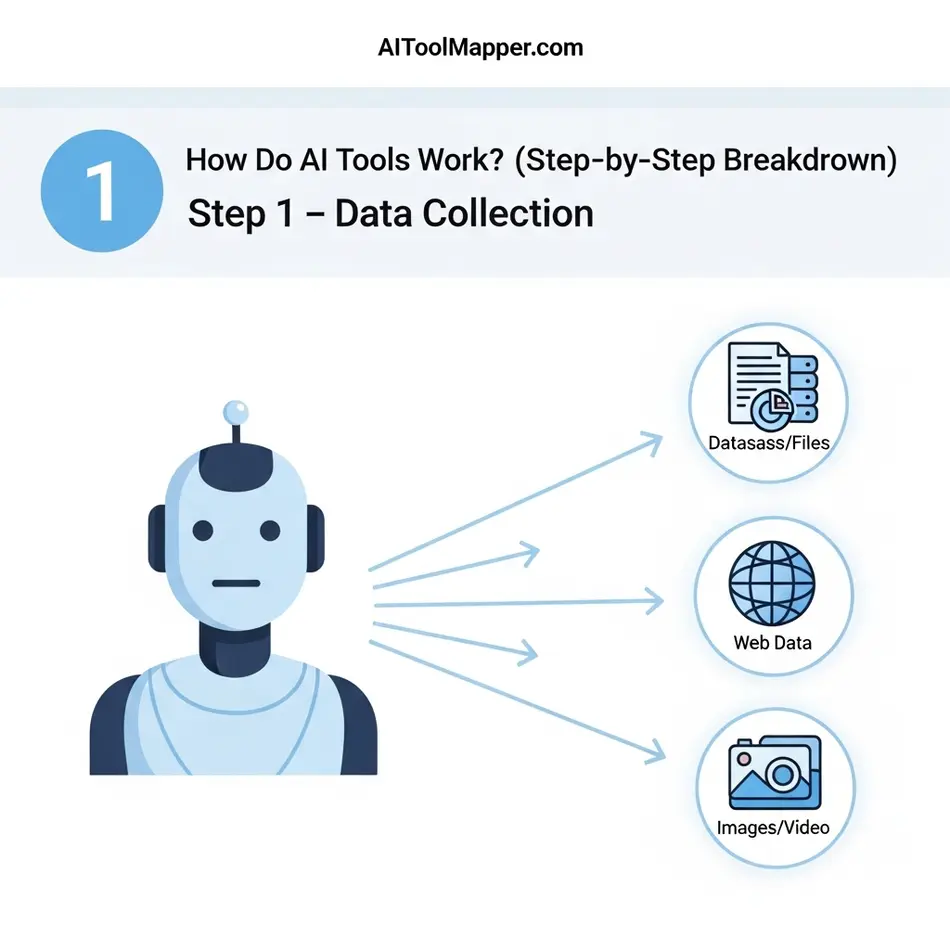
Every AI tool starts with data. Data is the fuel. Without it, AI tools are useless. Depending on the tool, data can be text, images, videos, numbers, audio, or user behavior.
For example:
- A chatbot learns from conversations and written text
- An image tool learns from millions of labeled photos
- An AI SEO tool learns from search patterns and website data
The quality of data matters more than quantity. Clean, relevant data leads to better results. Poor data leads to poor outputs—a concept often summarized as “garbage in, garbage out.”
Step 2 – Learning from Data (Machine Learning)
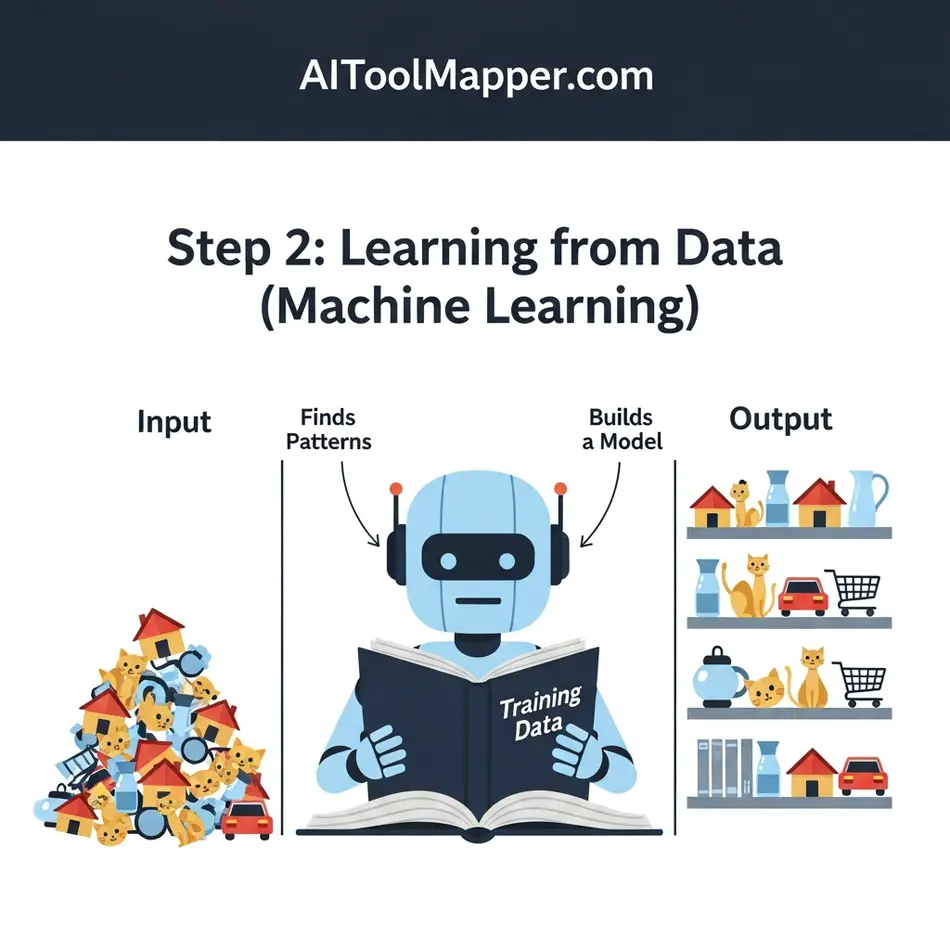
This is where machine learning comes in. If you’re wondering how machine learning works, imagine teaching a child using examples instead of rules.
Instead of programming every instruction, developers feed data into a model and let it find patterns on its own. Over time, the AI adjusts itself to reduce errors. This process is called training.
According to Google’s Machine Learning Guide, models learn through repetition, feedback, and optimization. They don’t understand meaning—they understand probability. That’s why AI can sometimes be impressively accurate and occasionally very wrong.
Step 3 – Decision Making & Predictions

Once trained, AI tools can make predictions or generate outputs. This is where users interact with them.
For example:
- AI writing tools predict the next best word
- Recommendation engines predict what you’ll like
- Business AI predicts trends or customer behavior
This step explains how AI tools work in practice. The tool doesn’t “know” the answer—it calculates the most likely response based on learned patterns.
This is also where people ask, “How does AI work so fast?” The answer lies in processing power and optimized algorithms, not intelligence.
Types of AI Tools You See Today
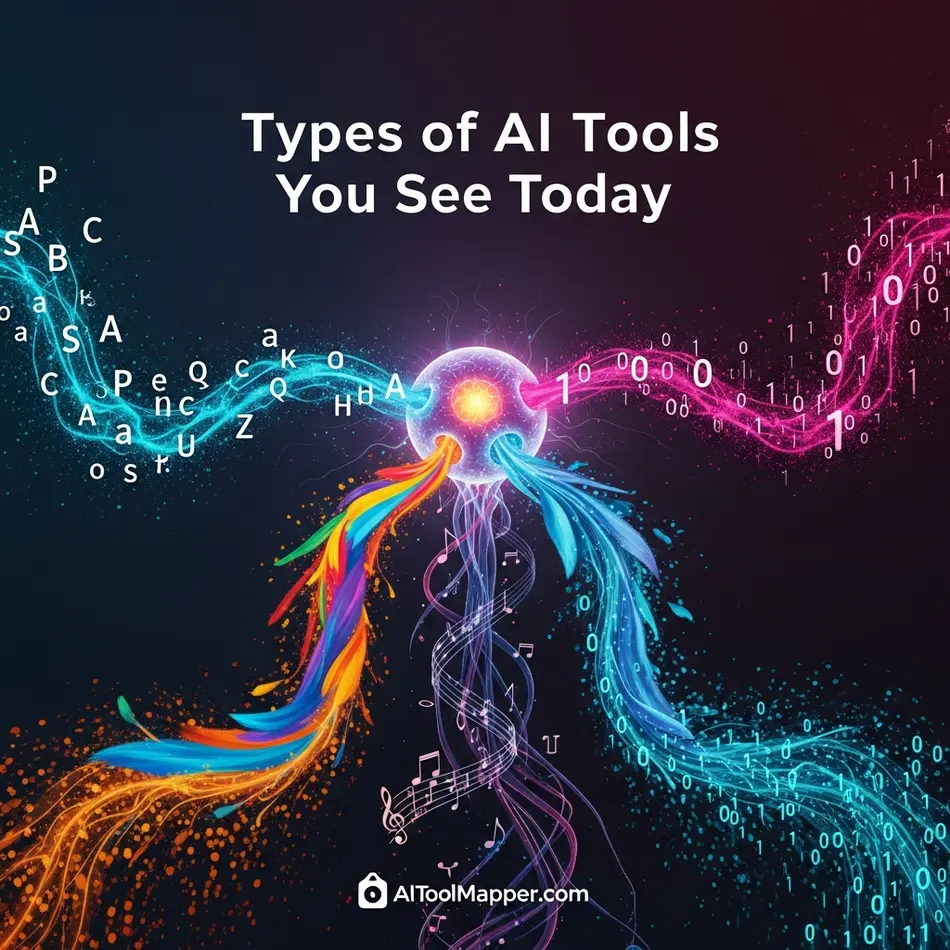
There isn’t just one kind of AI tool. There are many, each built for a specific purpose.
AI chat tools handle conversations and support. AI image generators create visuals from text prompts. AI writing tools assist with blogs, emails, and ads. AI automation tools connect apps and workflows.
Understanding the types of AI tools helps beginners avoid overwhelm. You don’t need everything—just the right category for your goal.
Popular Examples of AI Tools (Real-World Use Cases)
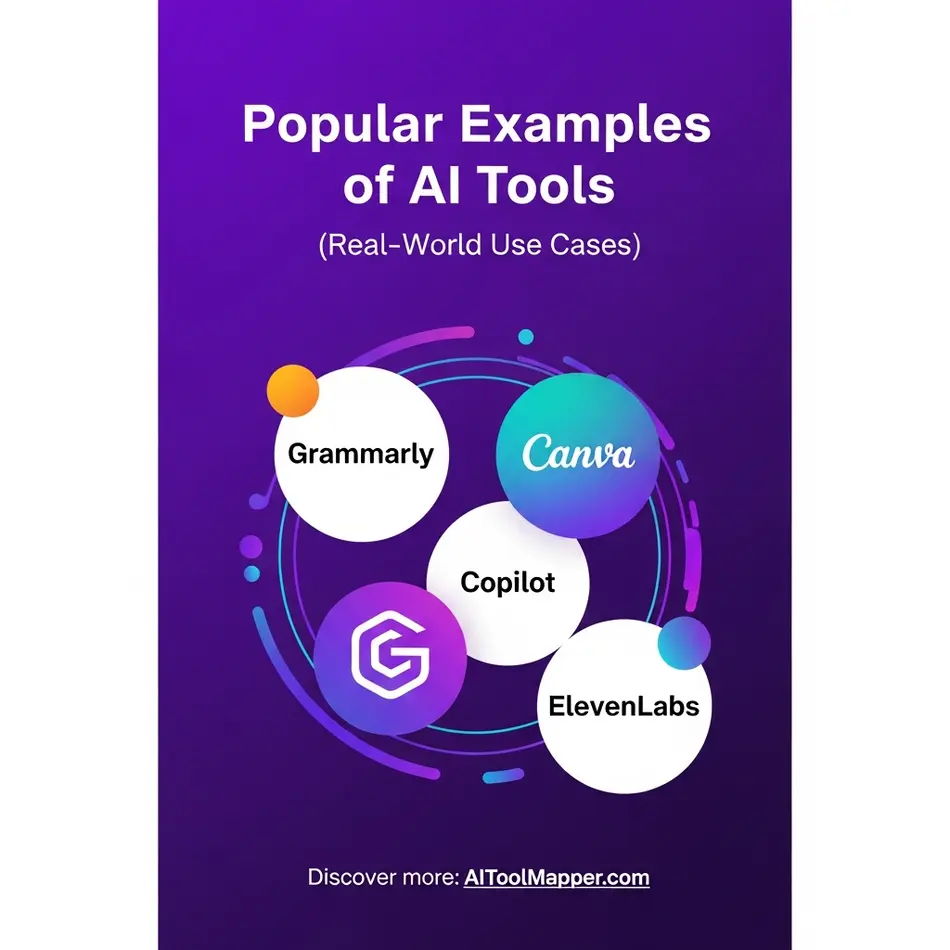
Examples of AI tools make the concept tangible. Chatbots power customer support on websites. AI writing tools help marketers scale content. Design tools generate social media creatives. AI SEO tools analyze keywords and optimize pages.
Platforms like HubSpot, Canva, ChatGPT, Gemini, Grammarly, GitHub, Copilot, Otter.ai, Midjourney, DALL-E and Ahrefs openly explain how AI improves productivity across industries. These are not experimental tools—they’re business essentials.
This is why examples of AI in business matter. AI is no longer future tech—it’s operational tech.
How AI Tools Are Used in Everyday Life
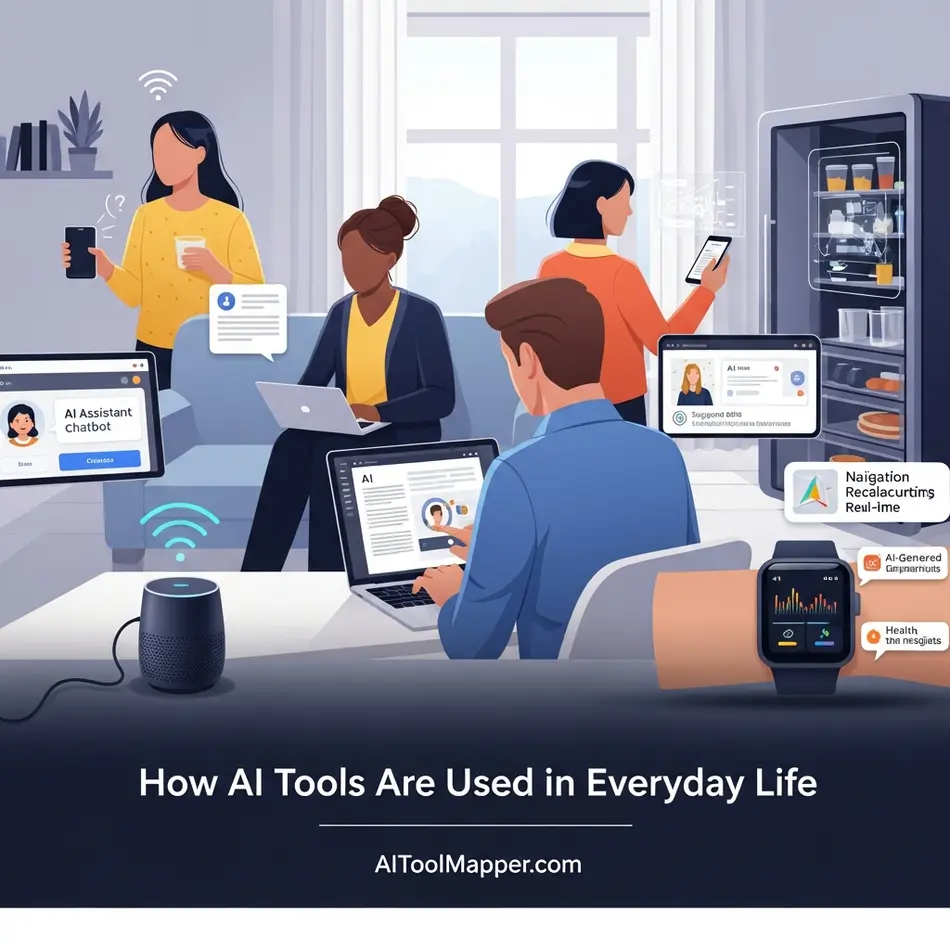
AI tools in everyday life are often invisible. Your phone camera uses AI. Your email spam filter uses AI. Your shopping recommendations are AI-driven.
These systems don’t feel “intelligent,” but they quietly save time and improve experiences. That’s the real power of AI tools—not flashiness, but usefulness.
How AI Tools Help Businesses Grow Faster
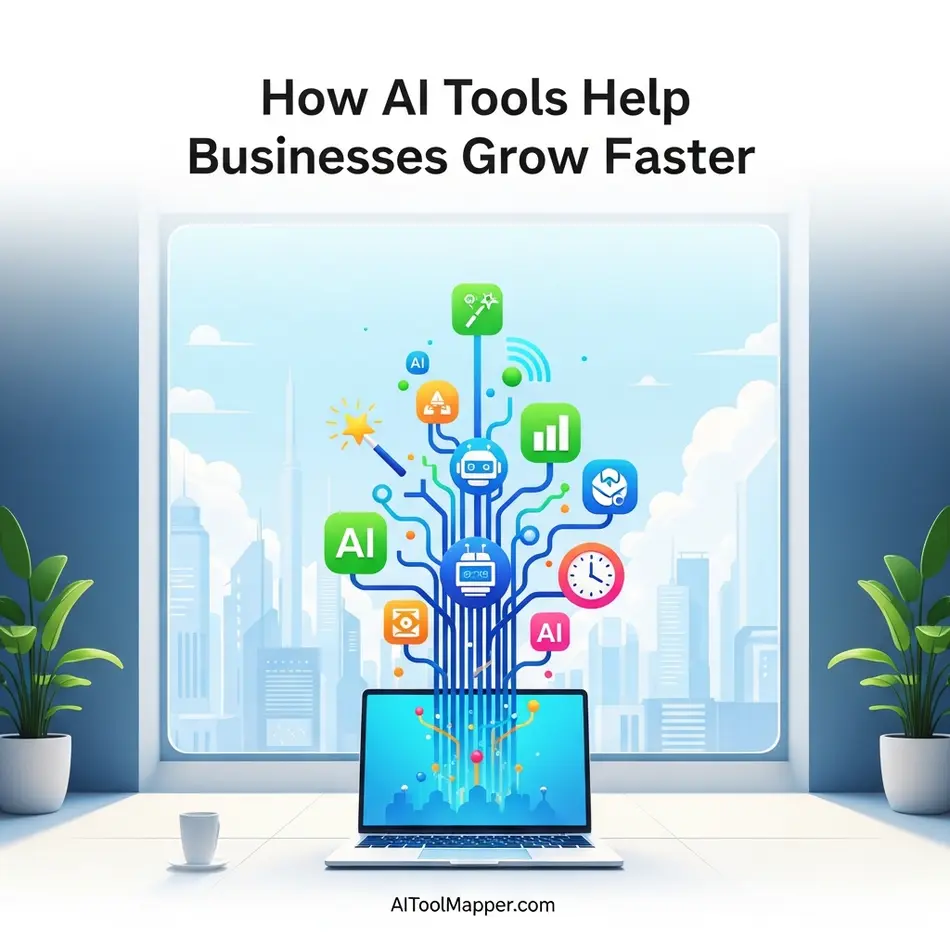
AI tools help in business by automating repetitive tasks, improving accuracy, and enabling data-driven decisions. Instead of guessing, businesses analyze patterns.
According to McKinsey’s AI research, companies using AI effectively outperform competitors in efficiency and customer satisfaction. That’s why adoption is accelerating across marketing, finance, HR, and operations.
This is the strongest reason why use AI tools in business—they scale human effort, not replace it.
AI vs Traditional Software – What’s the Difference?
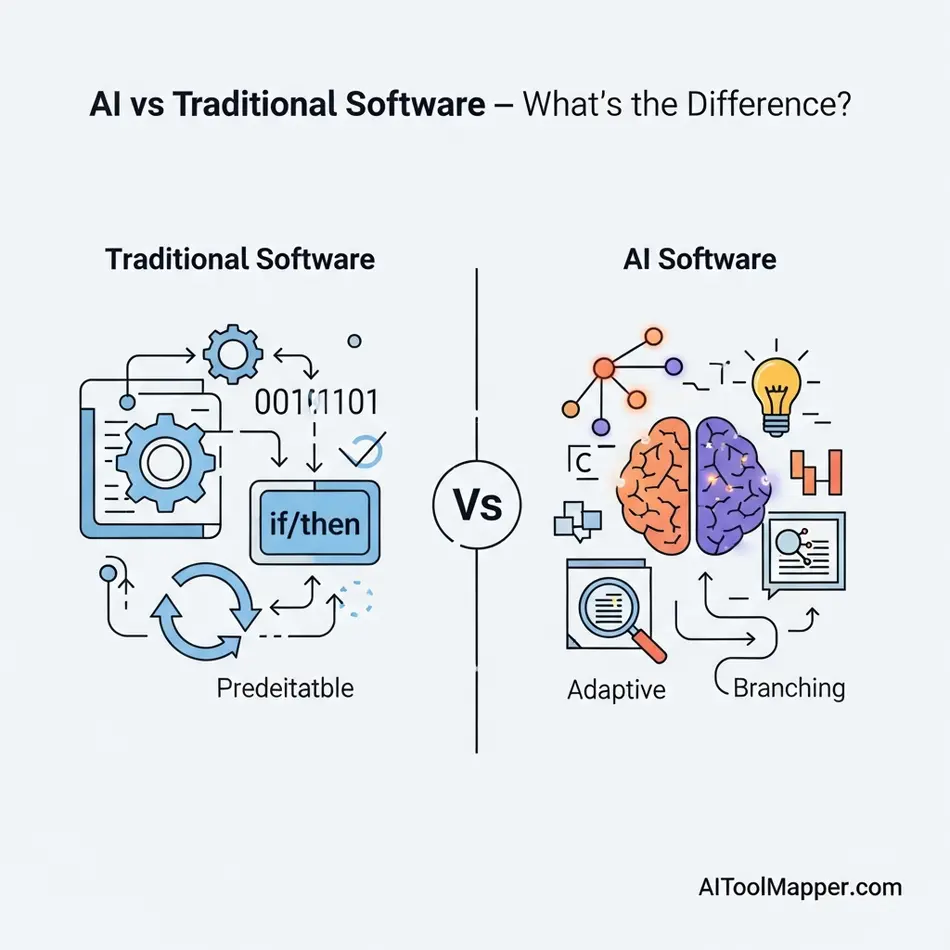
Traditional software follows rules. AI learns from data. If something changes, rule-based software breaks. AI adapts.
That’s the core difference in AI vs traditional software. AI systems improve over time. Traditional systems stay static unless manually updated.
This flexibility makes AI ideal for dynamic environments like SEO, marketing, and customer behavior analysis.
Are AI Tools Safe and Reliable to Use?
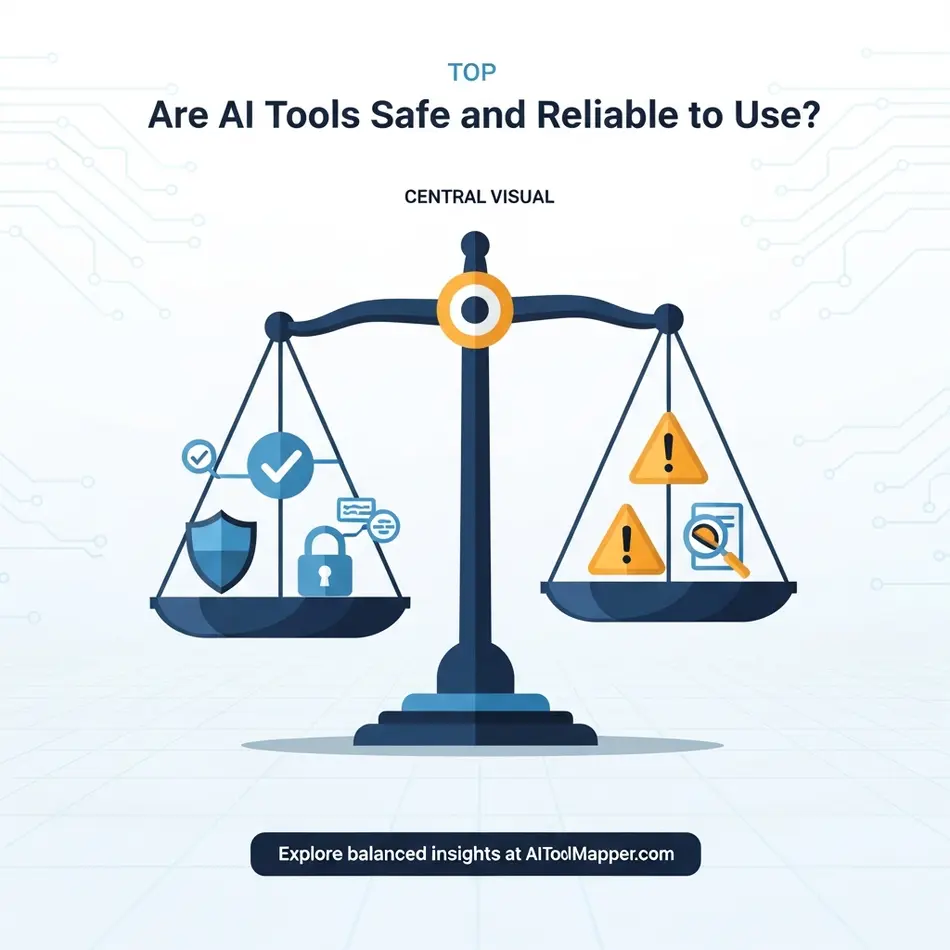
Are AI tools safe to use? Generally, yes—but with responsibility. AI tools depend on data quality, privacy controls, and ethical usage.
Trusted platforms follow security standards and data regulations. Still, users should avoid sharing sensitive personal information and always verify critical outputs.
AI is a helper, not a final authority.
How to Choose the Right AI Tool for Your Needs

Start with your goal. Do you want content, automation, SEO insights, or design help? Then compare features, pricing, and ease of use.
Beginners should look for tools with tutorials, free trials, and simple dashboards. Avoid overpowered tools you don’t understand.
Directories like AI Tool Mapper make this easier by organizing tools by use case instead of hype.
AI Tools for Beginners – Where Should You Start?
AI tools for beginners should feel helpful, not intimidating. No-code tools, drag-and-drop interfaces, and guided prompts reduce learning curves.
Start small. Master one tool. Then expand. That’s how confidence builds.
Future of AI Tools – What’s Coming Next?
The future points toward smarter automation, industry-specific tools, and AI marketplaces where tools connect seamlessly.
AI won’t replace humans—it will amplify skilled users. Understanding the basics today prepares you for tomorrow’s tools.
FAQs – How AI Tools Work
1. Do AI tools think like humans?
No. AI tools analyze data and make predictions based on probabilities. They do not possess emotions, self-awareness, or conscious thought, so their “thinking” is purely computational and task-focused.
2. Do AI tools need the internet to work?
Not always. Some AI tools operate locally on your device after being trained, while others rely on cloud servers or real-time internet access to process data, update models, or fetch information.
3. Can AI tools replace humans?
AI can automate repetitive or specific tasks, improving efficiency and accuracy. However, it cannot fully replace humans, especially in areas requiring creativity, empathy, or complex decision-making.
4. Are AI tools free to use?
Many AI tools provide free versions or trial plans, often with limited features or usage caps. Full functionality typically requires a paid subscription or enterprise plan.
5. How accurate are AI tools?
Accuracy depends on the quality of the training data, algorithms, and context. While AI can be highly precise in structured tasks, errors or biases may occur in complex or ambiguous situations.
5. Can AI tools learn by themselves?
AI can improve performance over time through machine learning, but it still requires data, guidance, and human oversight. Fully autonomous self-learning without supervision is rare.
7. Are AI tools safe for sensitive data?
Safety depends on the provider and encryption methods. Always check privacy policies and avoid uploading confidential data to free or unverified AI platforms.
8. Do AI tools understand language like humans?
AI can process and generate human language effectively but lacks true comprehension. It recognizes patterns, context, and syntax, but does not “understand” meaning or intent as a human does.
9. Can AI tools create original content?
AI generates content by learning patterns from existing data. While it can produce novel combinations, true originality, intuition, and creativity remain human traits.
10. Do AI tools require technical knowledge to use?
Some AI tools are user-friendly with no coding needed, while advanced tools may require technical skills to set up, customize, or integrate effectively.
Conclusion: Understanding AI Tools Is Easier Than You Think
AI tools are not magic. They’re systems that learn from data, recognize patterns, and help humans work smarter. Once you understand how AI tools work, fear turns into confidence.
Explore responsibly. Test tools carefully. And use platforms like AI Tool Mapper to discover tools that genuinely fit your needs.
Found this helpful? Save it to your Pinterest board!