
Finding someone online with nothing but a photo might sound like something out of a spy movie—but in 2026, it’s very real and surprisingly accessible. Whether you’re verifying a profile, reconnecting with someone, or checking image authenticity, free face search tools can help you trace digital footprints using just an image. Platforms like Google Images, Bing Visual Search, and Yandex analyze facial features and match them with online photos, making it easier than ever to identify people online. For the best results, use high-quality images, crop the face clearly, and combine multiple tools while always verifying matches and respecting privacy guidelines.
In this guide, you’ll learn how to find someone using a photo for free, what tools actually work, and the smart techniques most people don’t know about.
Key Takeaways
- Face search allows you to find someone using just a photo
- Free tools like Google, Bing, and Yandex are highly effective
- Cropping and image quality significantly impact results
- Combining multiple tools increases accuracy
- Always use face search ethically and legally
What Is Face Search & How Does Photo Lookup Work?
Face search, also known as reverse image search for faces, is a technology that uses artificial intelligence to analyze facial features and match them with images available online.
Instead of typing a name or keyword, you upload a photo. The system scans:
- Facial structure
- Eye spacing
- Nose shape
- Image patterns and metadata
Then it compares them with billions of indexed images across the web.
Why It Matters
- Identify fake profiles
- Find social media accounts
- Track image misuse
- Verify online identities
Top Free Methods to Find Someone Using Just a Photo (Best Face Search Tools)
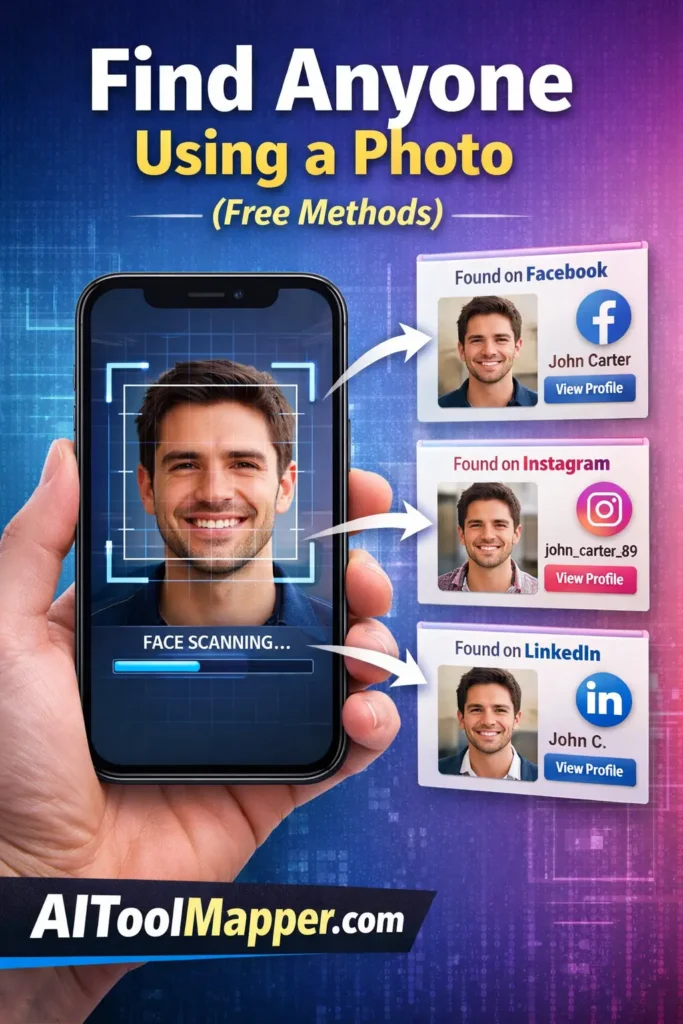
Let’s break down the most effective and completely free face search methods you can use today.
1. Google Reverse Image Search (Beginner-Friendly Method)
This is the easiest starting point.
Steps:
- Go to Google Images
- Click the camera icon
- Upload the photo or paste URL
- Explore visually similar results
Pro Tip:
Crop the image to focus only on the face before uploading—it improves accuracy significantly.
2. Bing Visual Search (Underrated Free Face Finder Tool)
Bing’s visual search is surprisingly powerful for face matching.
Why it works well:
- Better at finding similar faces
- Great for social media matches
- Clean interface with filters
3. Yandex Image Search (Best Free Face Recognition Accuracy)
Yandex is widely considered the most accurate free face search engine.
Why people prefer it:
- Strong facial recognition capabilities
- Finds matches even with low-quality images
- Works well for international searches
4. Social Media Manual Search (Hidden Face Search Trick)
Sometimes, AI tools miss what humans can find.
Try this:
- Upload image to Facebook search
- Use Instagram hashtags or reverse search apps
- Look for backgrounds, clothing, or locations in the photo
5. Metadata & Context Clues (Advanced Photo Search Strategy)
Even if face search fails, the image itself contains clues.
Check for:
- EXIF data (location, camera info)
- Background landmarks
- Text or logos in the image
Use these clues to manually search platforms like LinkedIn or Twitter.
Step-by-Step Process: How to Find Someone Using a Photo for Free
Here’s a practical workflow you can follow:
Step 1: Prepare the Image
- Crop to face
- Enhance clarity
- Remove distractions
Step 2: Try Multiple Tools
Start with:
- Google Images
- Yandex
- Bing Visual Search
Step 3: Compare Results
Look for:
- Matching faces
- Same background
- Similar usernames
Step 4: Cross-Check Social Media
Search names or usernames found in results.
Step 5: Verify Before Concluding
Never rely on a single match—confirm with multiple sources.
Free vs Paid Face Search Tools: What’s the Difference?
Free Tools
- Limited database access
- Basic matching
- Slower results
Paid Tools
- Deep web scanning
- Higher accuracy
- More results
But for most users, free tools are more than enough if used smartly.
Hidden Tricks to Improve Face Search Accuracy (Pro Tips)
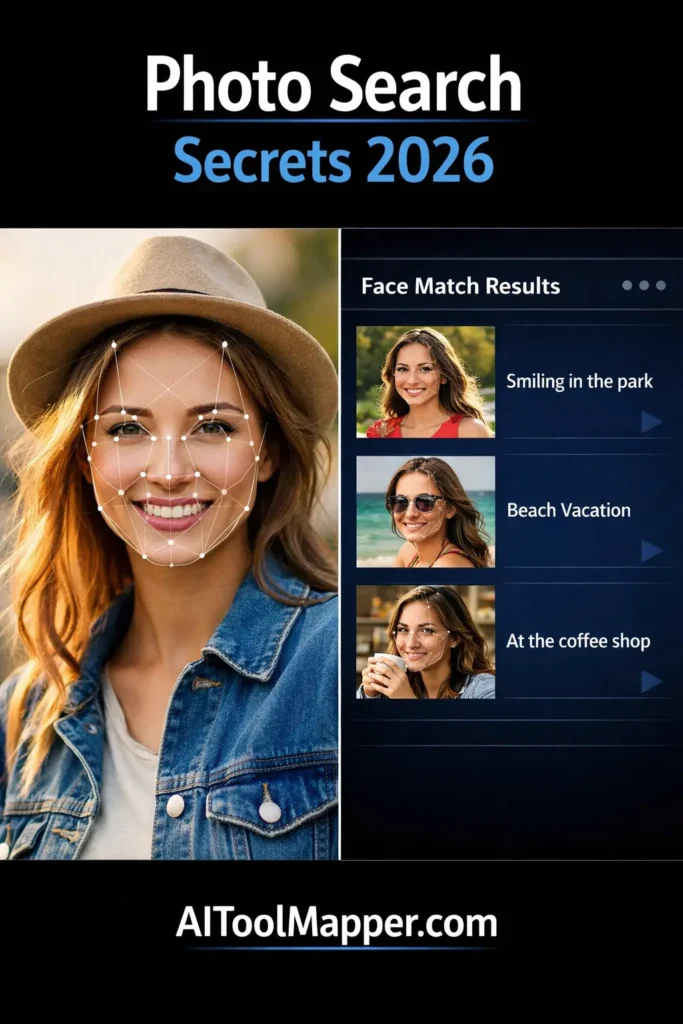
Want better results? Use these expert tricks:
- Use multiple angles of the same person
- Try black & white version of the image
- Search cropped vs full image
- Upload higher resolution photos
- Search at different times (index updates matter)
Is It Legal to Find Someone Using a Photo?
Yes—but with conditions.
Allowed Uses
- Finding your own images
- Verifying identity
- Research purposes
Avoid
- Stalking or harassment
- Misusing personal data
- Violating privacy laws
Always respect ethical boundaries.
Common Reasons People Use Face Search Tools
- Detect catfishing or scams
- Find lost contacts
- Identify unknown people in photos
- Verify dating profiles
- Check copyright violations
Limitations of Free Face Search Tools
Even the best tools aren’t perfect.
- No access to private profiles
- Limited facial recognition accuracy
- Struggles with blurred or edited images
- Results depend on indexed data
That’s why combining tools works best.
FAQs: Find Someone Using Just a Photo
1. Can I find someone online using just a photo for free?
Yes, you can use free tools like Google Images, Bing Visual Search, and Yandex. These platforms allow you to upload a photo and find visually similar images. While not always 100% accurate, combining multiple tools improves your chances significantly.
2. Which is the best free face search tool in 2026?
Yandex is often considered the most accurate free face search tool due to its advanced facial recognition capabilities. However, Google and Bing are also effective, especially when used together for cross-verification of results.
3. How accurate are free face search tools?
Accuracy varies depending on image quality, lighting, and availability of indexed data. High-resolution, clear images usually produce better results. Free tools may not match faces perfectly but can still provide strong visual similarities.
4. Can face search find social media profiles?
Yes, sometimes. If the image is publicly available or indexed, tools may link to social media profiles. However, private accounts and restricted content won’t appear in search results.
5. Is it safe to upload photos to face search tools?
Most major platforms like Google and Bing are safe, but always avoid uploading sensitive or private images. Read privacy policies before using any third-party face search service.
6. Why am I not getting results from face search?
This could be due to low image quality, uncommon faces, or lack of indexed data. Try cropping the image, improving resolution, or using multiple search engines to increase success chances.
7. Can I find someone with a blurred or low-quality image?
It’s difficult but not impossible. Tools like Yandex perform better with low-quality images. Enhancing the image or using different versions can help improve results.
8. Are there any completely free face recognition tools?
Yes, Google Images, Bing Visual Search, and Yandex are completely free to use. Some advanced tools offer paid features, but basic reverse image search is available at no cost.
9. Is face search legal in India and globally?
Yes, face search is legal when used ethically. Avoid misuse such as stalking or harassment. Always follow local privacy laws and ensure responsible usage.
10. Can I use face search on mobile devices?
Absolutely. Most tools are mobile-friendly, and you can upload images directly from your phone. Some browsers even allow direct image search from the gallery.
Conclusion
Finding someone using just a photo is no longer complicated or expensive. With the right approach and free tools, you can uncover valuable information in minutes. The key is to combine multiple platforms, optimize your image, and verify results carefully.
As technology evolves, face search will become even more powerful—but responsibility and ethical use should always come first.