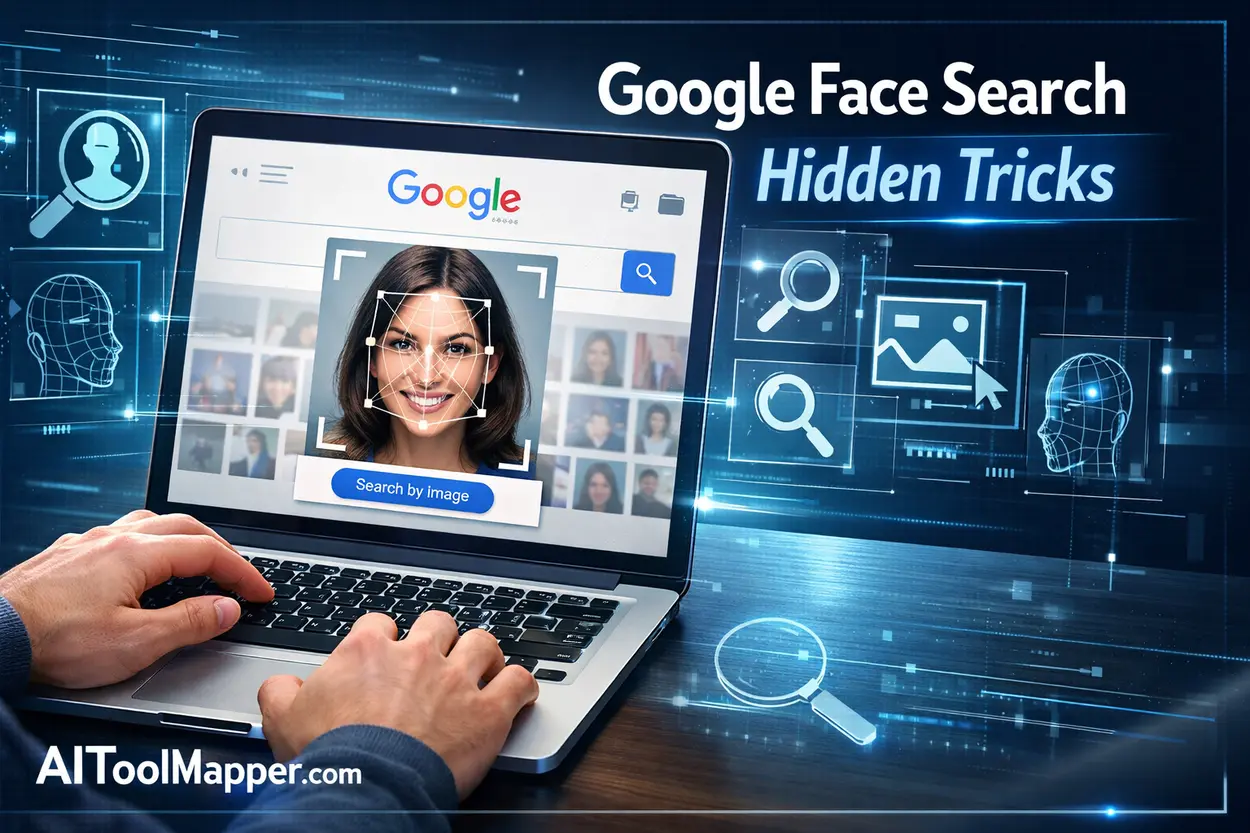
In 2026, facial recognition technology has become more accessible than ever. Whether you’re trying to find someone online, verify identities, or track image sources, free face search tools can help you get accurate results in seconds.
But with so many platforms available, which ones actually work? If you want to see tested real-world results of free face search tools, check out this detailed analysis:
In this detailed guide, we’ve tested and compared the best free face search tools online based on accuracy, usability, speed, and privacy. Let’s dive in.
What is a Face Search Tool? (AI Face Recognition Explained)

A face search tool is an AI-powered platform that allows users to upload a photo and find matching images or profiles across the internet.
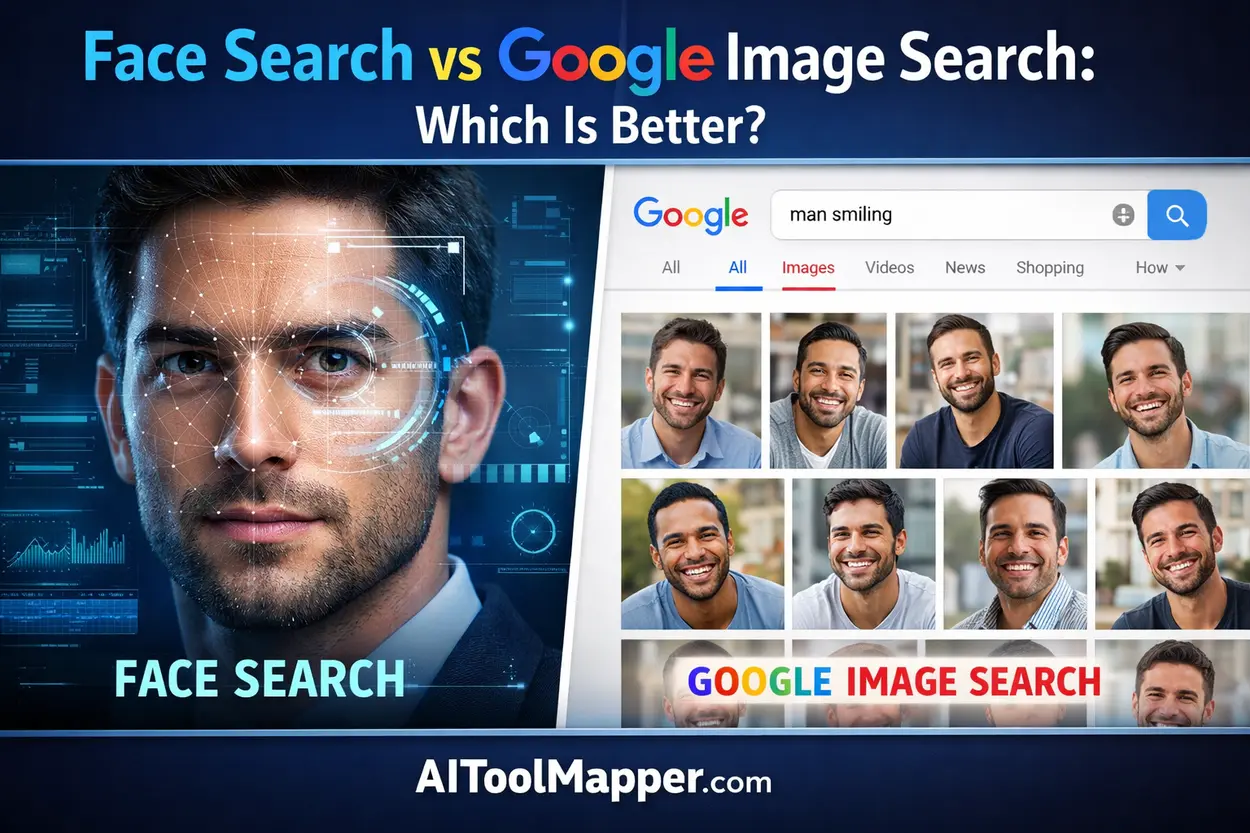
If you’re confused between traditional and AI-based tools, you can explore the face search vs Google image search differences here:
These tools use:
- Deep learning algorithms
- Facial recognition AI
- Image pattern matching
They are commonly used for:
- Finding social media profiles
- Verifying identities
- Detecting fake accounts
- Reverse image search
Top Features to Look for in Free Face Search Tools
Before choosing a tool, consider these key features. You can also check real performance testing of these tools here:
1. Accuracy & Matching Capability
The best tools deliver highly accurate matches using advanced AI.
2. Database Size
A larger database increases the chances of finding results.
3. Privacy & Security
Ensure the tool doesn’t misuse your uploaded images.
4. Ease of Use
Simple upload and quick results matter.
5. Free vs Paid Limitations
Many tools offer limited free searches.
Best Free Face Search Tools in 2026 (Tested & Compared)
1. PimEyes (Best Overall Face Search Tool)
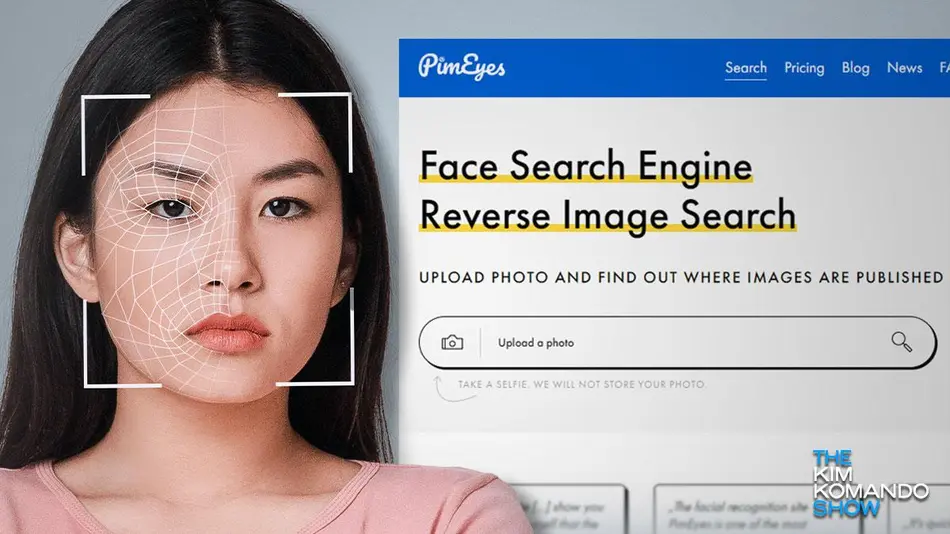
PimEyes remains one of the most powerful facial recognition tools in 2026, known for its advanced AI-driven search engine that scans billions of images across the web. It is widely used by professionals, journalists, and individuals for deep face lookup and identity tracking. For a deeper breakdown, check this detailed comparison of PimEyes vs other face search tools:
Key Features:
- Highly accurate face matching using deep learning AI
- Scans public websites, blogs, and image databases
- Real-time search updates with constantly refreshed results
- Advanced filtering options (date, website source, etc.)
- Face clustering technology for better match grouping
Pros:
- Industry-leading accuracy and precision
- Clean and beginner-friendly interface
- Fast processing speed with near-instant results
- Supports multiple image uploads for better matching
Cons:
- Limited free results (full access requires paid plan)
- Does not directly show social media profiles in free version
Best For:
Advanced face lookup, online identity tracking, and professional investigations
Website: https://pimeyes.com/
2. FaceCheck.ID (Best for Online Identity Verification)
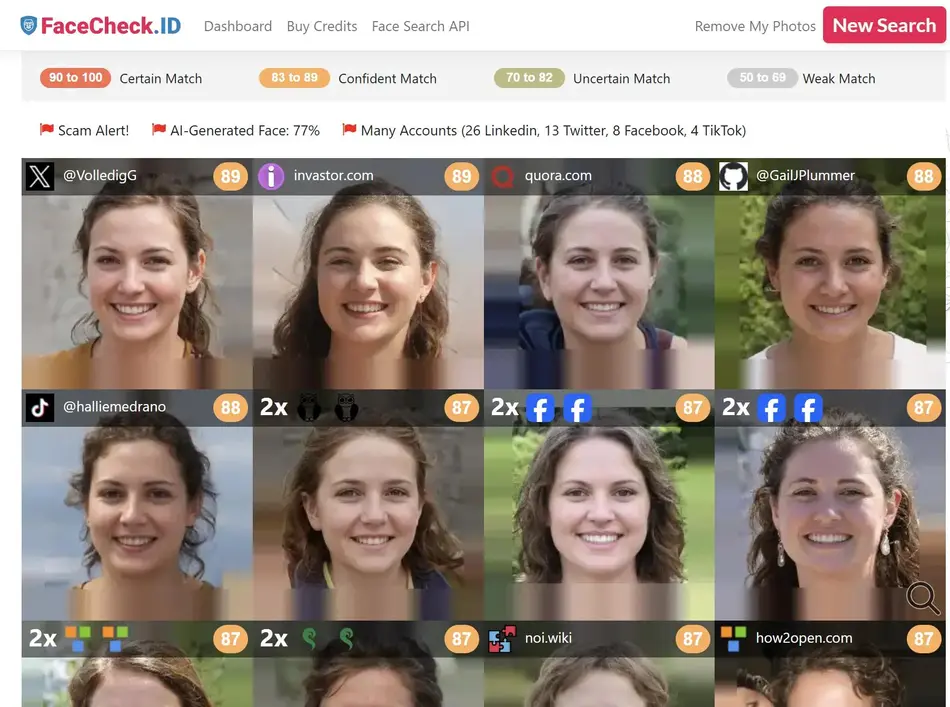
FaceCheck.ID is gaining popularity due to its user-friendly interface and ability to quickly identify individuals across various platforms. It is especially useful for verifying online identities and detecting suspicious profiles.
Key Features:
- Finds linked social media profiles (when publicly available)
- Basic criminal and risk-related image detection
- Reverse face lookup with quick processing
- Highlights potential duplicate or reused images
- AI-powered similarity scoring system
Pros:
- Generous free plan compared to competitors
- Fast and simple search process
- Good accuracy for social media-based searches
- Ideal for beginners and casual users
Cons:
- Smaller database compared to premium tools
- Results may vary depending on image quality
Best For:
Quick identity verification, checking fake profiles, and casual face searches
Website: https://facecheck.id/
3. Google Images (Best Free Alternative)
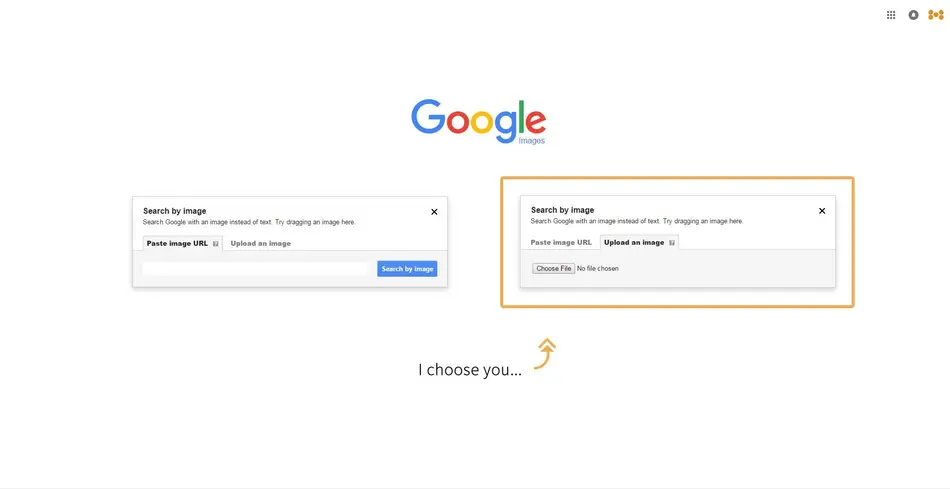
While not a dedicated face recognition engine, Google Images remains one of the most accessible and widely used tools for reverse image search. It is completely free and backed by one of the largest databases in the world. If you want a deeper understanding, check this face search vs Google Image Search comparison:
Key Features:
- 100% free with no search limits
- Massive global image index
- Reverse image search via upload or URL
- Integration with Google Lens for mobile users
- Finds visually similar images and related content
Pros:
- Completely free and highly reliable
- Extremely fast search results
- No sign-up required
- Works across all devices
Cons:
- Not optimized for facial recognition
- Struggles with identifying exact individuals
- More focused on general image similarity
Best For:
Basic face search, finding image sources, and general reverse image lookup
Website: https://images.google.com/
4. Yandex Images (Best for Deep Face Matching)

Yandex Images is often underrated but surprisingly powerful when it comes to facial recognition. It uses advanced visual search algorithms that can sometimes outperform traditional tools in matching faces.
Key Features:
- Strong facial similarity detection
- Identifies visually similar faces across the web
- Works well even with blurred or low-quality images
- Advanced visual search engine with deep matching
- Shows multiple variations of similar images
Pros:
- Completely free to use
- Better facial matching than many free tools
- Effective even with partial face visibility
- Great for international image searches
Cons:
- Interface may feel outdated or complex
- Results may include unrelated similar faces
Best For:
Finding similar-looking people and deep facial matching
Website: https://yandex.com/images
5. TinEye (Best for Image Tracking, Not Faces)
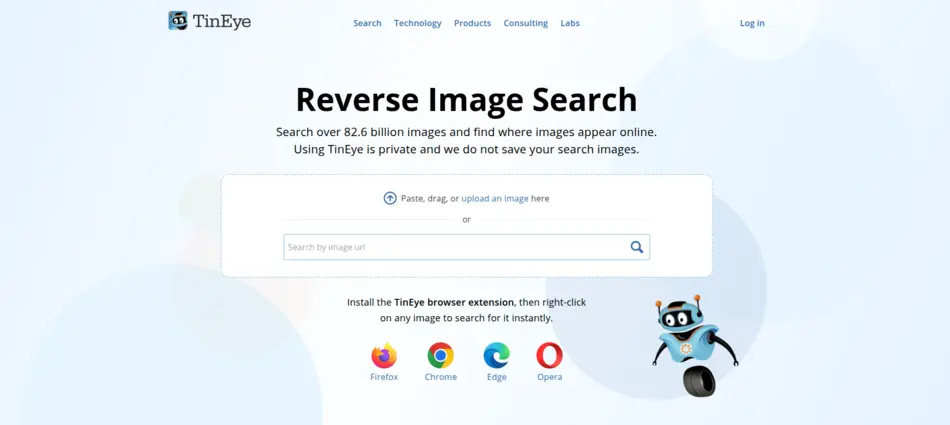
TinEye is not designed specifically for facial recognition but excels in tracking where an image appears online. It is widely used for copyright protection and image verification.
Key Features:
- Reverse image search with exact match detection
- Tracks image usage across websites
- Detects modified or resized versions of images
- Offers browser extensions for quick search
- Provides image history and indexing data
Pros:
- Excellent for tracking stolen or reused images
- Accurate duplicate detection
- Simple and fast interface
- No need for account registration
Cons:
- Not suitable for face recognition
- Limited ability to find similar faces
Best For:
Image tracking, copyright protection, and duplicate image detection
Website: https://tineye.com/
6. Social Catfish (Best for Scam Detection)
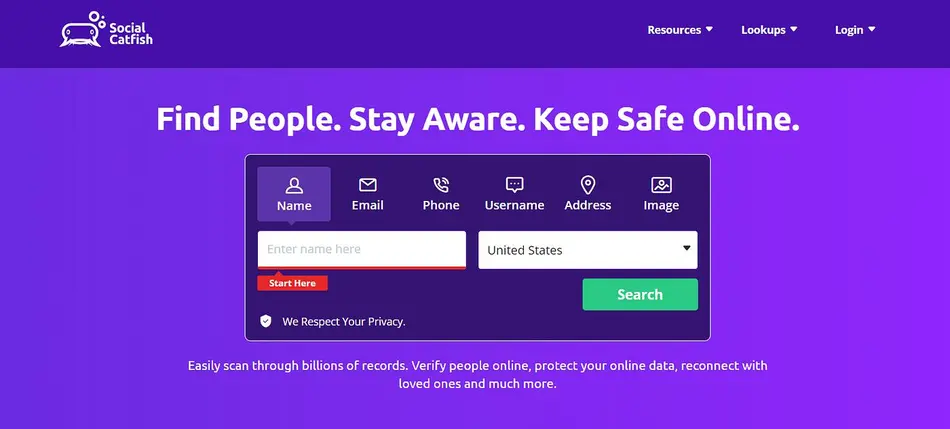
Social Catfish is specifically designed to help users identify fake identities and online scams. It combines facial recognition with identity verification tools to provide more reliable results.
Key Features:
- Reverse image and face search combined
- Identity verification tools (name, email, phone lookup)
- Fraud and scam detection system
- Cross-platform profile matching
- Detailed reports for suspicious profiles
Pros:
- Highly useful for online dating safety
- Helps detect catfishing and fake accounts
- Multiple search options beyond just images
- Trusted by users for fraud prevention
Cons:
- Limited free searches
- Full reports require paid access
Best For:
Avoiding scams, verifying online identities, and dating safety
Website: https://socialcatfish.com/
Comparison Table: Best Free Face Search Tools 2026
| Tool | Accuracy | Free Plan | Best Use Case |
|---|---|---|---|
| PimEyes | ⭐⭐⭐⭐⭐ | Limited | Advanced face search |
| FaceCheck.ID | ⭐⭐⭐⭐ | Yes | Identity verification |
| Google Images | ⭐⭐⭐ | Yes | Basic reverse search |
| Yandex | ⭐⭐⭐⭐ | Yes | Similar face matching |
| TinEye | ⭐⭐ | Yes | Image tracking |
| Social Catfish | ⭐⭐⭐⭐ | Limited | Scam detection |
Are Free Face Search Tools Safe to Use?
Yes, but with caution.
Safety Tips:
- Avoid uploading sensitive images
- Use trusted platforms only
- Check privacy policies
- Don’t rely on results blindly
Facial recognition tools are powerful—but they also raise privacy concerns. Always use them responsibly.
Use Cases of Face Search Tools in 2026
1. Finding Lost Contacts
Reconnect with people using old photos.
2. Online Dating Verification
Check if someone is using fake images.
3. Content Protection
Track where your photos are used.
4. Security & Investigation
Used by professionals for identity checks.
Limitations of Free Face Search Tools
- Limited search results
- Lower accuracy than paid tools
- Restricted database access
- Privacy concerns
If you need professional-level results, premium tools might be necessary.
FAQs – Best Free Face Search Tools Online
1. What is the best free face search tool in 2026?
PimEyes is considered the best due to its high accuracy and advanced AI features. However, its free version is limited. For completely free options, Yandex and Google Images are reliable alternatives for basic searches. If you want to see tested accuracy results of free face search tools.
2. Are face search tools legal to use?
Yes, face search tools are legal in most countries when used for personal and ethical purposes. However, misuse such as stalking or violating privacy laws can lead to legal consequences. Always follow local regulations.
3. Can I find someone’s social media using a face search?
Yes, tools like FaceCheck.ID and Social Catfish can help locate social media profiles using facial recognition. However, success depends on whether the image exists publicly online.
4. Is there a 100% free face recognition search engine?
Yes, Google Images and Yandex are completely free. However, they are not specialized face recognition tools and may not provide highly accurate facial matches compared to dedicated platforms.
5. How accurate are AI face search tools?
Accuracy varies by tool. Premium tools like PimEyes offer high accuracy, while free tools provide moderate results. Factors like image quality and database size also affect accuracy.
6. Can face search tools detect fake profiles?
Yes, tools like Social Catfish are specifically designed to identify fake profiles and scams. They compare uploaded images with online databases to detect duplicates and suspicious usage.
7. Do face search tools store my photos?
Some tools may temporarily store images for processing. Always read the privacy policy before uploading images to understand how your data is handled and protected.
8. Can I use face search tools on mobile devices?
Yes, most modern face search tools are mobile-friendly and work directly through web browsers. Some platforms also offer dedicated apps for easier access.
9. What is the difference between reverse image search and face search?
Reverse image search finds exact or similar images, while face search focuses specifically on matching facial features using AI algorithms for more precise identification.
10. Are face search tools useful for businesses?
Yes, businesses use them for brand protection, fraud detection, and identity verification. They help ensure authenticity and prevent misuse of images online.
Final Thoughts: Choosing the Right Face Search Tool
In 2026, free face search tools have become incredibly powerful, but choosing the right one depends on your needs.
- For accuracy → PimEyes
- For free usage → Yandex & Google
- For security → Social Catfish
If you’re just starting, begin with free tools and upgrade only if needed.
The future of facial recognition is evolving fast—so use these tools wisely and responsibly.