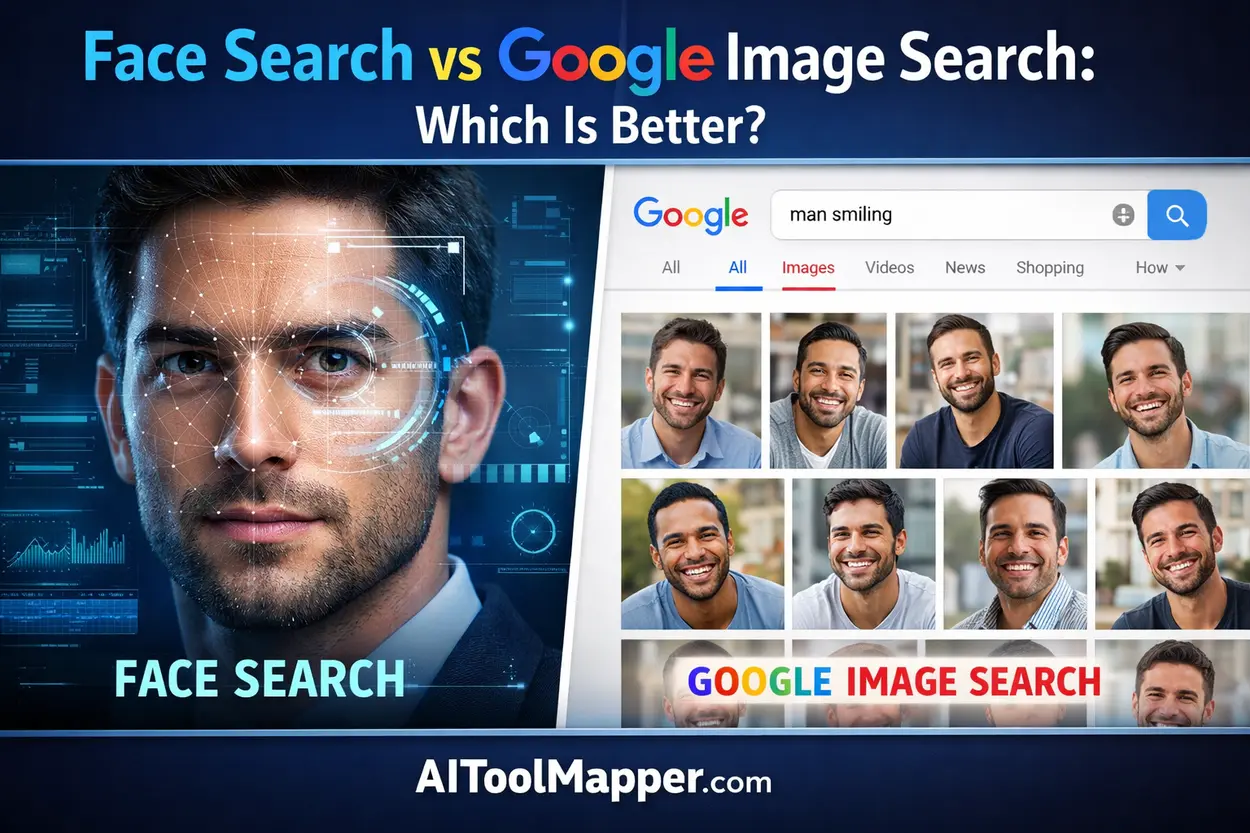
Face Search and Google Image Search serve different purposes in reverse image lookup. Face Search uses advanced facial recognition to identify individuals, making it ideal for identity verification and detecting fake profiles. Google Image Search, on the other hand, is better for finding image sources, duplicates, and visually similar content due to its massive database. For best results, users should combine both tools depending on their needs.
Key Takeaways
- Face Search excels in identifying individuals using AI facial recognition
- Google Image Search dominates in database size and accessibility
- Face Search tools are often paid, while Google is free
- Privacy concerns are higher with Face Search
- Combining both tools gives the best results
In today’s digital world, reverse image lookup tools have become incredibly powerful. Whether you’re verifying identities, tracking stolen images, or simply trying to find where a photo appears online, two major approaches dominate: Face Search tools and Google Image Search.
But which one actually performs better in real-life situations?
This detailed guide compares both technologies—breaking down accuracy, features, use cases, privacy, and limitations—so you can confidently choose the right tool for your needs.
What Is Face Search?
Face Search is a specialized technology that uses facial recognition algorithms to identify or match a person’s face across the internet.
Unlike traditional image search, Face Search focuses specifically on biometric facial features, such as:
- Eye spacing
- Nose shape
- Jawline structure
- Facial symmetry
How Face Search Works
Face Search tools scan a face and convert it into a mathematical facial signature. This data is then matched against massive databases to find similar faces.
Popular Face Search Tools
- PimEyes
- FaceCheck
- Social Catfish
Key Benefits
- High accuracy for identifying individuals
- Works even with cropped or altered images
- Ideal for identity verification and investigations
What Is Google Image Search?
Google Image Search is a general-purpose reverse image search engine that finds visually similar images across the web.
Instead of focusing on faces, it analyzes:
- Colors
- Patterns
- Objects
- Image metadata
How It Works
When you upload an image or paste a URL, Google scans its index to find similar images or exact matches.
Key Benefits
- Completely free
- Massive image database
- Excellent for finding image sources, products, and duplicates
Face Search vs Google Image Search: Key Differences
1. Accuracy in Identifying People
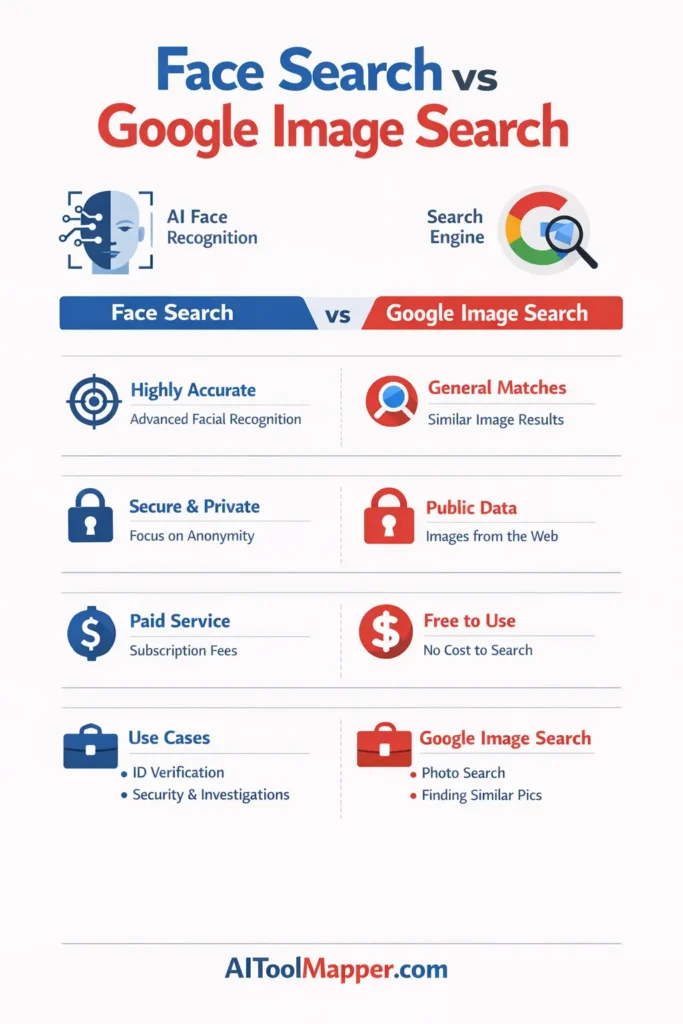
Face Search is far superior when it comes to identifying individuals. It uses AI-powered facial recognition, while Google Image Search relies on visual similarity.
👉 Winner: Face Search
2. Database & Coverage
Google has one of the largest image indexes globally, covering billions of web pages.
Face Search tools often use restricted or niche databases.
👉 Winner: Google Image Search
3. Use Case Scenarios
| Use Case | Best Tool |
|---|---|
| Finding a person online | Face Search |
| Tracking image sources | Google Image Search |
| Identifying fake profiles | Face Search |
| Finding product images | Google Image Search |
4. Ease of Use
Google Image Search is extremely user-friendly—just drag and drop an image.
Face Search tools may require:
- Account sign-ups
- Paid credits
- Upload restrictions
👉 Winner: Google Image Search
5. Privacy & Ethical Concerns
Face Search raises serious privacy concerns due to:
- Biometric data usage
- Potential misuse
- Ethical implications
Google Image Search is comparatively safer since it doesn’t identify individuals directly.
👉 Winner: Google Image Search (for privacy)
6. Cost & Accessibility
- Google Image Search: 100% free
- Face Search tools: Often freemium or paid
👉 Winner: Google Image Search
When Should You Use Face Search?
Face Search is ideal when:
- You want to verify someone’s identity
- You suspect fake profiles or scams
- You need to find someone using just a face photo
- You’re conducting background research
When Should You Use Google Image Search?
Google Image Search works best for:
- Finding the original source of an image
- Detecting duplicate content
- Searching for similar images
- Identifying objects, places, or products
Limitations of Face Search
- Limited databases compared to Google
- Expensive for frequent use
- Not always accurate with low-quality images
- Legal restrictions in some regions
Limitations of Google Image Search
- Cannot accurately identify people
- Struggles with cropped or edited images
- Less effective for facial recognition tasks
Face Search vs Google Image Search: Final Verdict
There is no one-size-fits-all answer.
- Choose Face Search if your goal is identity detection and facial recognition.
- Choose Google Image Search if you need a free, broad, and versatile image lookup tool.
👉 Best Strategy: Use both together for maximum results.
FAQs: Face Search vs Google Image Search
1. What is the main difference between Face Search and Google Image Search?
Face Search uses facial recognition to identify individuals, while Google Image Search finds visually similar images based on patterns, colors, and objects. Face Search focuses on identity, whereas Google focuses on general image discovery across the web.
2. Is Face Search more accurate than Google Image Search?
Yes, Face Search is generally more accurate when identifying people because it analyzes facial features. Google Image Search is not designed for facial recognition and may only return visually similar images, not exact identity matches.
3. Can Google Image Search recognize faces?
Google Image Search can detect faces but cannot reliably identify individuals. It groups similar-looking images but lacks the advanced biometric analysis used by Face Search tools.
4. Are Face Search tools free to use?
Some Face Search tools offer limited free trials, but most require payment for full access. Pricing usually depends on search credits or subscription plans, making them less accessible than free tools like Google Image Search.
5. Is it legal to use Face Search tools?
Legality depends on your region and how you use the tool. While searching publicly available images is generally allowed, using facial recognition for surveillance or harassment may violate privacy laws.
6. Which tool is better for finding fake profiles?
Face Search is significantly better for detecting fake profiles because it can match a person’s face across multiple platforms, revealing stolen or reused images.
7. Can I use both tools together?
Yes, combining both tools is highly effective. You can use Face Search for identity verification and Google Image Search to track image sources and duplicates.
8. Does Face Search work with low-quality images?
Face Search can work with low-quality images, but accuracy may decrease. Clear, high-resolution photos produce better results and more reliable matches.
9. Is Google Image Search completely free?
Yes, Google Image Search is completely free and accessible to anyone with an internet connection, making it one of the most widely used reverse image tools globally.
10. Which is better overall: Face Search or Google Image Search?
It depends on your purpose. Face Search is better for identifying people, while Google Image Search is better for general image lookup. The best approach is to use both depending on your specific needs.
Instead of a Conclusion: What Should You Choose?
If your goal is precision and identity detection, Face Search is the clear winner. But if you want a free, powerful, and all-purpose tool, Google Image Search remains unbeatable.
In reality, smart users don’t choose one—they combine both for maximum efficiency.