- Fathom AI is an AI-powered meeting assistant that records, transcribes, and summarizes meetings automatically.
- It integrates with platforms like Zoom and helps users capture key insights without manual note-taking.
- Yes, Fathom AI is free, offering a generous plan with unlimited recordings and basic summaries.
- It’s ideal for professionals, marketers, remote teams, freelancers, and students.
What You Should Know Before Using Fathom AI
Imagine sitting through a long meeting, trying to keep up with the conversation while also taking notes. You miss a key point. You forget an action item. Sound familiar?
That’s exactly the problem fathom ai is designed to solve.
In simple terms, Fathom AI acts like your personal meeting assistant. It listens, records, transcribes, and summarizes everything—so you don’t have to.
And here’s the best part:
👉 Yes, Fathom AI free plan exists—and it’s surprisingly powerful.
Whether you’re managing sales calls, client meetings, or internal discussions, this tool can transform how you work.
Key Takeaways
- Fathom AI is a powerful AI meeting assistant that automates note-taking.
- It offers free unlimited recordings, making it one of the best AI meeting tools available.
- The tool integrates seamlessly with Zoom and other platforms.
- AI-generated summaries save time and improve productivity.
- It’s ideal for teams, freelancers, students, and remote workers.
- Paid plans unlock advanced collaboration and CRM integrations.
What Is Fathom AI?
At its core, what is fathom ai?
Fathom AI is an AI-powered meeting assistant that helps users:
- Record meetings automatically
- Convert speech into text (transcription)
- Generate intelligent summaries
It integrates directly with tools like:
- Zoom
- Google Meet (via workflows)
- Microsoft Teams (indirect support)
👉 Think of it as a smarter version of your notebook—except it never misses anything.
Key Purpose of Fathom AI
The main goal of the fathom ai meeting assistant is simple:
Eliminate manual note-taking and boost productivity.
Instead of writing everything down, you can:
- Focus fully on conversations
- Review summaries later
- Share highlights instantly
This makes it one of the most efficient ai meeting notes tool free solutions available today.
What Does Fathom AI Do?
1. Automatic Meeting Recording
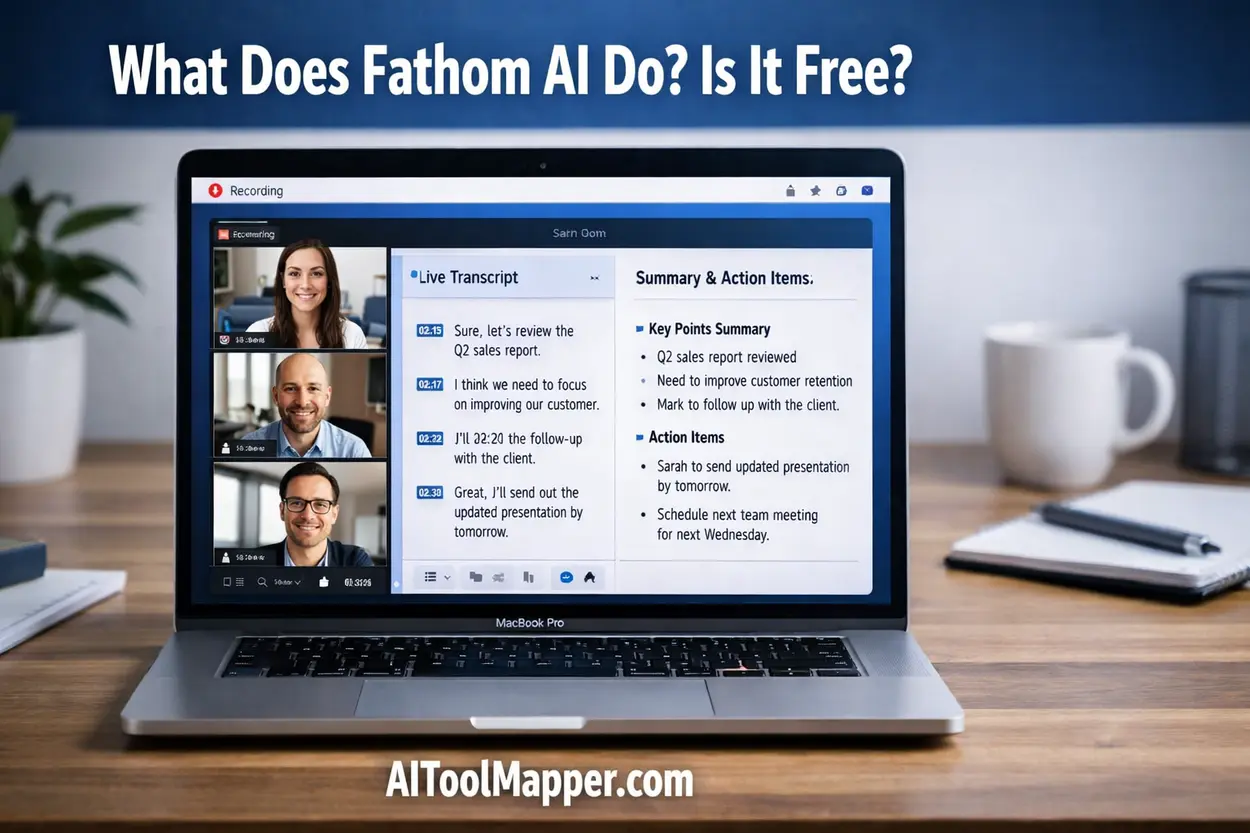
Fathom AI automatically joins your meetings and records them.
- No need to click “record”
- Works in real-time
- Saves video + audio
This is especially useful for:
- Sales calls
- Client meetings
- Training sessions
2. AI Transcription
One of the standout fathom ai features is its transcription engine.
- Converts speech into text instantly
- Highly accurate (even with multiple speakers)
- Searchable transcripts
This makes it a powerful fathom ai transcription tool.
3. Smart Summaries
After the meeting ends, Fathom AI generates:
- Key highlights
- Action items
- Important decisions
This fathom ai summary tool ensures you never forget what matters.
4. CRM & Tool Integrations
Fathom integrates with:
- CRM systems
- Productivity tools
- Collaboration platforms
This allows:
- Automatic data syncing
- Better team workflows
5. Clip & Share Highlights
Need to share just one important moment?
Fathom lets you:
- Clip specific parts of meetings
- Share them instantly
- Send insights without full recordings
Is Fathom AI Free?
Free Plan Details
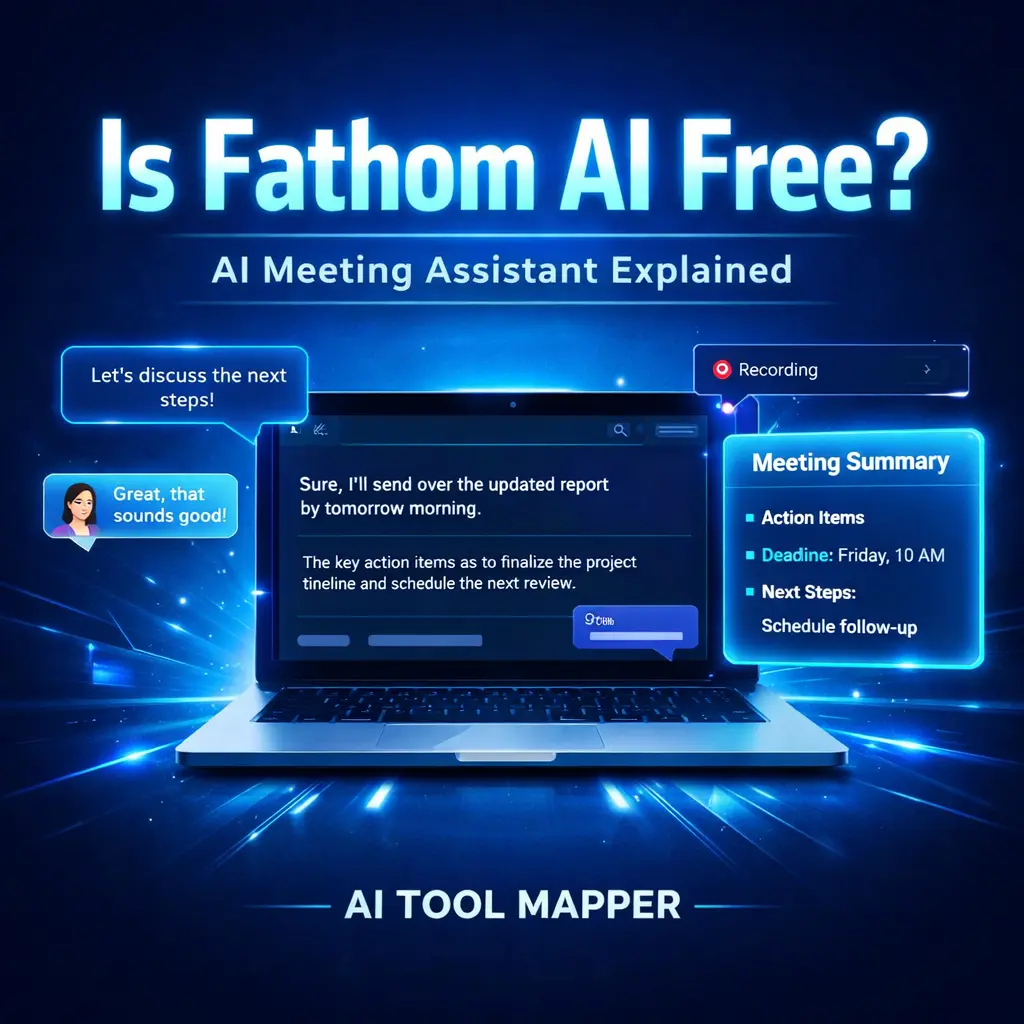
👉 Yes, Fathom AI is free.
Here’s what you get in the fathom ai free plan features:
- Unlimited recordings
- Real-time transcription
- Basic AI summaries
- Zoom integration
- Highlight sharing
This makes it one of the best ai meeting assistant free tools in 2026.
Paid Plan Features
The paid version unlocks:
- Advanced summaries
- Team collaboration tools
- CRM integrations
- Priority support
Pricing Comparison Table
| Feature | Free Plan | Paid Plan |
| Recording | Unlimited | Unlimited |
| Transcription | Yes | Yes |
| AI Summaries | Basic | Advanced |
| Integrations | Limited | Full |
| Collaboration | No | Yes |
👉 Featured Snippet Answer:
Yes, Fathom AI is free with optional paid upgrades.
Fathom AI Pros and Cons
Pros
- Free plan available
- Easy to use interface
- Accurate transcription
- Saves hours of manual work
Cons
- Limited advanced features in free version
- Depends on audio quality
- Some integrations are restricted
Fathom AI vs Competitors
Fathom AI vs Otter AI
Compare with Otter.ai:
| Feature | Fathom AI | Otter AI |
| Free Plan | Strong | Limited |
| Summaries | Advanced | Basic |
| Zoom Integration | Native | Available |
| Ease of Use | High | Moderate |
Fathom AI vs Fireflies AI
Compare with Fireflies.ai:
| Feature | Fathom AI | Fireflies AI |
| Recording | Yes | Yes |
| CRM Integration | Paid | Strong |
| Free Plan | Generous | Moderate |
| UI | Simple | Complex |
👉 If you want simplicity and free features, Fathom wins.
How Does Fathom AI Work?
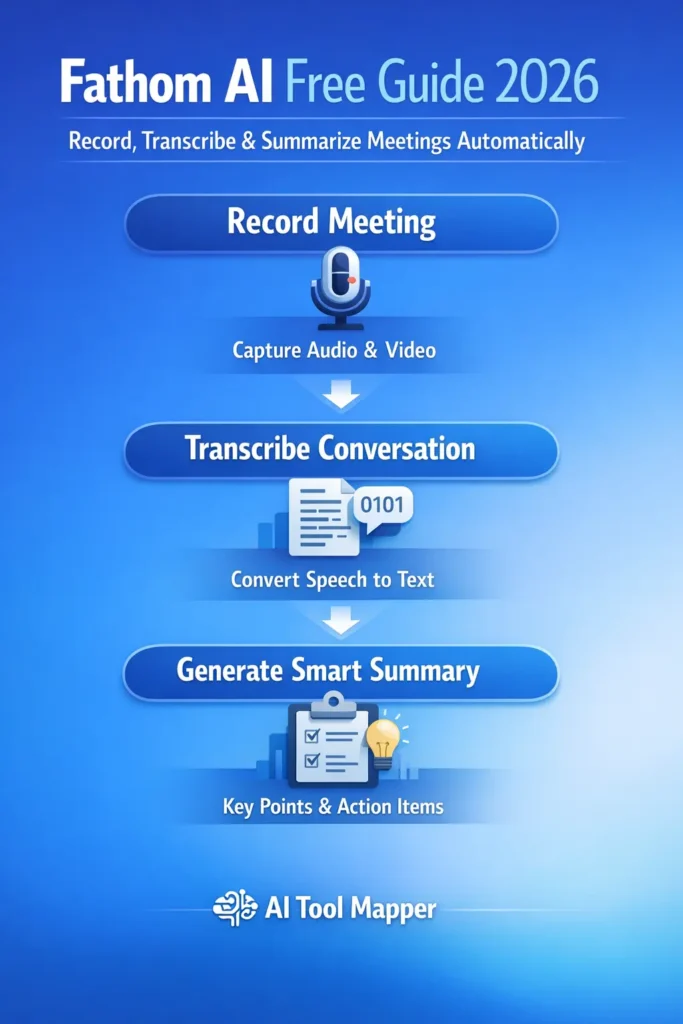
Here’s a simple breakdown of how does fathom ai work:
- Connect Fathom AI to Zoom
- Join or schedule a meeting
- Fathom automatically records
- AI transcribes the conversation
- Generates summaries and highlights
- You review and share insights
👉 It’s like having a digital assistant in every meeting.
Who Should Use Fathom AI?
Fathom AI is perfect for:
✔️ Sales Teams
Capture client conversations and track deals.
✔️ Content Creators
Turn meetings into content ideas.
✔️ Remote Teams
Stay aligned without endless notes.
✔️ Students
Record lectures and review summaries.
Best Alternatives to Fathom AI
Looking for options?
Here are some fathom ai alternatives:
- Otter AI
- Fireflies AI
- Notta AI
These are also strong ai tools for zoom meetings, but Fathom stands out for its free plan.
FAQs
1. Is Fathom AI completely free?
Yes, Fathom AI offers a free plan with unlimited recordings, transcription, and basic summaries. While advanced features like team collaboration and CRM integrations are part of paid plans, the free version is powerful enough for individuals and small teams.
2. Does Fathom AI record Zoom meetings?
Yes, Fathom AI integrates directly with Zoom and can automatically record meetings. It captures both audio and video, ensuring that all discussions are saved and can be reviewed later with transcripts and summaries.
3. Is Fathom AI safe to use?
Fathom AI is generally considered safe, as it uses secure systems to store recordings and transcripts. However, users should always inform participants before recording meetings to maintain transparency and comply with privacy regulations.
4. Can Fathom AI transcribe in real-time?
Yes, Fathom AI provides real-time transcription during meetings. This allows users to follow conversations live and quickly search or review important points without waiting for post-meeting processing.
5. What are the best Fathom AI alternatives?
Popular alternatives include Otter AI, Fireflies AI, and Notta AI. These tools offer similar features like transcription and summaries, but differ in pricing, integrations, and usability. Choosing the best one depends on your workflow and budget.
6. Does Fathom AI work with Google Meet and Microsoft Teams?
Fathom AI primarily integrates with Zoom, but it can also be used with Google Meet and Microsoft Teams through workflows or manual setups. While the experience is smoother with Zoom, users can still record, transcribe, and summarize meetings across other platforms with some limitations.
7. How accurate is Fathom AI transcription?
Fathom AI offers highly accurate transcription, especially in clear audio conditions with minimal background noise. It can identify multiple speakers and capture conversations effectively. However, accuracy may slightly drop with heavy accents, poor audio quality, or overlapping speech during meetings.
8. Can Fathom AI generate meeting summaries automatically?
Yes, Fathom AI automatically generates meeting summaries after each session. These summaries include key points, action items, and highlights, making it easier to review discussions quickly. This feature saves time and ensures that important details are not missed.
9. Is Fathom AI suitable for teams and businesses?
Yes, Fathom AI is suitable for both individuals and teams. While the free plan works well for solo users, businesses benefit more from paid plans that offer collaboration features, CRM integrations, and shared insights across team members, improving overall productivity and communication.
10. Do meeting participants know when Fathom AI is recording?
Yes, Fathom AI typically notifies participants when a meeting is being recorded. Transparency is important, and users should always inform attendees before recording. This helps maintain trust and ensures compliance with privacy laws and company policies.
Final Verdict: Is Fathom AI Worth It in 2026?
So, should you use Fathom AI?
👉 If you’re tired of taking notes…
👉 If you want smarter meetings…
👉 If you value time and clarity…
Then the answer is simple: Yes.
Fathom AI stands out as one of the best AI meeting assistant free tools available today.
It’s not perfect—but it’s powerful, accessible, and genuinely useful.