Fathom AI focuses on recording, transcribing, and summarizing meetings rather than messaging. While it doesn’t support WhatsApp directly, you can still automate workflows by integrating it with tools like Make (Integromat) or WhatsApp Business API. This setup helps businesses streamline communication and improve productivity.
Key Takeaways
- Fathom AI does not support WhatsApp natively
- You can still enable fathom AI WhatsApp integration using tools like Zapier
- Automation improves communication and saves time
- Setup may require technical knowledge or no-code tools
- Alternatives exist if you need direct WhatsApp support
Does Fathom AI Work with WhatsApp?
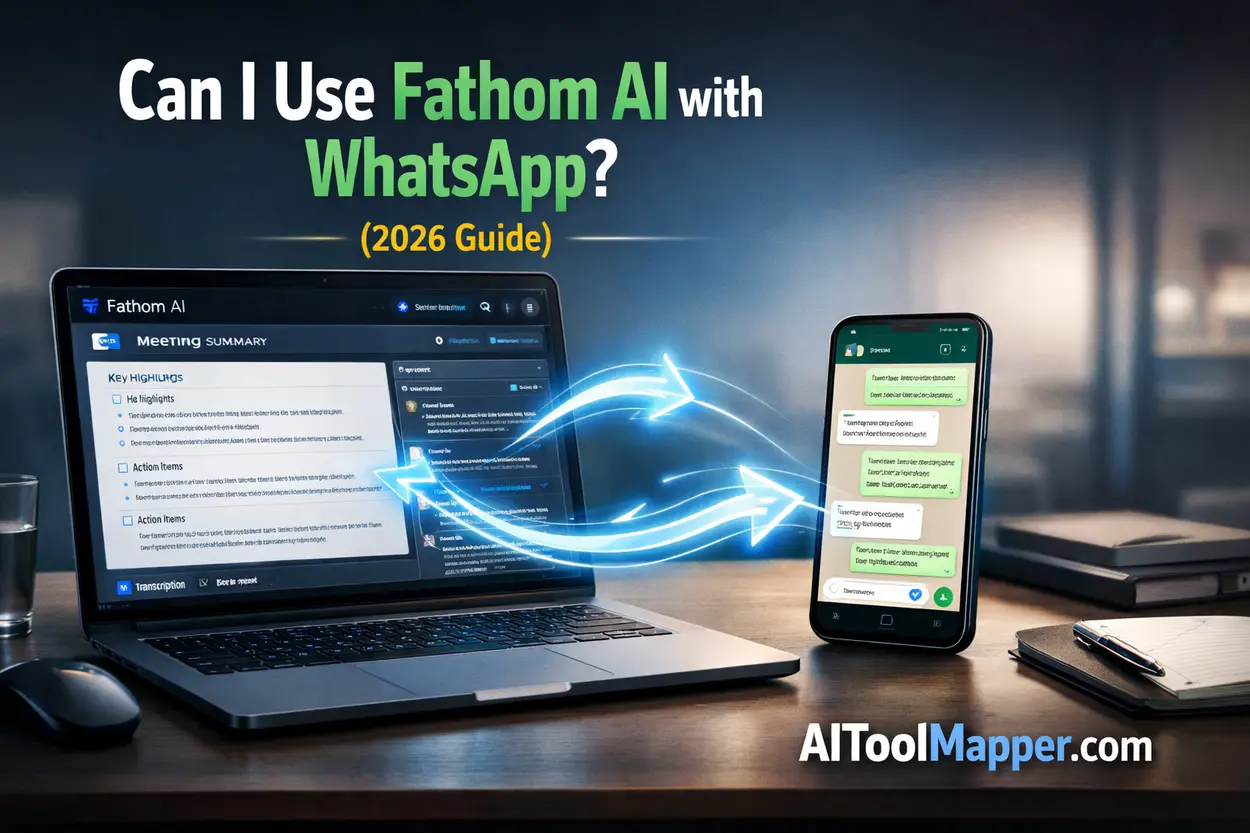
No, Fathom AI does not offer a native WhatsApp integration. However, you can still connect fathom AI WhatsApp workflows using third-party tools like Zapier or APIs. These solutions allow you to automate sending meeting summaries, alerts, or follow-ups directly to WhatsApp without manual effort.
What Is Fathom AI and How Does It Work?
If you’ve ever sat through back-to-back meetings and struggled to remember key points later, you’ll instantly understand the value of Fathom AI.
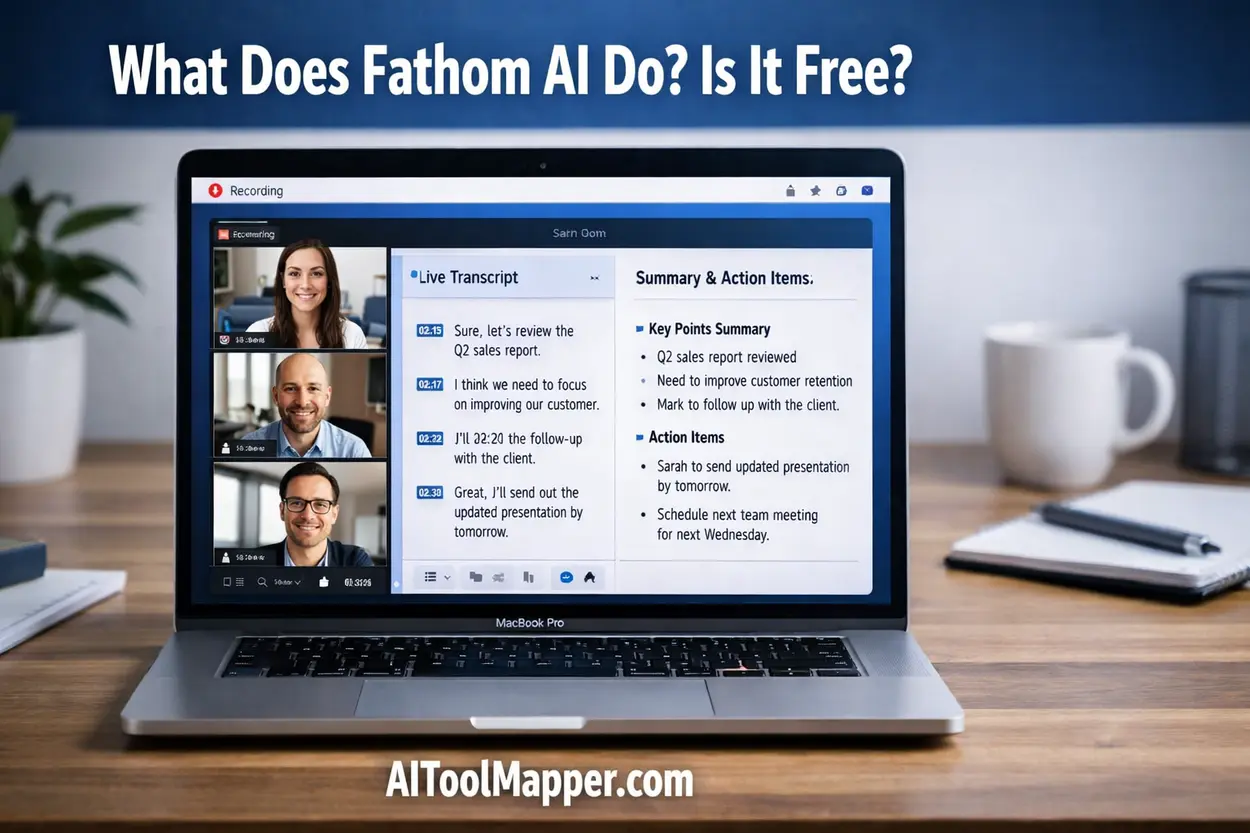
Fathom AI is an intelligent meeting assistant designed to record, transcribe, and summarize your virtual meetings in real time.
🔑 Key Features of Fathom AI
- AI Meeting Recording: Automatically records meetings on platforms like Zoom and Google Meet
- Real-Time Transcription: Converts spoken conversations into readable text instantly
- Smart Summaries: Highlights key decisions, action items, and insights
- CRM Integrations: Syncs notes with tools like Salesforce
- Collaboration Tools: Share summaries with teams via apps like Slack
👥 Who Should Use It?
Fathom AI is ideal for:
- Sales teams managing client calls
- Founders handling investor meetings
- Marketers conducting strategy discussions
- Remote teams needing documentation
At AIToolMapper, we often see Fathom AI ranked among top meeting productivity tools because it reduces manual note-taking and boosts efficiency.
Does Fathom AI Offer Native WhatsApp Integration?
Let’s address the core question clearly.
👉 No, Fathom AI does NOT support WhatsApp directly.
Why Not?
There are a few practical reasons:
- WhatsApp API Restrictions
The WhatsApp Business API has strict policies and limited direct integrations. - Product Focus
Fathom AI is built for meeting intelligence, not messaging automation. - Security & Compliance
Messaging platforms require encryption and compliance layers that differ from meeting tools.
How to Connect Fathom AI with WhatsApp (Step-by-Step Workaround)
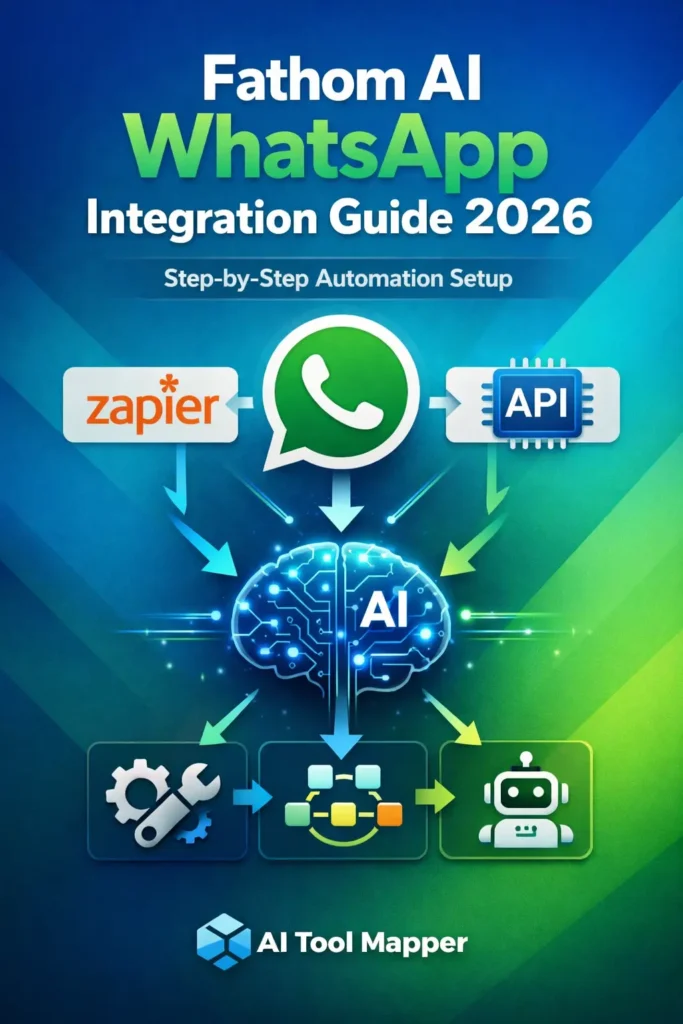
Even without native support, you can still create powerful fathom AI WhatsApp automation workflows.
Let’s break it down.
Method 1 – Using Zapier
Zapier is the easiest way to connect tools without coding.
⚙️ Step-by-Step Workflow
- Create a Zapier account
- Choose Trigger: Fathom AI (New Meeting Summary)
- Choose Action: WhatsApp (via Twilio or API)
- Customize your message (summary, action points)
- Test and activate
💡 Example Use Case
After every Zoom call, Fathom AI generates a summary → Zapier sends it to your WhatsApp team group instantly.
Method 2 – Using WhatsApp Business API
For advanced users, the WhatsApp Business API offers more control.
🔧 Setup Includes:
- Webhooks
- Backend server
- API credentials
⚠️ Important Note
This method requires technical expertise but allows deeper automation like:
- Personalized client updates
- Automated follow-ups
- CRM-triggered WhatsApp messages
Method 3 – Using No-Code Automation Tools
If Zapier feels limiting, try:
- Make (Integromat)
- Pabbly Connect
These platforms allow visual workflow creation with flexible automation logic.
Real Use Cases of Fathom AI + WhatsApp Integration
Let’s make this practical.
📌 1. Send Meeting Summaries to Teams
After every meeting, summaries are automatically delivered to WhatsApp groups.
📌 2. Notify Clients Instantly
Imagine sending a summary right after a sales call—professional and impressive.
📌 3. Automate Follow-Ups
Missed something? AI can trigger reminders based on action items.
📌 4. Share Action Points
No more confusion—everyone gets clear tasks instantly.
Benefits of Using Fathom AI with WhatsApp
Why even bother with this setup?
🚀 Faster Communication
No delays—information reaches instantly.
🤝 Better Team Collaboration
Everyone stays aligned in real time.
⏳ Time-Saving Automation
No manual sharing required.
💬 Improved Client Engagement
Clients receive updates quickly, building trust.
Limitations You Should Know
Before jumping in, consider these:
- ❌ No official integration
- 🔧 Requires third-party tools
- 💰 Possible API costs
- 🧠 Setup complexity for beginners
Best Alternatives That Support WhatsApp Natively
If you want direct fathom AI WhatsApp messaging, consider alternatives.
| Tool | WhatsApp Support | Best For |
| HubSpot | Yes | CRM + automation |
| WATI | Yes | WhatsApp automation |
| Twilio | Yes | Developer integrations |
Fathom AI Integrations List (What It Supports)
While WhatsApp isn’t included, Fathom AI integrates with:
- Zoom
- Google Meet
- Slack
- Notion
- Salesforce
👉 This strong ecosystem makes fathom AI workflow automation highly flexible.
Is It Worth Connecting Fathom AI with WhatsApp?
👍 You Should Do It If:
- You rely heavily on WhatsApp for communication
- You want instant meeting updates
- You use automation tools already
👎 Skip It If:
- You prefer simple setups
- You don’t use WhatsApp for work
- You lack technical resources
FAQs
1. Can Fathom AI send messages on WhatsApp?
No, Fathom AI cannot send WhatsApp messages directly. However, you can automate message delivery using third-party tools like Zapier or WhatsApp Business API. These integrations allow meeting summaries and notifications to be sent to WhatsApp efficiently without manual intervention.
2. Is Fathom AI free to use?
Fathom AI offers a free plan with basic features like recording and transcription. Premium plans unlock advanced capabilities such as deeper integrations, enhanced summaries, and team collaboration features, making it suitable for professional and business use.
3. How do I automate WhatsApp messages using AI tools?
You can automate WhatsApp messages by connecting AI tools to automation platforms like Zapier or Make. These platforms act as bridges, allowing triggers such as meeting summaries or CRM updates to automatically send messages through WhatsApp APIs.
4. Does Fathom AI support API integrations?
Fathom AI supports integrations with several tools through APIs and automation platforms. While it doesn’t directly provide a public API for all features, it works well with third-party services that enable workflow automation and data sharing.
5. What is the best way to connect AI tools with WhatsApp?
The best method is using automation platforms like Zapier, Make, or direct WhatsApp Business API integration. These solutions allow seamless communication between AI tools and WhatsApp, enabling automated messaging, notifications, and workflow management.
6. Does Fathom AI support WhatsApp directly?
No, Fathom AI does not support WhatsApp directly as of 2026. It focuses primarily on meeting recording, transcription, and summaries. However, you can still connect Fathom AI with WhatsApp using third-party automation tools or APIs to create custom messaging workflows.
7. How to integrate Fathom AI with WhatsApp step-by-step?
To integrate Fathom AI with WhatsApp, you can use tools like Zapier or Make (Integromat). Set a trigger such as a meeting summary in Fathom AI and connect it to a WhatsApp messaging action using APIs or third-party services for automation.
8. Can Fathom AI send meeting notes to WhatsApp automatically?
Yes, Fathom AI can send meeting notes to WhatsApp automatically using automation platforms. By setting up workflows with Zapier or WhatsApp Business API, you can ensure meeting summaries and action items are delivered instantly to individuals or groups without manual effort.
9. What are the best tools for Fathom AI WhatsApp automation?
Some of the best tools for Fathom AI WhatsApp automation include Zapier, Pabbly Connect, and Twilio. These platforms help bridge the gap between Fathom AI and WhatsApp, enabling seamless workflow automation and messaging capabilities.
10. Is Fathom AI WhatsApp integration worth it for businesses?
Yes, integrating Fathom AI with WhatsApp can be highly valuable for businesses that rely on instant communication. It helps automate meeting updates, improves response time, and enhances collaboration. However, it requires setup effort and possibly additional costs depending on the tools used.
Final Verdict
So, can you use fathom AI WhatsApp integration in 2026?
Yes—but not directly.
With the right tools, you can turn Fathom AI into a powerful automation engine that feeds insights straight into WhatsApp. It’s not plug-and-play, but once set up, it can completely transform how your team communicates.
If you’re serious about productivity and automation, this setup is absolutely worth exploring.