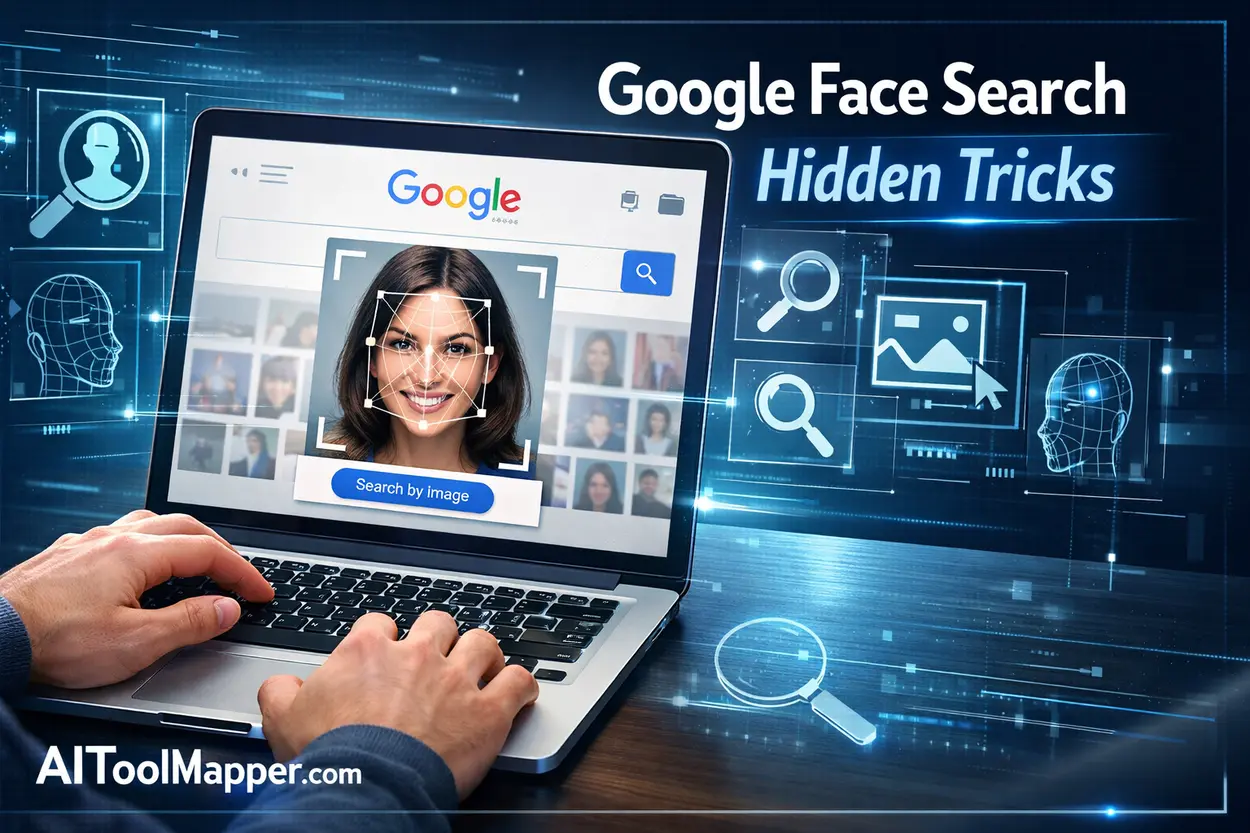
Finding someone online using just a photo sounds like something out of a spy movie—but it’s surprisingly possible with Google Images face search techniques. While Google doesn’t offer a direct “face recognition” tool like some premium platforms, its reverse image search feature can still uncover valuable clues.
Key Takeaways
- Google Images can be used for face search through reverse image search
- Cropping and image quality significantly impact results
- Google Lens enhances visual search capabilities
- It’s best for basic searches, not deep facial recognition
- Combining keywords with images improves accuracy
Google Images allows users to perform face search using reverse image technology. By uploading a photo, users can find visually similar images, identify sources, and uncover online presence. While not a true facial recognition tool, combining smart tricks like cropping, high-resolution uploads, and keyword refinement significantly improves accuracy. For deeper searches, alternative tools may be needed.
In this guide, you’ll learn hidden tricks, advanced tips, and practical ways to use Google Images like a pro for face search. Whether you’re verifying identities, tracking image sources, or just curious, this method can be incredibly powerful.
How Google Images Reverse Image Search Works
At its core, Google uses advanced algorithms to analyze visual elements in an image, including:
- Facial features
- Background details
- Image metadata
- Similar image patterns
When you upload an image or paste a URL into Google Images, it scans billions of indexed images and returns visually similar matches.
👉 Important: Google doesn’t officially label this as “face recognition,” but it can still identify similar faces through contextual matching.
Step-by-Step Guide: How to Use Google Images for Face Search
Step 1: Open Google Images
Go to Google Images and click on the camera icon.
Step 2: Upload or Paste Image URL
- Upload a clear photo of the face
- Or paste the image link
Step 3: Analyze Results
Google will show:
- Visually similar images
- Web pages where the image appears
- Cropped variations
Step 4: Refine Your Search
Use filters like:
- Time (recent uploads)
- Website categories
- Keywords related to the person
Hidden Tricks to Improve Google Face Search Accuracy

1. Crop the Face Before Uploading
Remove background distractions and upload only the face. This increases matching accuracy significantly.
2. Use High-Resolution Images
Blurry images reduce effectiveness. Always use the clearest version available.
3. Try Multiple Angles
Upload different photos of the same person for better results.
4. Combine with Keywords
After uploading, add terms like:
- Name (if known)
- Location
- Profession
5. Use Incognito Mode
Search in private browsing to avoid personalized results affecting accuracy.
Advanced Methods: Boosting Face Search Results
Use Google Lens for Better Results
Google Lens often performs better for visual searches than traditional reverse search.
👉 Try Google Lens for:
- Real-time recognition
- Mobile-friendly scanning
- Context-based results
Search by Image Variants
Right-click on an image → “Search image with Google” to find variations.
Check Social Media Links
Often, results lead to:
- Profiles
- Blogs
- News mentions
Limitations of Google Face Search
While powerful, Google Images has limitations:
- ❌ No direct facial recognition database
- ❌ Limited accuracy for private individuals
- ❌ May not find unpublished images
- ❌ Privacy restrictions
For deeper searches, specialized tools may be required.
Google Images vs Face Search Tools
Compared to tools like PimEyes or FaceCheck:
| Feature | Google Images | Face Search Tools |
|---|---|---|
| Free Use | ✅ Yes | Limited |
| Face Recognition | ❌ No | ✅ Yes |
| Accuracy | Medium | High |
| Privacy | High | Moderate |
👉 Google is best for basic and ethical searches, while other tools offer advanced tracking.
Best Use Cases for Google Face Search
You can use Google Images for:
- Verifying online profiles
- Detecting fake accounts
- Finding original image sources
- Identifying public figures
- Checking image misuse
Get Better Results from Google Image Search
- Use descriptive keywords
- Combine image + text search
- Check multiple result pages
- Use “Visually Similar Images” tab
- Try different file formats
FAQs
1. Can Google Images identify a person by face?
Google Images doesn’t officially use facial recognition but can match similar images based on visual patterns. If the face appears online publicly, it may help identify the person through related websites or profiles.
2. Is Google Face Search free?
Yes, using Google Images for reverse image search is completely free. You can upload images or paste URLs without any cost, making it accessible for anyone looking to perform basic face searches.
3. Why is my face search not accurate?
Accuracy depends on image quality, angle, and availability online. Blurry images or uncommon faces may produce weak results. Cropping the face and using high-resolution photos improves outcomes significantly.
4. Can I use Google Lens for face search?
Yes, Google Lens is often more effective than traditional reverse image search. It analyzes images in real-time and provides contextual results, making it useful for identifying people and objects.
5. Does Google store my uploaded images?
Google may temporarily process images for search results, but it doesn’t publicly store or display them unless they already exist online. Privacy policies ensure limited data usage.
6. Can I find social media profiles using Google Images?
Sometimes, yes. If the image is linked to public profiles or websites, Google may show those pages in results. However, private or restricted profiles won’t appear.
7. What is the best image format for face search?
JPEG and PNG formats work best. Ensure the image is clear, well-lit, and focused on the face for better matching accuracy.
8. Are there better tools than Google for face search?
Yes, tools like PimEyes and FaceCheck offer advanced facial recognition. However, they may require payment and have privacy considerations.
9. Can Google detect fake profile pictures?
Google can help identify reused or stolen images by showing where else the image appears online, which is useful for spotting fake profiles.
10. Is it legal to search faces on Google?
Yes, using Google Images for reverse search is legal. However, it’s important to respect privacy and avoid misuse of personal information.
Conclusion
Google Images might not be a dedicated face recognition tool, but with the right techniques, it becomes a surprisingly effective solution for face search. By using hidden tricks like cropping, combining keywords, and leveraging tools like Google Lens, you can unlock deeper insights from simple images.
For everyday use—whether verifying identities or tracking image sources—Google remains one of the most accessible and reliable tools available..