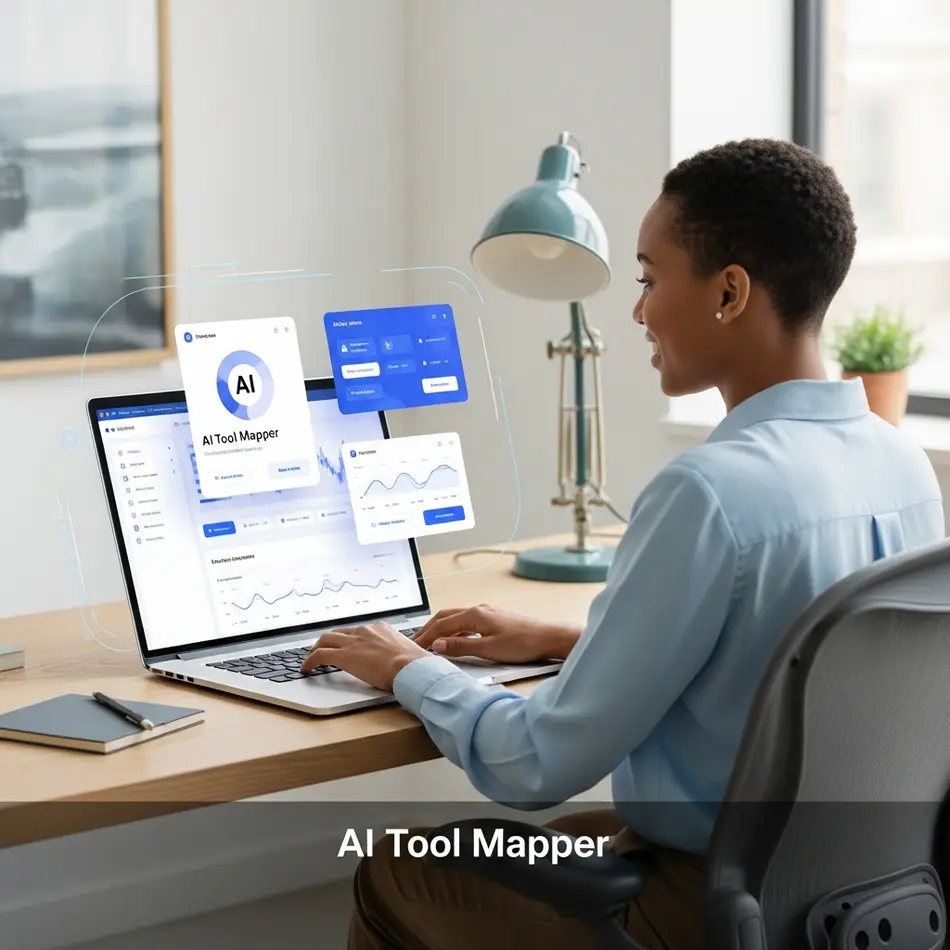
Artificial intelligence is no longer limited to developers. Today, anyone can learn how to use AI without technical knowledge using no-code tools like ChatGPT, Canva, and Notion AI. Beginners can start by identifying goals, choosing easy AI tools, using free plans, and practicing real-world tasks such as content writing, automation, and design. AI improves productivity, reduces costs, and offers competitive advantages for individuals and small businesses. Platforms like AI Tool Mapper help users discover beginner-friendly AI tools categorized by use case and industry.
What Is Artificial Intelligence? (Simple Explanation for Beginners)
Let’s start with the basics.
What is AI for beginners? In simple terms, artificial intelligence is software that can perform tasks that usually require human thinking—like writing, analyzing data, recognizing images, or answering questions.
Think about it:
- When Google suggests search results.
- When Netflix recommends a movie.
- When Amazon predicts what you might buy next.
That’s AI at work.
You don’t see code running in the background. You just experience convenience. Modern AI tools are built on large machine learning models that analyze patterns in massive datasets. But here’s the important part: you don’t need to understand how neural networks work to benefit from them.
Artificial intelligence explained simply? It’s like hiring a super-fast digital assistant who has read millions of documents and can respond instantly. You give instructions. It gives output.
That’s it.
Can You Use AI Without Coding or Technical Skills?
Short answer: Yes. Absolutely.
The idea that you need programming skills to use AI is outdated. Most modern platforms are built with no-code or low-code interfaces. That means everything happens in your browser.
For example:
- You type a question into ChatGPT.
- You generate images in Canva using AI templates.
- You automate workflows in Zapier by selecting triggers from dropdown menus.
No Python. No coding. No server setup.
These tools are cloud-based. You log in, choose a feature, and start working. The heavy technical infrastructure is handled by companies behind the scenes.
If you’re wondering, “Do you need coding to use AI?”—the answer for most daily use cases is no. You only need clarity about what you want AI to do.
Why Non-Technical Users Should Start Using AI Today
Still unsure? Let’s talk about why AI for non-technical users isn’t optional anymore—it’s strategic.
1. Massive Time Savings
AI can draft emails in seconds, summarize long reports instantly, and generate content outlines faster than manual brainstorming.
2. Productivity Boost
Small business owners can automate invoices, customer responses, and content scheduling. Freelancers can produce more deliverables in less time.
3. Cost Efficiency
Instead of hiring multiple specialists, you can use AI tools for non-technical users to handle writing, basic design, and research support.
4. Competitive Advantage
If your competitors are using AI and you aren’t, you’re already behind. Especially in content marketing, ecommerce, and digital services.
AI for small business without tech skills is no longer experimental—it’s practical. Early adopters gain speed, scale, and efficiency.
Best AI Tools for Beginners (No Technical Knowledge Required)
Let’s explore the Best AI tools for beginners you can start using today.
AI Writing Tools
- ChatGPT – Great for blogs, emails, brainstorming.
- Jasper – Marketing-focused content creation.
- Grammarly – AI-powered editing.
These tools allow you to input simple instructions like: “Write a professional email declining a proposal.” That’s it.
AI Image & Design Tools
- Canva – AI templates and image generators.
- Midjourney – Artistic image creation.
- DALL·E – Text-to-image generation.
Even if you’ve never designed anything before, these easy AI tools for beginners guide you with prompts and templates.
AI Productivity Tools
- Notion AI – Task summaries and writing help.
- Otter.ai – Converts meetings into text.
AI Chatbots & Assistants
- Google Gemini – Research and analysis.
- Claude – Long-form reasoning.
All of these are AI tools you can use without coding.
Step-by-Step Guide: How to Start Using AI as a Beginner
If you’re serious about learning how to use AI without technical knowledge, follow this simple roadmap.
Step 1: Identify Your Goal
Ask yourself:
- Do I want to write content?
- Create designs?
- Automate tasks?
- Improve productivity?
Clarity makes tool selection easier.
Step 2: Choose Beginner-Friendly AI Tools
Start with tools known for simplicity. Look for intuitive dashboards and tutorials. Platforms like HubSpot’s AI overview explain how AI fits into marketing workflows.
Step 3: Start with Free Plans
Many platforms offer generous free tiers. This reduces risk and lets you experiment.
Step 4: Use Templates & Prompts
Beginner’s guide to artificial intelligence tip: don’t start from scratch. Use pre-built templates. Modify them gradually.
Step 5: Practice With Real Tasks
Write your next email using AI. Draft a social post. Summarize a document. Practical repetition builds confidence.
This is how to start with AI effectively.
Common AI Use Cases for Non-Technical People
Let’s explore real-world, practical examples of AI use for everyone.
Content Creation
Blog outlines, YouTube scripts, product descriptions.
Social Media Management
Caption writing, hashtag generation, content calendars.
Email Writing
Cold outreach drafts, follow-ups, customer responses.
Resume Building
Professional summaries and formatting suggestions.
Business Automation
Invoice reminders, CRM updates, data summaries.
These are classic AI usage examples for non-tech people. No coding required—just clarity.
For deeper understanding, resources like Harvard Business Review’s AI section discuss real-world applications in business.
Mistakes Beginners Should Avoid When Using AI
Every AI beginner guide should include this section.
Expecting Perfect Output
AI generates drafts, not final masterpieces.
Ignoring Human Editing
You must review tone, accuracy, and context.
Using Too Many Tools at Once
Start small. Master one tool before expanding.
Not Understanding Limitations
AI can hallucinate or provide outdated information. Always verify critical data.
Recognizing AI beginner mistakes builds trust and responsible usage.
Free vs Paid AI Tools – What Should Beginners Choose?
Many beginners ask: Should I invest immediately?
When Free Tools Are Enough
- Casual content creation
- Experimenting with AI
- Learning prompt writing
When Paid Tools Make Sense
- High-volume content
- Team collaboration
- Advanced customization
Best free AI tools for beginners are perfect for learning. Upgrade only when ROI is clear.
How AI Tool Mapper Helps Beginners Get Started
Finding tools can feel overwhelming. That’s where AI Tool Mapper becomes valuable.
AI Tool Mapper organizes tools by:
- Category
- Use case
- Industry
- Beginner-friendliness
Instead of randomly searching, you can explore curated lists of Top AI tools beginners must try, compare features, and read simplified descriptions designed specifically for non-technical users.
Internal Linking Strategy:
- Link to AI Writing Tools category page
- Link to AI Automation Tools directory
- Link to AI Image Generators comparison page
- Link to Beginner-friendly AI Tools listing
This structured navigation improves user experience and supports Core Web Vitals by encouraging logical page flow and reduced bounce rates.
FAQs (Optimized for Featured Snippets)
Do I need coding skills to use AI?
No. Most modern AI platforms are no-code tools designed for everyday users.
Which AI tools are best for beginners?
Tools like ChatGPT, Canva AI, and Notion AI are excellent starting points.
Can AI replace human work?
AI supports humans but does not fully replace critical thinking, creativity, or emotional intelligence.
Is AI safe for non-technical users?
Yes, if used responsibly and with attention to data privacy policies.
Key Takeaways
- You do not need coding skills to use AI.
- Start with clear goals before choosing tools.
- Use beginner-friendly, no-code platforms.
- Always edit and verify AI outputs.
- Free tools are sufficient for learning.
- AI Tool Mapper simplifies tool discovery for beginners.
Conclusion
Starting your AI journey doesn’t require a technical degree. It requires curiosity and a willingness to experiment. The tools are already built. The interfaces are already simplified. The opportunity is already here.
If you’ve been waiting for the “right time” to begin, this is it. Take one small step—write your next email with AI or generate your first design. Momentum builds confidence.
Start exploring beginner-friendly AI tools today on AI Tool Mapper.
Found this helpful? Save it to your Pinterest board!