AI-powered product development refers to using AI development tools across the entire product lifecycle — from ideation and design to coding, testing, deployment, and optimization. In 2026, leading AI platforms for developers such as GitHub Copilot, OpenAI API, Google Vertex AI, AWS SageMaker, and others enable faster coding, automated QA, predictive analytics, and scalable ML deployment.
Top benefits include improved productivity, reduced bugs, faster releases, enhanced collaboration, and smarter product decisions. Teams should choose AI software development tools based on use case, integration, scalability, and compliance needs.
This guide compares 20 leading AI product development platforms across pricing, best use cases, enterprise readiness, and category.
What Is AI-Powered Product Development?
At its core, AI-powered product development means embedding AI systems into every phase of the product lifecycle — not just as a feature, but as a workflow multiplier.
Traditionally, product development moved linearly:
Ideation → Design → Development → Testing → Deployment → Monitoring
Now, AI transforms each stage:
AI for ideation analyzes market signals.
AI for software product design auto-generates UI components.
AI coding tools suggest, refactor, and debug code.
AI testing automation predicts edge-case failures.
AI DevOps tools optimize CI/CD pipelines.
Predictive analytics inform feature prioritization.
Unlike traditional workflows that rely heavily on manual expertise, AI systems act as intelligent collaborators.
For startups, this means building with smaller teams.
For enterprises, it means scaling innovation without scaling headcount linearly.
This shift is not about replacing engineers — it’s about augmenting them.
Key Benefits of AI for Developers & Tech Teams
1. Faster Development Cycles
AI code assistants reduce boilerplate writing and context switching. Instead of spending hours debugging syntax errors, developers focus on architecture and problem-solving.
According to productivity studies referenced in developer reports by GitHub Blog, AI coding assistants significantly reduce time spent on repetitive tasks.
2. Smarter Debugging & Code Completion
AI bug detection tools analyze patterns across repositories and flag vulnerabilities early. This minimizes post-deployment patches.
3. Automated Testing & QA
AI testing automation platforms simulate user behavior and generate test cases dynamically, covering scenarios manual QA teams might miss.
4. Predictive Product Analytics
Machine learning platforms analyze behavioral data to suggest improvements before churn increases.
5. Enhanced Collaboration
AI collaboration software integrates with Slack, Jira, and documentation tools, summarizing updates and generating actionable insights for cross-functional teams.
How We Selected the Top 20 AI Product Development Platforms
Choosing the best AI tools for developers isn’t about popularity alone. Our evaluation considered:
Innovation
Does the tool introduce meaningful AI capabilities?
Developer Adoption
Is it widely used by engineering teams?
Integration Ecosystem
Can it integrate with Git, CI/CD pipelines, cloud platforms?
Pricing & Scalability
Does it work for startups and enterprises?
Real-World Usability
Is it production-ready or experimental?
This approach ensures balanced, practical recommendations.
Top 20 AI-Powered Product Development Platforms (2026)
1. GitHub Copilot
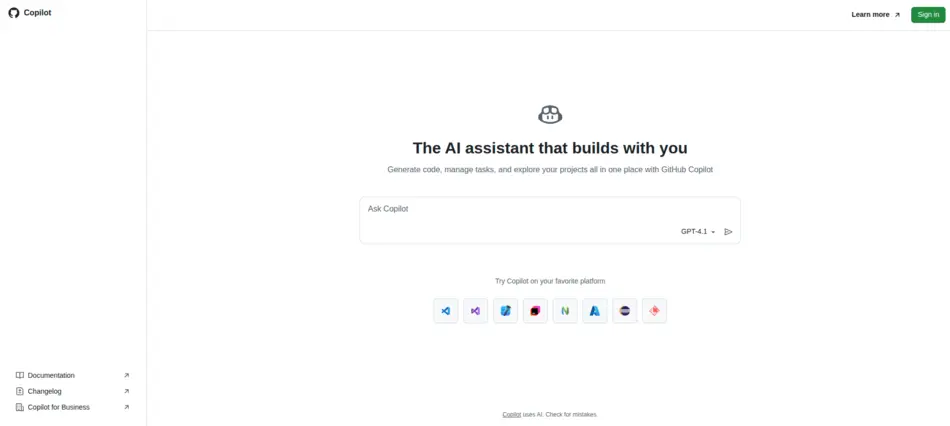
GitHub Copilot has quickly become one of the most recognizable AI coding tools in modern software engineering. Built using advanced large language models, Copilot works directly inside popular IDEs like Visual Studio Code, JetBrains, and Neovim.
Rather than acting as a simple autocomplete engine, Copilot functions like an intelligent pair programmer. Developers can write comments describing a function, and the AI suggests complete code blocks, logic structures, and even unit tests. For teams practicing agile development, this significantly reduces repetitive coding tasks and helps engineers focus on architecture and problem-solving.
For organizations exploring AI-powered product development, Copilot can dramatically shorten development cycles while maintaining code quality.
Key Features
AI Code Autocomplete
Copilot predicts entire lines or blocks of code based on context, project structure, and coding patterns.
Natural Language to Code
Developers can describe a feature in plain English and Copilot generates functional code suggestions.
Inline Documentation Suggestions
The tool automatically suggests comments and documentation that improve code readability and maintainability.
Multi-Language Support
Supports Python, JavaScript, TypeScript, Go, Ruby, C#, and many other languages used in modern software products.
Best For
Full-stack developers
SaaS product teams
Startups building MVPs
Engineering teams looking to increase coding productivity
Pricing
GitHub Copilot uses a subscription-based pricing model with individual, business, and enterprise tiers. Enterprise plans typically include centralized management and compliance features.
Pros & Cons
Pros
Seamless IDE integration
Improves developer productivity
Reduces repetitive coding tasks
Cons
Requires careful code review
Generated code must be validated for security and performance
Why It Stands Out
Copilot’s biggest advantage is its native integration with GitHub repositories and developer workflows. Because it understands context from existing project files, it produces suggestions that feel surprisingly relevant. For many development teams, it has become a core component of their AI software development tools stack.
Website: https://github.com/copilot
2. OpenAI API
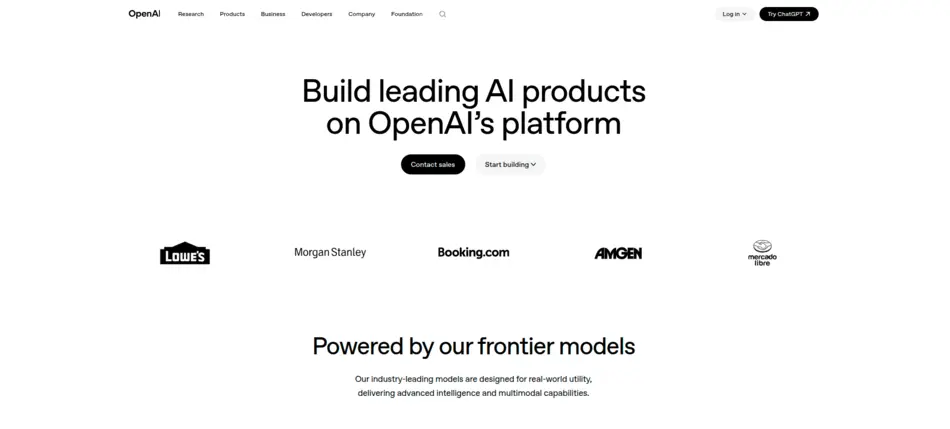
The OpenAI API provides developers with powerful generative AI models that can be integrated directly into applications, products, and services. Instead of simply assisting with coding tasks, it allows teams to build AI-powered features into their own software products.
From chatbots and AI copilots to document analysis systems and recommendation engines, OpenAI’s models enable teams to embed advanced intelligence into nearly any digital product. This flexibility makes the platform a cornerstone of modern AI product development platforms.
Startups, SaaS companies, and enterprise engineering teams increasingly rely on OpenAI’s infrastructure to accelerate innovation without building complex AI models from scratch.
Key Features
Large Language Models (LLMs)
Developers can access advanced language models capable of reasoning, summarization, translation, and code generation.
Multimodal Capabilities
The API supports text, image, and other data formats, enabling developers to build more dynamic and intelligent applications.
Fine-Tuning Options
Organizations can customize models using their own data to improve domain-specific performance.
Scalable API Infrastructure
The platform supports high-volume workloads, making it suitable for large-scale AI product deployments.
Best For
SaaS companies building AI-powered features
Developers building chatbots or AI assistants
Startups integrating generative AI into products
Teams experimenting with generative AI for coding
Pricing
The OpenAI API uses a usage-based pricing model, where developers pay according to tokens processed by the model.
Pros & Cons
Pros
Extremely powerful language models
Flexible API integration
Fast innovation cycle
Cons
Costs can scale with usage
Requires thoughtful prompt engineering for best results
Why It Stands Out
What makes OpenAI unique is its developer ecosystem and rapid innovation pace. New capabilities are introduced regularly, enabling developers to experiment and build cutting-edge features without deep AI expertise.
Website: https://openai.com/api/
3. Google Vertex AI
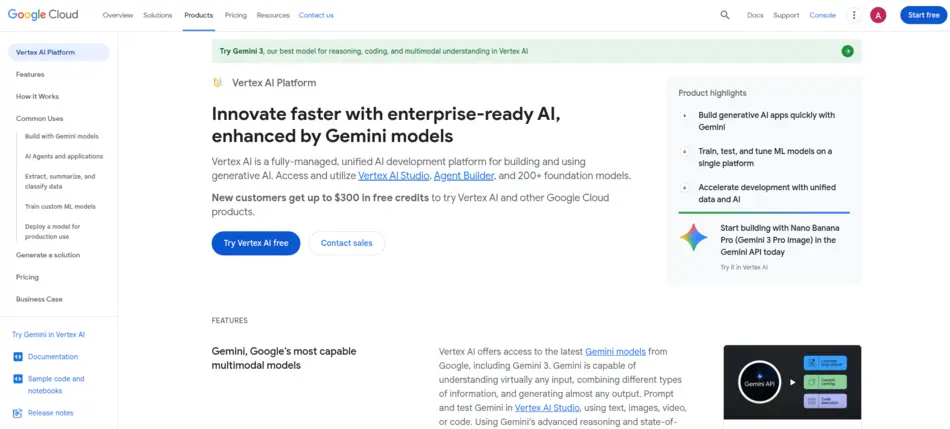
Vertex AI is Google Cloud’s unified machine learning platform designed to simplify the process of building, training, deploying, and managing ML models. For teams developing AI-driven applications, it acts as a central hub that connects data pipelines, training environments, and production deployments.
Unlike traditional ML tools that require multiple disconnected services, Vertex AI integrates everything into a single environment. This makes it easier for developers and data scientists to collaborate across the entire product development lifecycle.
For enterprises looking to scale machine learning platforms across departments, Vertex AI provides powerful automation and operational management tools.
Key Features
AutoML Capabilities
Developers can build machine learning models even without deep ML expertise by using automated training pipelines.
MLOps Integration
Vertex AI includes tools for managing the lifecycle of machine learning models, from training to deployment.
Model Monitoring
The platform continuously monitors deployed models for performance degradation or data drift.
Integrated Data Pipelines
Seamless integration with BigQuery and other Google Cloud services allows efficient data processing.
Best For
Enterprises deploying ML-powered applications
Data science teams building predictive models
AI-powered SaaS products requiring scalable ML infrastructure
Pricing
Pricing is usage-based, depending on compute resources, training time, and deployed models.
Pros & Cons
Pros
Unified ML workflow
Scalable infrastructure
Strong integration with Google Cloud ecosystem
Cons
Requires familiarity with cloud infrastructure
May be complex for small teams
Why It Stands Out
Vertex AI stands out because it combines AutoML, MLOps, and model deployment in a single platform. This reduces operational complexity and makes it easier for teams to deploy production-ready machine learning systems.
Website: https://cloud.google.com/vertex-ai
4. Microsoft Azure AI
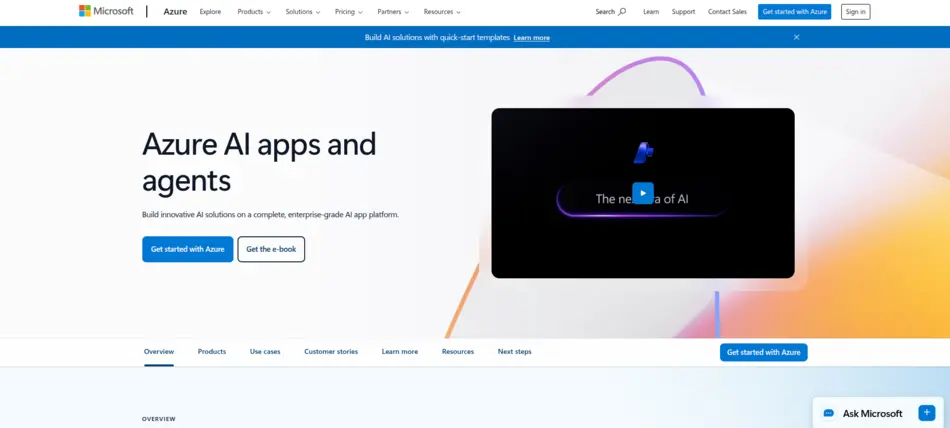
Microsoft Azure AI is a comprehensive suite of artificial intelligence services designed to help developers build intelligent applications at enterprise scale. It includes cognitive services, machine learning platforms, AI APIs, and development tools that integrate deeply with the broader Azure cloud ecosystem.
For organizations already using Microsoft technologies like .NET, Azure DevOps, or Microsoft 365, Azure AI provides a seamless pathway into AI-powered product development.
The platform supports everything from natural language processing and computer vision to predictive analytics and conversational AI systems.
Key Features
Prebuilt AI Models
Developers can integrate capabilities such as speech recognition, translation, and image analysis without training custom models.
Azure Machine Learning
Provides tools for training, deploying, and managing machine learning models.
Enterprise Security & Compliance
Azure AI includes strong governance features, making it suitable for industries with strict regulatory requirements.
Hybrid Cloud Support
Organizations can deploy AI models across on-premise infrastructure and cloud environments.
Best For
Enterprises adopting AI at scale
Organizations already using Azure cloud services
Teams requiring compliance-ready AI solutions
Pricing
Azure AI follows a pay-as-you-go pricing model based on resource consumption.
Pros & Cons
Pros
Enterprise-grade security
Strong Microsoft ecosystem integration
Hybrid deployment flexibility
Cons
Pricing complexity for new users
Requires familiarity with Azure cloud services
Why It Stands Out
Azure AI excels in enterprise environments where security, compliance, and scalability are essential. Its integration with Microsoft’s development ecosystem makes it a natural choice for many corporate engineering teams.
Website: https://azure.microsoft.com/en-us/solutions/ai
5. Amazon SageMaker

Amazon SageMaker is one of the most widely used machine learning platforms within the AWS ecosystem. It provides developers and data scientists with a full suite of tools to build, train, and deploy machine learning models at scale.
One of SageMaker’s biggest strengths is its ability to handle the entire ML lifecycle. From data preparation and experimentation to deployment and monitoring, the platform simplifies complex workflows that traditionally required multiple services.
For companies already operating within AWS infrastructure, SageMaker provides a powerful foundation for building AI-powered applications.
Key Features
End-to-End ML Workflow
SageMaker provides tools for data labeling, model training, experimentation, and deployment.
AutoML with SageMaker Autopilot
Automatically generates optimized machine learning models based on training data.
Scalable Infrastructure
Supports large datasets and complex models through AWS cloud compute resources.
Integrated Monitoring Tools
Continuously monitors deployed models to ensure consistent performance.
Best For
Organizations already using AWS cloud
Data science teams developing predictive models
Companies building AI-driven analytics systems
Pricing
Pricing depends on compute usage, storage, and training workloads, making it scalable for different project sizes.
Pros & Cons
Pros
Powerful ML capabilities
Deep AWS integration
Highly scalable infrastructure
Cons
Learning curve for beginners
Costs can increase with large-scale training jobs
Why It Stands Out
SageMaker’s biggest strength is its ability to manage large-scale machine learning workflows efficiently. For organizations running complex data pipelines, it provides the flexibility and power needed to build production-grade AI systems.
Website: https://aws.amazon.com/sagemaker/
6. Hugging Face
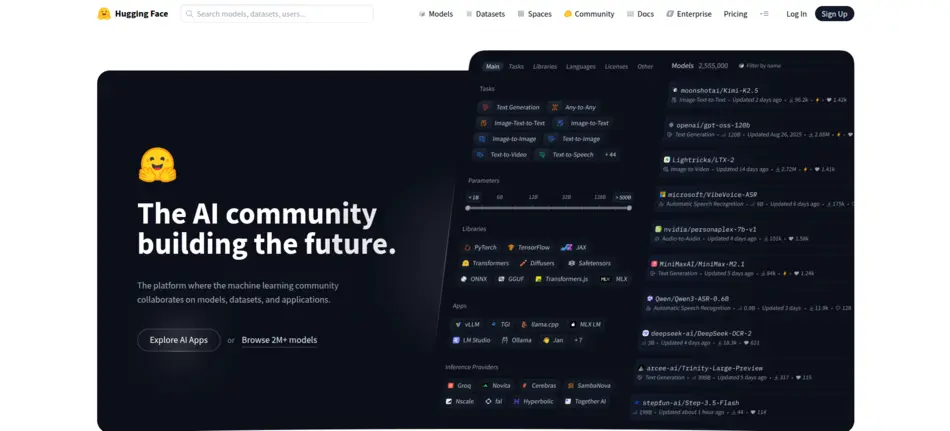
Hugging Face has become one of the most influential platforms in the modern AI ecosystem. It operates as a massive open-source hub for machine learning models, datasets, and developer tools. Instead of building models entirely from scratch, developers can access thousands of pretrained models and integrate them directly into applications.
For teams focused on AI-powered product development, Hugging Face dramatically accelerates experimentation and innovation. Developers can test NLP models, computer vision models, and generative AI frameworks within minutes.
The platform’s strong community culture has also made it a go-to environment for researchers, startups, and enterprise teams building cutting-edge AI applications.
Key Features
Model Hub
Hosts thousands of pretrained models for tasks such as text generation, translation, sentiment analysis, and image recognition.
Transformers Library
One of the most widely used frameworks for natural language processing and generative AI.
Datasets Library
Provides curated datasets that help developers train and evaluate machine learning models more efficiently.
Spaces for AI Apps
Allows developers to deploy interactive demos of AI applications directly in the browser.
Best For
Developers experimenting with AI models
AI startups building prototypes quickly
Researchers and machine learning engineers
Teams exploring generative AI for coding or language applications
Pricing
Hugging Face offers free open-source access, with paid enterprise hosting and collaboration features.
Pros & Cons
Pros
Massive open-source community
Huge collection of AI models
Rapid experimentation environment
Cons
Requires ML knowledge for deeper customization
Production deployment may require additional infrastructure
Why It Stands Out
Hugging Face stands out because it democratizes access to AI models, allowing developers to experiment, train, and deploy machine learning systems without starting from zero.
Website: https://huggingface.co/
7. IBM Watsonx
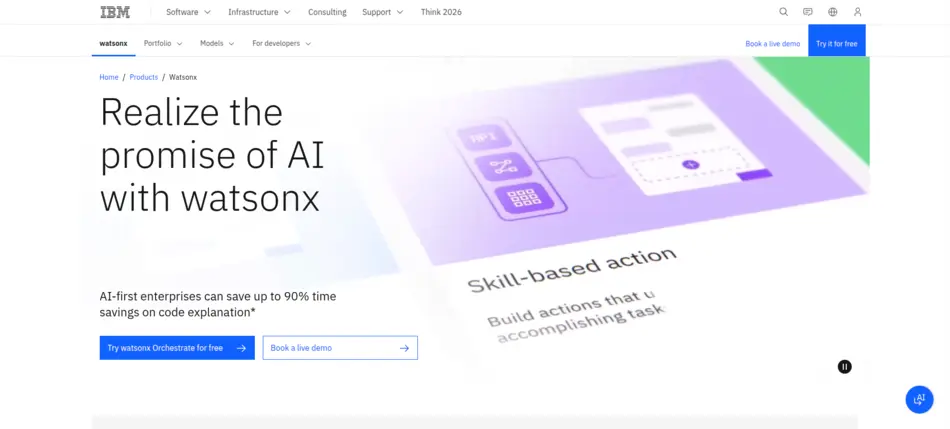
IBM Watsonx is an enterprise-focused AI platform designed to help organizations develop, deploy, and govern AI systems responsibly. Unlike many experimental AI platforms, Watsonx emphasizes transparency, governance, and compliance, which are essential in regulated industries.
For organizations exploring AI-powered product development at enterprise scale, Watsonx provides tools to manage data pipelines, build AI models, and monitor AI systems with strong oversight.
Financial institutions, healthcare organizations, and government agencies frequently rely on Watsonx due to its strong governance framework.
Key Features
AI Model Training Environment
Provides infrastructure for building and training machine learning models.
AI Governance Tools
Includes monitoring and auditing capabilities that help ensure responsible AI use.
Data Management Capabilities
Helps organizations prepare and manage datasets for AI development.
Enterprise Integration
Integrates with hybrid cloud environments and existing enterprise systems.
Best For
Large enterprises
Regulated industries such as healthcare and finance
Organizations requiring transparent AI governance
Pricing
Pricing is typically enterprise-based and customized depending on infrastructure and deployment scale.
Pros & Cons
Pros
Strong AI governance tools
Enterprise-level security
Hybrid cloud compatibility
Cons
Higher cost compared to startup tools
May require specialized infrastructure
Why It Stands Out
Watsonx is particularly valuable for organizations that need ethical, transparent, and compliant AI deployment, which is becoming increasingly important as AI regulations evolve globally.
Website: https://www.ibm.com/products/watsonx
8. Anthropic Claude API
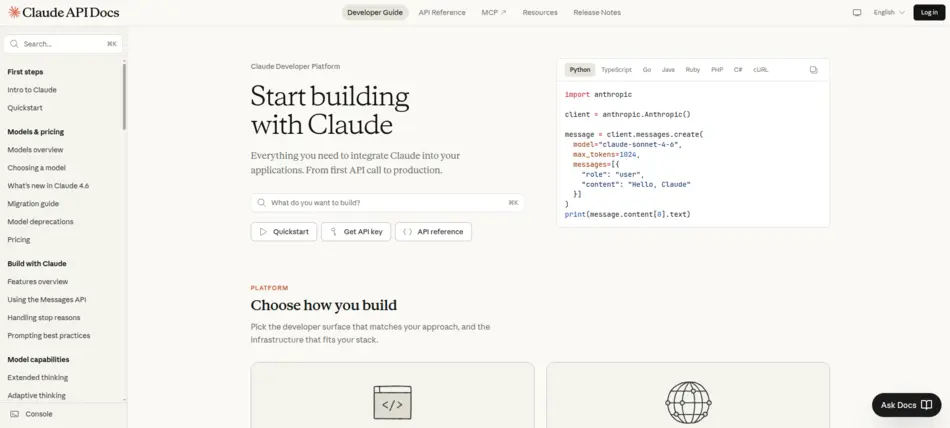
The Claude API, developed by Anthropic, focuses on creating AI systems that are safer, more interpretable, and aligned with human intentions. This makes it an attractive option for organizations building products that require strong reliability and reasoning capabilities.
Claude is widely used for applications such as AI assistants, enterprise chat systems, document analysis tools, and research workflows.
For developers building complex software systems, the Claude API provides strong reasoning capabilities that support AI product development platforms requiring contextual understanding.
Key Features
Advanced Reasoning Models
Claude models are designed to perform well on tasks requiring logical reasoning and analysis.
Safety-Oriented Architecture
Anthropic places heavy emphasis on building AI systems that reduce harmful outputs.
Large Context Windows
Allows developers to process and analyze long documents or datasets.
Flexible API Integration
Developers can integrate Claude into web apps, SaaS platforms, and internal enterprise tools.
Best For
AI assistants and chatbots
Enterprise document analysis tools
Knowledge management systems
Teams building AI-driven SaaS features
Pricing
Claude API uses a usage-based pricing structure similar to other AI APIs.
Pros & Cons
Pros
Strong reasoning abilities
Emphasis on AI safety
Handles large context inputs effectively
Cons
Requires prompt design optimization
Usage costs scale with demand
Why It Stands Out
Claude stands out because of its safety-focused design philosophy, making it particularly attractive for organizations that prioritize responsible AI deployment.
Website: https://platform.claude.com/
9. Tabnine
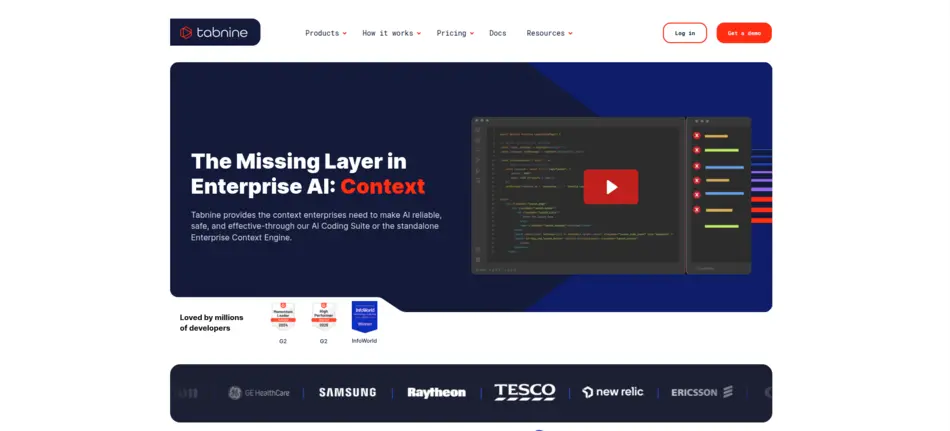
Tabnine is a privacy-focused AI coding assistant designed specifically for professional development teams. Unlike many AI coding tools that rely on cloud-based processing, Tabnine allows organizations to deploy models locally or within private infrastructure.
For companies that prioritize data privacy and code confidentiality, Tabnine provides a secure environment for AI-assisted development.
It integrates with popular IDEs and supports multiple programming languages, helping developers write cleaner and faster code.
Key Features
AI Code Completion
Provides context-aware suggestions for faster coding.
Private Model Deployment
Teams can run AI models on local servers to protect sensitive codebases.
Team Learning Capabilities
Models adapt to team coding patterns over time.
Multi-IDE Support
Works with tools like VS Code, JetBrains IDEs, and others.
Best For
Enterprise development teams
Organizations with strict security policies
Developers who want AI coding tools without sharing code externally
Pricing
Tabnine offers subscription-based pricing, with enterprise tiers supporting private deployment.
Pros & Cons
Pros
Strong privacy controls
Enterprise deployment options
Efficient coding assistance
Cons
Fewer generative capabilities compared to some AI assistants
Requires setup for team environments
Why It Stands Out
Tabnine differentiates itself by prioritizing secure AI-assisted development, making it an excellent choice for companies that cannot send proprietary code to external AI systems.
Website: https://www.tabnine.com/
10. Replit Ghostwriter
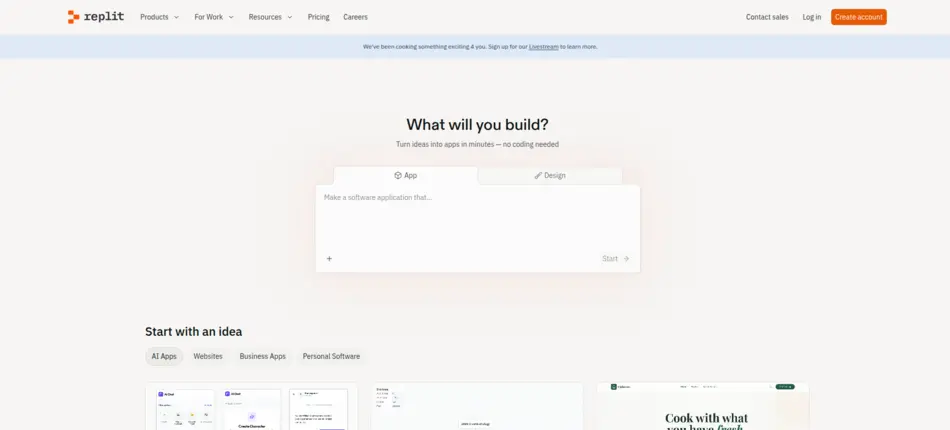
Replit Ghostwriter is an AI-powered coding assistant built directly into the Replit cloud development environment. Unlike traditional IDE plugins, Ghostwriter operates entirely in the browser, making it easy for developers to start coding without local setup.
This makes the platform especially appealing for students, indie developers, and startups that want a lightweight development environment with AI assistance.
By combining AI coding tools with a cloud IDE, Ghostwriter enables rapid experimentation and collaboration.
Key Features
AI Code Generation
Developers can generate code snippets, functions, and entire scripts.
Bug Detection
Ghostwriter can identify errors and suggest fixes.
Code Explanation
Developers can request explanations of complex code blocks.
Browser-Based Development
No local installation required.
Best For
Indie developers
Startup founders building MVPs
Students learning programming
Remote teams collaborating online
Pricing
Replit offers a free tier, with premium plans providing advanced AI capabilities.
Pros & Cons
Pros
Easy browser-based access
Beginner-friendly environment
Fast experimentation
Cons
Limited compared to enterprise IDE ecosystems
Requires internet connection
Why It Stands Out
Ghostwriter stands out because it combines cloud development with built-in AI coding assistance, making it one of the easiest ways to start AI-assisted programming.
Website: https://replit.com/
11. Notion AI
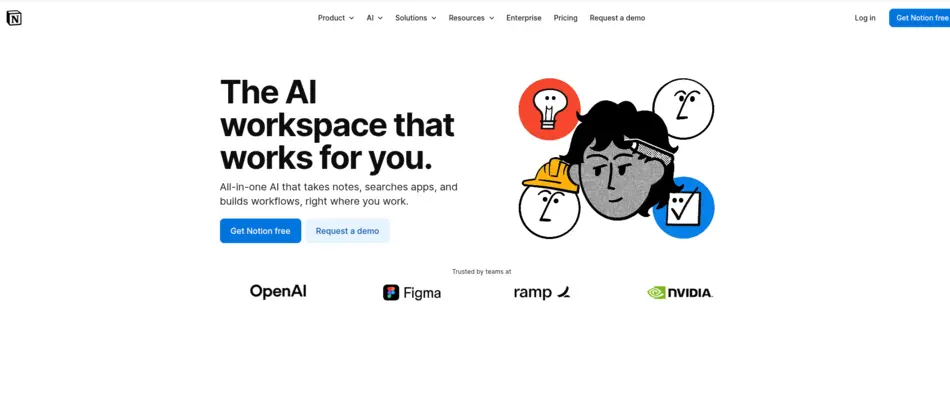
Notion AI extends the popular Notion productivity platform with intelligent features designed to assist product teams. While it is not a coding tool, it plays a major role in AI-powered product development workflows, especially during planning and documentation.
Product managers, designers, and engineers can use Notion AI to generate product requirement documents (PRDs), summarize meetings, and analyze project notes.
This makes it one of the most practical AI product management tools available today.
Key Features
AI Writing Assistance
Helps generate product documentation, meeting summaries, and knowledge base content.
Idea Generation
Assists with brainstorming product features and improvements.
Content Summarization
Automatically summarizes long documents and research notes.
Workspace Integration
Works seamlessly within existing Notion collaboration spaces.
Best For
Product managers
Startup founders
Product teams organizing documentation
Teams building collaborative knowledge bases
Pricing
Notion AI is available as an add-on to Notion subscriptions.
Pros & Cons
Pros
Easy collaboration
Excellent documentation support
Great for knowledge management
Cons
Not designed for coding workflows
Requires structured documentation practices
Why It Stands Out
Notion AI excels at turning scattered product knowledge into structured documentation, which helps teams maintain clarity across the product development lifecycle.
Website: https://www.notion.com/product/ai
12. Atlassian Jira Product Discovery
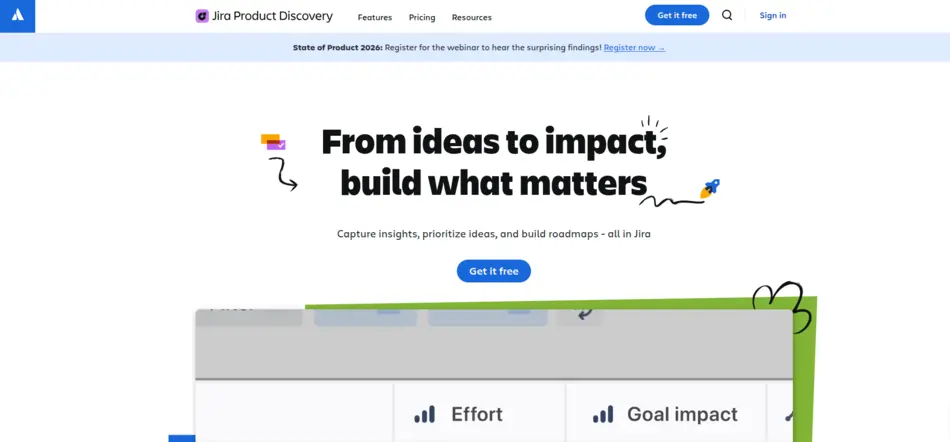
Jira Product Discovery is Atlassian’s modern product planning platform designed to help teams organize ideas, prioritize features, and align roadmaps with business goals. With AI-powered features, the tool helps product teams extract insights from feedback and data.
In modern AI-powered product development environments, the ability to manage ideas effectively is just as important as coding tools.
Jira Product Discovery bridges the gap between customer feedback, product strategy, and engineering execution.
Key Features
Idea Management
Collects product ideas from multiple sources such as customer feedback and internal suggestions.
AI-Powered Insights
AI analyzes product data to highlight important trends and opportunities.
Roadmap Planning
Helps teams prioritize features based on impact and strategic goals.
Integration with Jira Software
Connects directly with development teams working in Jira.
Best For
Product managers
SaaS companies managing feature pipelines
Agile development teams
Pricing
Jira Product Discovery uses subscription pricing with plans based on team size.
Pros & Cons
Pros
Excellent integration with Jira ecosystem
Structured product planning workflows
AI-powered insights for decision making
Cons
Requires familiarity with Atlassian tools
Setup can take time for new teams
Why It Stands Out
Jira Product Discovery stands out because it connects product strategy directly with engineering execution, helping teams turn ideas into deployable features faster.
Website: https://www.atlassian.com/software/jira/product-discovery
13. Figma AI

Figma AI brings the power of generative AI to modern product design. It enhances Figma’s collaborative design platform by helping UI/UX designers rapidly create mockups, refine layouts, and generate design elements using AI suggestions.
By integrating AI into the design workflow, teams can experiment with multiple design variations in minutes rather than hours, making it a valuable tool for AI product development platforms focused on speed and creativity. Figma AI also allows non-designers to prototype interfaces effectively, bridging the gap between product managers, developers, and designers.
Key Features
AI-Powered Design Suggestions
Automatically proposes UI layouts, color schemes, and typography combinations based on project context.
Content Generation
Generates placeholder text, icons, and image assets to speed up prototyping.
Design Variations
Creates multiple versions of a UI screen to explore alternatives quickly.
Collaboration Friendly
Seamlessly integrates into Figma’s real-time collaborative environment.
Best For
UI/UX designers
Product teams iterating on interfaces
Startups prototyping MVPs quickly
Agencies building client-facing apps
Pricing
AI features are included with Figma’s Professional and Organization plans, with some limits on AI-generated assets per month.
Pros & Cons
Pros
Speeds up design workflow
Encourages creative experimentation
Collaborative and easy to use
Cons
AI-generated suggestions may require refinement
Limited offline support
Why It Stands Out
Figma AI stands out by blending human creativity with AI efficiency, enabling teams to generate polished UI/UX designs faster than ever.
Website: https://www.figma.com/ai/
14. Uizard
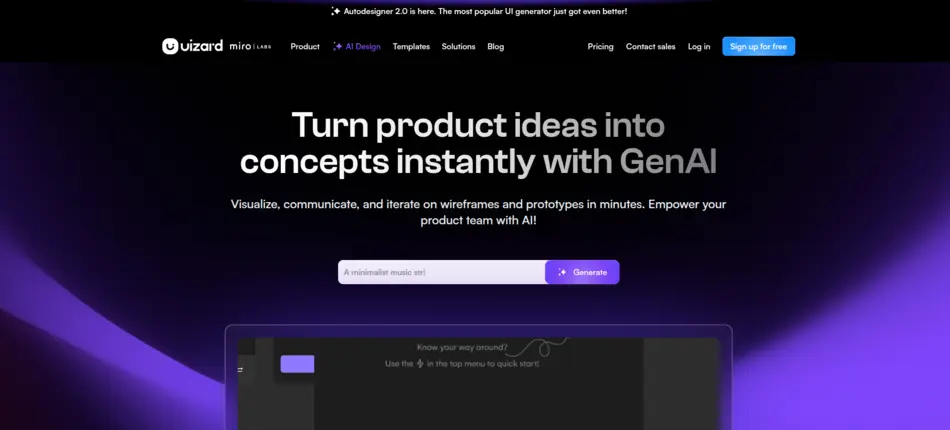
Uizard is a rapid prototyping tool that leverages AI to transform sketches, wireframes, or mockups into fully interactive UI prototypes. For teams practicing AI-powered product development, this reduces the gap between concept and implementation.
Developers and designers can quickly test user experiences, iterate on layouts, and validate ideas with stakeholders, all within a single platform.
Key Features
Wireframe to Prototype
Transforms hand-drawn sketches or digital wireframes into interactive designs.
Component Library
Provides AI-suggested UI components and layouts tailored to the project type.
Collaboration Tools
Supports team-based prototyping and version control.
Code Export Options
Export designs into HTML/CSS or other frontend frameworks for developers.
Best For
Product designers
Startup founders prototyping quickly
Agile product teams testing UX flows
Non-technical founders creating MVPs
Pricing
Uizard offers a freemium plan with limitations; premium plans unlock full AI prototyping features.
Pros & Cons
Pros
Speeds up prototyping
Low learning curve
Enables non-designers to create UI
Cons
Limited design customization for advanced users
AI may require manual refinement
Why It Stands Out
Uizard’s main strength is its ability to convert ideas into interactive prototypes rapidly, helping teams validate products before writing a single line of code.
Website: https://uizard.io/
15. DataRobot
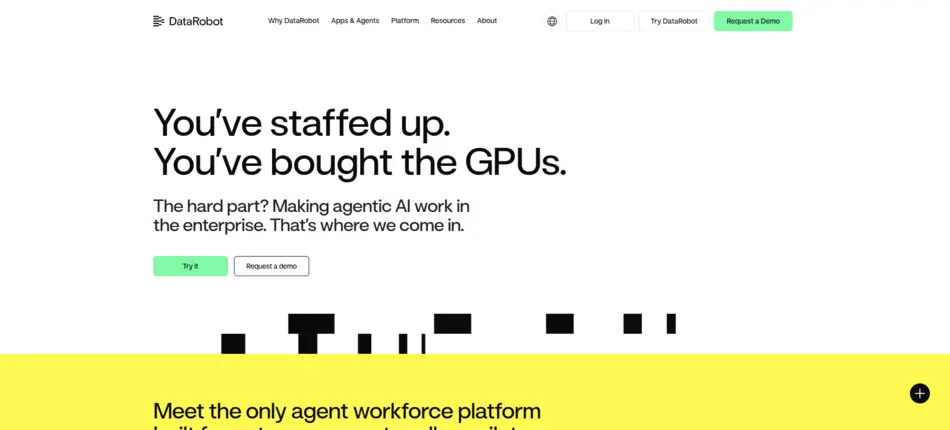
DataRobot is a leading enterprise AutoML platform that allows organizations to build, deploy, and monitor machine learning models efficiently. For large-scale AI product development, it provides tools for predictive analytics, model governance, and automated feature engineering.
DataRobot is widely adopted across finance, healthcare, and logistics sectors, where AI-driven predictions and insights are critical for business decisions.
Key Features
Automated Machine Learning (AutoML)
Generates optimized machine learning models with minimal manual intervention.
Model Interpretability
Provides explainable AI outputs, critical for compliance and decision-making.
Deployment & Monitoring
Supports end-to-end model deployment, monitoring, and retraining.
Integration Capabilities
Works with cloud environments, APIs, and data warehouses for seamless workflows.
Best For
Enterprise data science teams
Predictive analytics applications
Teams building AI-driven business intelligence solutions
Organizations requiring governance and compliance
Pricing
Enterprise-focused; pricing is customized based on deployment scale and feature set.
Pros & Cons
Pros
Powerful AutoML capabilities
Strong model governance and transparency
Enterprise-grade infrastructure
Cons
Higher cost for smaller teams
Requires some expertise for advanced customization
Why It Stands Out
DataRobot excels in turning enterprise data into actionable insights quickly, making it a core platform for companies integrating AI into business operations.
Website: https://www.datarobot.com/
16. Pinecone
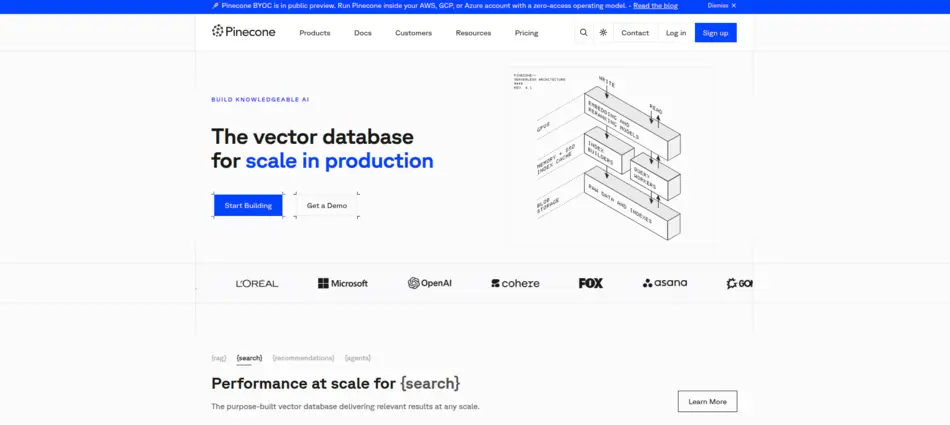
Pinecone is a vector database platform designed for building AI-powered search and retrieval systems. In modern AI-powered product development, Pinecone is often used for semantic search, recommendation engines, and retrieval-augmented generation (RAG) systems.
Developers building intelligent applications can rely on Pinecone for fast similarity search over embeddings generated from text, images, or other data types. This accelerates the development of AI-driven features that require contextual understanding.
Key Features
Vector Indexing
Stores and indexes vector embeddings efficiently for high-speed search.
Scalable Infrastructure
Supports large datasets with low-latency queries.
Integration with ML Models
Works seamlessly with embedding models from OpenAI, Hugging Face, or custom ML models.
RAG System Support
Enables retrieval-augmented generation for AI assistants and chatbots.
Best For
Developers building semantic search or recommendation systems
AI teams integrating RAG workflows
Enterprises needing high-speed, vector-based search
SaaS products leveraging contextual AI features
Pricing
Pinecone follows usage-based pricing, depending on storage, queries, and performance tiers.
Pros & Cons
Pros
High-performance vector search
Scalable and reliable
Seamless integration with popular ML models
Cons
Requires understanding of embeddings and vector databases
Limited functionality outside search and retrieval use cases
Why It Stands Out
Pinecone stands out because it turns AI embeddings into actionable, high-speed retrieval systems, powering intelligent product features that traditional databases cannot handle efficiently.
Website: https://www.pinecone.io/
17. Vercel AI SDK
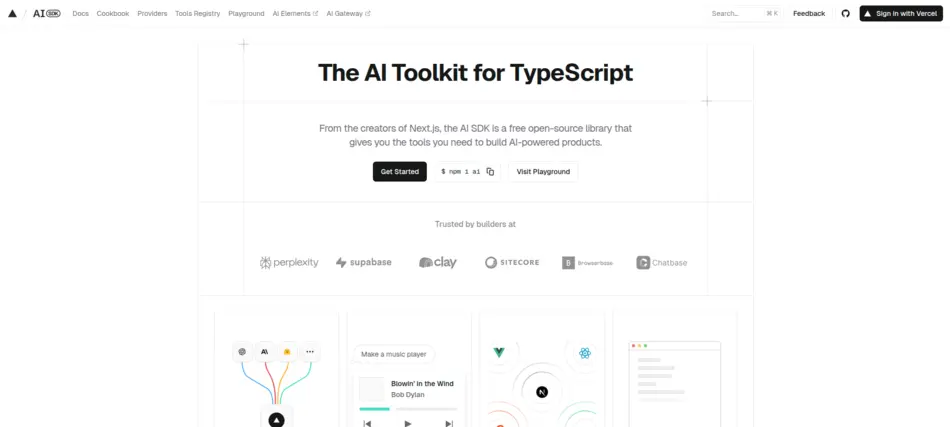
The Vercel AI SDK is a development framework designed for building AI-native applications with serverless architecture. By combining Vercel’s high-performance frontend deployment capabilities with AI integration tools, developers can quickly build applications that embed AI functionalities such as natural language processing, chat interfaces, or generative AI features.
For teams working on AI-powered product development, this SDK streamlines the process of integrating AI into full-stack applications, reducing infrastructure complexity while maintaining high scalability.
Key Features
Serverless AI Integration: Seamlessly embeds AI models into applications without managing servers.
Edge Deployment: AI applications can run close to end users for minimal latency.
Framework Compatibility: Supports Next.js and other modern JavaScript frameworks.
Prebuilt AI Modules: Includes components for NLP, chatbots, and recommendation systems.
Best For
Frontend developers integrating AI features
SaaS products embedding chat or recommendation engines
Startups building AI-native MVPs
Teams looking for fast AI deployment with minimal ops
Pricing
Vercel AI SDK pricing depends on deployment plan; free tiers are available for small-scale projects, with enterprise options for high-traffic applications.
Pros & Cons
Pros
Minimal infrastructure management
Optimized for speed and scalability
Easy integration with modern frameworks
Cons
Primarily focused on frontend/edge deployment
Requires familiarity with serverless architecture
Why It Stands Out
Vercel AI SDK excels at bringing AI directly into production-ready applications without complex backend setups, making it ideal for modern web apps and AI-powered SaaS products.
Website: https://ai-sdk.dev/
18. LangChain
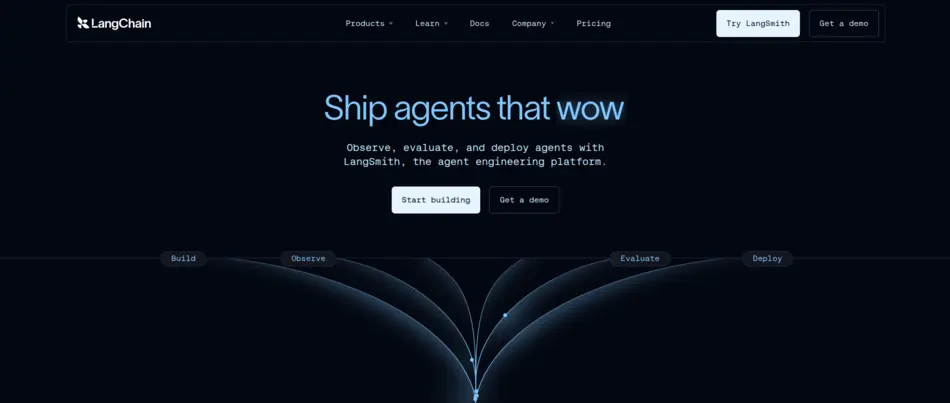
LangChain is a development framework designed for creating LLM-powered workflows. It enables developers to build AI applications that combine large language models with external data sources, APIs, and business logic.
In modern AI product development, LangChain is particularly valuable for building intelligent assistants, AI chatbots, and retrieval-augmented generation systems that interact with structured and unstructured data seamlessly.
Key Features
Chain Building: Connect multiple AI tasks and APIs into complex workflows.
Integration with LLMs: Works with OpenAI, Hugging Face, Anthropic, and other LLMs.
Data Augmentation: Combines LLM outputs with external knowledge bases for richer results.
Tooling for Developers: Includes debugging, testing, and orchestration utilities.
Best For
Developers building AI assistants and chatbots
SaaS companies integrating LLMs into workflows
Teams working on retrieval-augmented generation (RAG)
AI research teams experimenting with LLM pipelines
Pricing
LangChain is open-source, with enterprise support and cloud deployment options available for larger teams.
Pros & Cons
Pros
Flexible framework for complex AI workflows
Works with multiple LLM providers
Open-source with a strong developer community
Cons
Requires programming expertise
Workflow design can be complex for beginners
Why It Stands Out
LangChain’s strength lies in orchestrating LLMs across real-world data sources, enabling developers to build AI applications that go beyond simple question-answering into fully automated decision workflows.
Website: https://www.langchain.com/
19. Weights & Biases
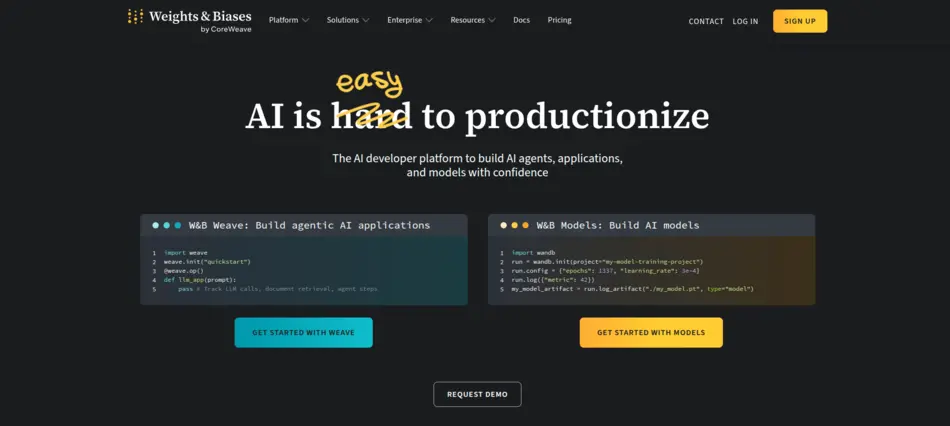
Weights & Biases (W&B) is a platform for experiment tracking, model monitoring, and collaboration in machine learning projects. It helps developers and data scientists manage datasets, track model performance, and reproduce experiments efficiently.
For teams focusing on AI-powered product development, W&B ensures that ML models are production-ready and that performance insights are shared across the team in real time. Its integration with popular ML frameworks makes it a central tool in AI DevOps workflows.
Key Features
Experiment Tracking: Log model hyperparameters, metrics, and outputs.
Visualization Dashboards: Compare model performance visually.
Collaboration Tools: Teams can annotate and share experiments.
Model Monitoring: Detect drift and performance degradation in deployed models.
Best For
ML engineers and data scientists
Enterprises running AI/ML at scale
Teams building predictive analytics products
Organizations adopting AI DevOps practices
Pricing
W&B offers free tiers for small projects, with paid professional and enterprise plans based on users and usage.
Pros & Cons
Pros
Comprehensive experiment tracking
Collaboration-friendly dashboards
Easy integration with ML frameworks
Cons
Requires some setup for optimal monitoring
Advanced features may be overkill for small projects
Why It Stands Out
Weights & Biases stands out because it bridges the gap between model development and production monitoring, allowing teams to maintain high-quality AI systems throughout the product lifecycle.
Website: https://wandb.ai/site/
20. Snyk AI
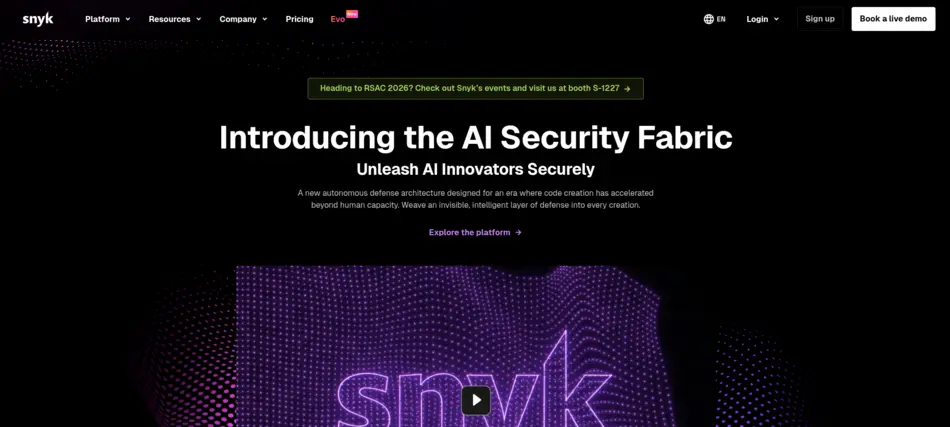
Snyk AI is an AI-powered security and code review platform that helps developers identify vulnerabilities in real-time. By integrating directly into code repositories, CI/CD pipelines, and IDEs, Snyk AI ensures that software products are secure throughout development.
In AI-powered product development, Snyk AI reduces risk while maintaining developer velocity. Its AI-driven code analysis identifies potential bugs, security flaws, and dependency vulnerabilities before they reach production.
Key Features
AI-Powered Code Review: Detects security risks and suggests fixes.
Dependency Scanning: Monitors open-source libraries for vulnerabilities.
CI/CD Integration: Embeds seamlessly into build pipelines.
Developer Feedback: Provides actionable recommendations in IDEs and pull requests.
Best For
DevOps and software engineers
Enterprises concerned with secure coding
SaaS companies with strict compliance needs
Teams adopting AI DevOps tools and CI/CD automation
Pricing
Snyk AI offers freemium plans, with premium enterprise plans based on project size and security needs.
Pros & Cons
Pros
Real-time security alerts
Integrates with existing developer workflows
Improves code quality automatically
Cons
Enterprise features may be expensive for small teams
AI suggestions may require human verification
Why It Stands Out
Snyk AI stands out as a security-first AI tool that ensures developers can accelerate production while maintaining code safety and compliance, making it essential for modern AI software development tools stacks.
Website: https://snyk.io/
Comparison Table – Top 20 AI Product Development Tools (2026)
| Tool Name | Category | Best For | Free Plan | Starting Price | Enterprise Support |
|---|---|---|---|---|---|
| GitHub Copilot | AI Coding Tools | Full-stack developers, SaaS teams | 14-day trial | $10/mo individual | Available |
| OpenAI API | AI Platforms for Developers | SaaS integrations, AI features | Limited free tier | Usage-based | Yes |
| Google Vertex AI | Machine Learning Platforms | Enterprises deploying ML at scale | No | $0.49/hour (AutoML) | Yes |
| Microsoft Azure AI | AI Platforms for Developers | Enterprise AI solutions, hybrid cloud | Free tier | $0.002/transaction | Yes |
| AWS SageMaker | AI Software Development Tools | ML engineers, AI deployment at scale | Free tier (12 months) | $0.10/hour | Yes |
| Hugging Face | AI Platforms for Developers | Developers using pretrained models | Free open-source | Enterprise custom | Yes |
| IBM Watsonx | AI Product Development Platforms | Enterprises with governance needs | No | Custom | Yes |
| Anthropic Claude API | AI Platforms for Developers | AI assistants, reasoning tasks | Limited trial | Usage-based | Yes |
| Tabnine | AI Coding Tools | Enterprise dev teams, private code | Free tier | $12/mo pro | Yes |
| Replit Ghostwriter | AI Coding Tools | Indie devs, students, startups | Free tier | $10/mo | Limited |
| Notion AI | AI Product Management Tools | Product teams, documentation, PRDs | Free trial | $10/mo add-on | Enterprise plan available |
| Jira Product Discovery | AI Product Management Tools | Agile product teams, roadmap planning | Free trial | $7.75/user/mo | Yes |
| Figma AI | AI Design Tools | UI/UX designers, product teams | Limited free | $12/mo | Organization plan available |
| Uizard | AI Design Tools | Rapid prototyping, startups | Freemium | $12/mo | Enterprise plan available |
| DataRobot | Machine Learning Platforms | Enterprise AutoML & predictive analytics | No | Custom | Yes |
| Pinecone | AI Platforms for Developers | Semantic search, RAG systems | Free tier | $0.10/vector hr | Enterprise plan available |
| Vercel AI SDK | AI Development Tools | AI-native web apps, frontend devs | Free tier | Starts at $20/mo | Enterprise plan available |
| LangChain | AI Platforms for Developers | LLM workflows, AI assistants | Open-source | N/A | Enterprise cloud options |
| Weights & Biases | AI DevOps Tools | ML experiment tracking, monitoring | Free tier | $12/mo | Enterprise plan available |
| Snyk AI | AI Code Assistant | Secure coding, vulnerability detection | Free tier | $49/user/yr | Enterprise plan available |
Best AI Tools by Product Development Stage
AI for Ideation & Research
Notion AI, OpenAI API
AI for UX/UI Design
Figma AI, Uizard
AI for Coding & Development
GitHub Copilot, Tabnine, Replit
AI for Testing & QA
Snyk AI
AI for DevOps & Deployment
Vercel AI SDK, Azure AI
AI for Product Analytics
Vertex AI, DataRobot
AI for Startups vs Enterprises – What to Choose?
Startups prioritize flexibility and cost. Tools like Hugging Face, LangChain, and Replit are great entry points.
Enterprises prioritize governance, compliance, and custom training. IBM Watsonx, Azure AI, and SageMaker are strong fits.
Security and scalability should guide decisions.
Emerging Trends in AI Product Development (2026)
AI agents performing autonomous coding tasks
Multimodal product design systems
AI-powered CI/CD pipelines
Low-code + AI integration
Open-source AI ecosystems accelerating innovation
The shift is toward collaborative intelligence — humans + AI working together.
How to Choose the Right AI Development Platform
Define your use case clearly
Evaluate integrations
Check compliance & data policies
Consider team skill level
Compare ROI vs cost
If you’re exploring structured comparisons, platforms like AI Tool Mapper help teams evaluate AI solutions efficiently.
Common Mistakes to Avoid
Over-automating critical decisions
Ignoring data governance
Using too many disconnected tools
Failing to train teams
AI tools amplify workflows — but strategy still matters.
FAQs
1. What is AI-powered product development?
AI-powered product development refers to using artificial intelligence tools and technologies throughout the product lifecycle—from ideation and design to development, testing, and deployment. It helps teams automate repetitive tasks, generate insights from data, improve decision-making, and accelerate time-to-market while maintaining product quality.
2. Which AI tool is best for software developers?
There isn’t a single “best” tool, as it depends on the use case. However, tools like GitHub Copilot and OpenAI APIs are widely used for code generation, debugging, and automation. Developers often combine multiple tools to enhance productivity, streamline workflows, and improve code quality.
3. Can AI replace software engineers?
No, AI cannot fully replace software engineers. While it can automate coding tasks, generate suggestions, and improve efficiency, human expertise is still essential for problem-solving, system design, creativity, and decision-making. AI acts as an assistant rather than a replacement for skilled developers.
4. Are AI development tools safe for enterprise use?
Yes, AI development tools can be safe for enterprise use when implemented with proper governance, security protocols, and compliance standards. Organizations must ensure data privacy, secure integrations, and ethical AI practices to minimize risks and maintain trust in AI-driven processes.
5. How much do AI development platforms cost?
AI development platforms vary widely in pricing. Some open-source tools are free, while premium platforms offer subscription-based or usage-based pricing. Enterprise solutions can involve custom contracts depending on features, scalability, and support requirements, making it important to evaluate cost versus value.
6. What are the benefits of using AI in software development?
AI improves efficiency by automating repetitive tasks like code generation, testing, and debugging. It also enhances accuracy, reduces development time, and provides intelligent insights. Teams can focus more on innovation and complex problem-solving instead of routine coding activities.
7. What skills are needed to work with AI development tools?
Developers need a mix of programming skills, understanding of machine learning concepts, and familiarity with APIs and automation tools. Knowledge of data handling, prompt engineering, and system design also helps maximize the benefits of AI tools in real-world projects.
8. Can AI tools help in software testing?
Yes, AI tools can significantly improve software testing by automating test case generation, detecting bugs, and predicting potential failures. They help reduce manual effort, increase test coverage, and ensure faster delivery of reliable software products.
9. Are AI tools suitable for small businesses or startups?
Absolutely. Many AI tools offer affordable or even free plans, making them accessible for startups and small businesses. These tools help teams work efficiently with limited resources, enabling faster product development and competitive advantage without large investments.
10. How does AI improve product design and user experience?
AI analyzes user behavior, feedback, and usage patterns to provide actionable insights. This helps teams create more personalized, intuitive, and user-friendly products. It also enables rapid prototyping and design optimization based on real data rather than assumptions.
11. What challenges come with AI-powered development?
Some common challenges include data privacy concerns, integration complexity, model bias, and reliance on quality data. Additionally, teams must invest time in learning new tools and maintaining proper governance to ensure ethical and effective AI implementation.
Key Takeaways
AI-powered product development is becoming standard practice in 2026.
AI coding tools significantly reduce development time.
Machine learning platforms enable smarter product decisions.
Enterprises need governance-focused solutions.
Startups benefit from flexible, open ecosystems.
The future belongs to teams that combine creativity with AI efficiency.
Final Thoughts
AI is no longer optional in modern software development. It’s becoming foundational.
The smartest teams don’t ask, “Will AI replace us?”
They ask, “How can AI make us 10x better?”
That mindset separates fast-moving innovators from slow adopters.
If you approach AI strategically — focusing on integration, training, and measurable ROI — it becomes a competitive advantage rather than just another tool in your stack.
The next generation of products will not just use AI.
They will be built with it.
Found this helpful? Save it to your Pinterest board!