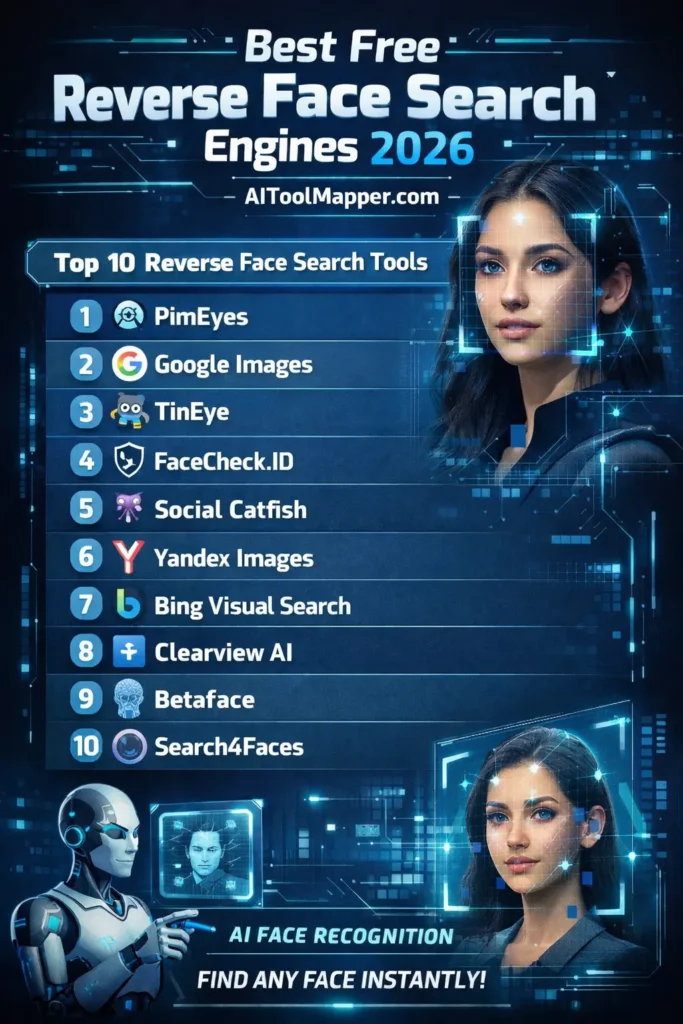
Reverse face search engines help users identify people online using facial recognition technology. Tools like PimEyes, Yandex, and FaceCheck.ID provide high accuracy, while Google Images and Bing offer free alternatives. If you want a complete breakdown, you can explore the best free face search tools in 2026 here. These tools are useful for identity verification, scam detection, and online safety, but users must follow privacy laws and ethical practices.
Key Takeaways
- Reverse face search tools use AI and deep learning for accurate results
- Free tools often have limited searches or features
- Best tools for accuracy: PimEyes and Yandex
- Great for safety: Social Catfish and FaceCheck.ID
- Always consider privacy and legal guidelines
Reverse Face Search Engines (Face Recognition Tools & Image Lookup)

Reverse face search engines are powerful tools that allow users to upload a photo and find similar images or identify individuals across the web.
If you’re confused between traditional and AI tools, check this face search vs Google image search comparison:
These tools use advanced AI face recognition, deep learning, and pattern analysis to match facial features with publicly available data.
In 2026, these tools have become essential for:
- Identity verification
- Finding social media profiles
- Detecting fake accounts
- Protecting online privacy
Let’s explore the top 10 free reverse face search engines you can use today.
1. PimEyes – Advanced AI Reverse Face Search Engine (Best AI Face Recognition Tool)
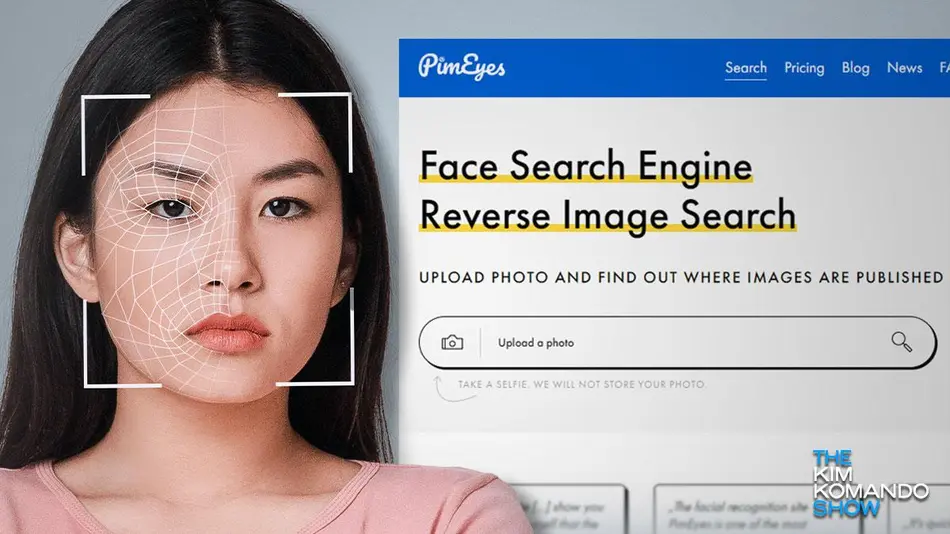
PimEyes is one of the most accurate reverse face search engines available today. It uses cutting-edge AI algorithms and deep learning models to scan millions (even billions) of indexed images across the internet, delivering highly precise facial matches—even with partial or low-angle images. For a deeper analysis, you can read this PimEyes vs FaceCheck vs Social Catfish full comparison:
Key Features:
- Advanced AI facial recognition with deep neural networks
- Real-time image matching with fast processing
- Reverse search using multiple angles of the same face
- Ability to detect faces even with glasses, beard, or makeup
- Strong privacy controls with opt-out and removal options
- Alert system (premium) to track where your face appears online
Pros:
- Extremely high accuracy compared to competitors
- Supports multiple image uploads for better matching
- Great for tracking image misuse or identity theft
Cons:
- Free version has limited searches
- Detailed results often require a paid plan
Free Plan: Limited searches per day
Best For: Professionals, journalists, investigators, and privacy-conscious users
Website: https://pimeyes.com/
2. Google Images – Free Reverse Image Search Tool (Beginner-Friendly Option)
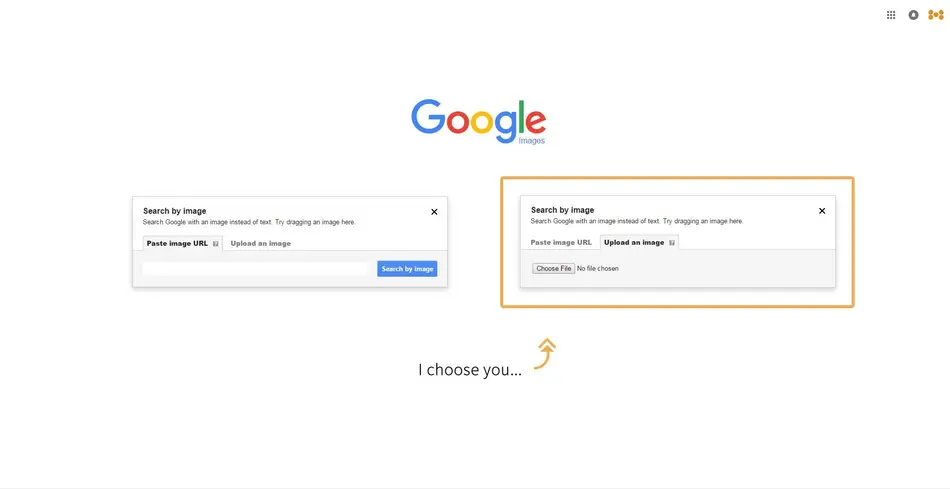
Google Images is one of the most widely used reverse image search tools. While it is not specifically optimized for facial recognition, it still performs well for general image lookup and finding visually similar content online.
Key Features:
- Completely free with unlimited searches
- Massive global image index powered by Google
- Drag-and-drop and URL-based search
- Integration with Google Lens for mobile users
- Finds visually similar images, websites, and sources
Additional Benefits:
- Works well for detecting fake profiles using reused images
- Great for identifying public figures or widely shared images
Limitations:
- Not optimized for precise facial recognition
- May fail to match faces if cropped or edited
Best For: Beginners, bloggers, and casual users
Website: https://images.google.com/
3. TinEye – Reverse Image Lookup Engine (Best for Image Tracking)
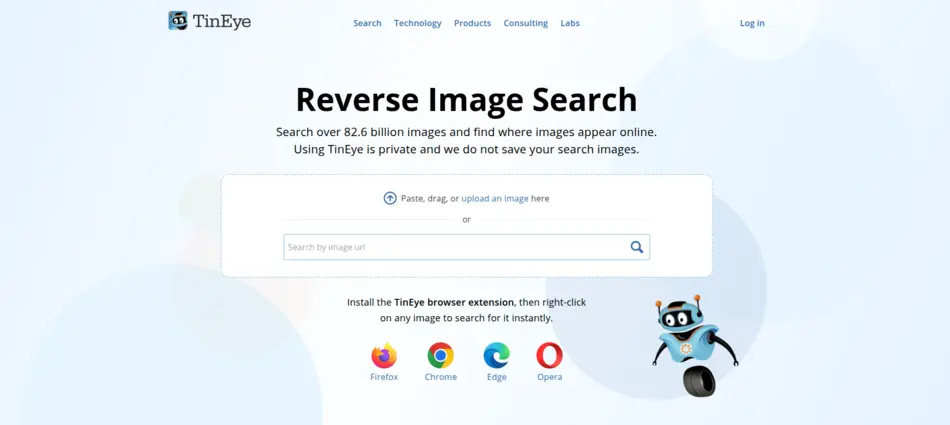
TinEye is a specialized reverse image search engine that focuses on identifying where an image has appeared online. Instead of facial recognition, it uses image fingerprinting technology to match exact or modified versions.
Key Features:
- Image tracking across time and websites
- Advanced duplicate detection technology
- Finds resized, cropped, or edited versions
- Fast and accurate search results
- Browser extensions for quick access
Additional Use Cases:
- Checking copyright violations
- Tracking viral images
- Verifying original upload sources
Limitations:
- No facial recognition capability
- Less effective for identifying people
Best For: Finding image origins and tracking duplicates
Website: https://tineye.com/
4. FaceCheck.ID – AI Face Search Platform (Best for Social Profile Matching)
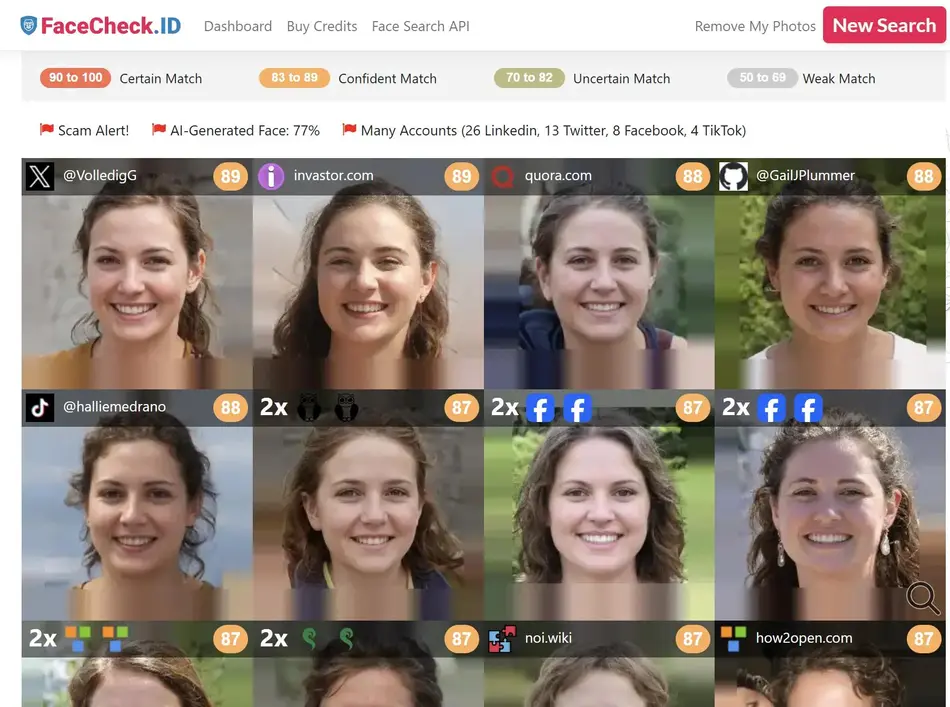
FaceCheck.ID is a rapidly growing AI-powered face search engine that focuses on identifying individuals across social media and public platforms.
Key Features:
- Advanced facial recognition with high match accuracy
- Social media profile discovery
- Detection of scam, fraud, or suspicious identities
- Categorized results (social, news, criminal databases)
- Regularly updated database
Pros:
- Excellent for online identity verification
- Helps detect catfishing and impersonation
Cons:
- Limited free access
- Some results may require payment
Free Plan: Limited searches and preview results
Best For: Online safety, dating verification, scam detection
Website: https://facecheck.id/
5. Social Catfish – Reverse Image & Face Search (Best for Scam Detection)
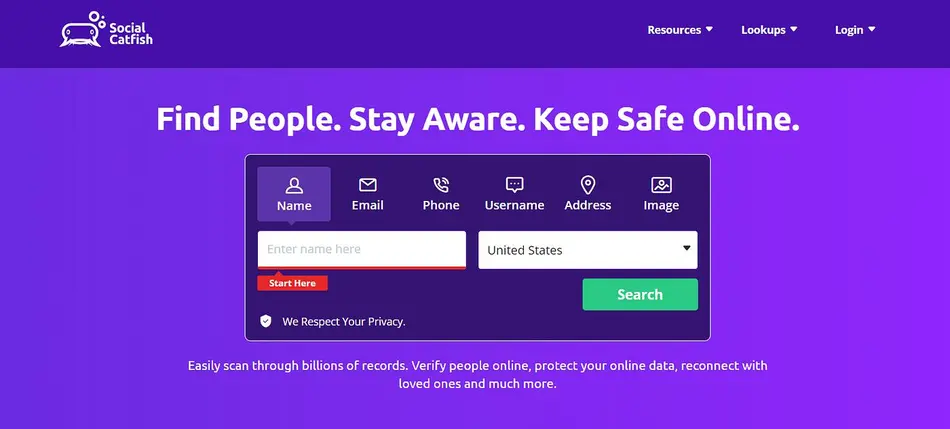
Social Catfish is a powerful identity verification platform designed to help users detect scams, fake profiles, and online fraud.
Key Features:
- Reverse image and face search functionality
- Email, phone number, and username lookup
- Comprehensive identity verification reports
- Scam detection and fraud alerts
- Background check tools
Additional Benefits:
- Ideal for online dating safety
- Provides detailed reports for suspicious identities
Limitations:
- Full features require paid subscription
- Free version is limited
Best For: Dating safety, fraud prevention, identity verification
Website: https://socialcatfish.com/
6. Yandex Images – Powerful Reverse Face Search Tool (Highly Accurate Free Option)

Yandex Images is known for its strong facial recognition capabilities, often outperforming many Western tools in face matching accuracy. If you want to explore more tools like this, check the best free face search tools in 2026:
Key Features:
- Advanced AI-based face recognition
- Finds visually similar faces with high precision
- Completely free to use
- Large image database with global coverage
- Detects similar images even with variations
Pros:
- Better facial matching than Google Images in many cases
- Works well with low-quality or partial images
Cons:
- Interface may feel less user-friendly
- Privacy concerns due to regional policies
Best For: Finding similar faces and lookalikes online
Website: https://yandex.com/images
7. Bing Visual Search – AI Image Recognition Tool (Microsoft-Powered Search)
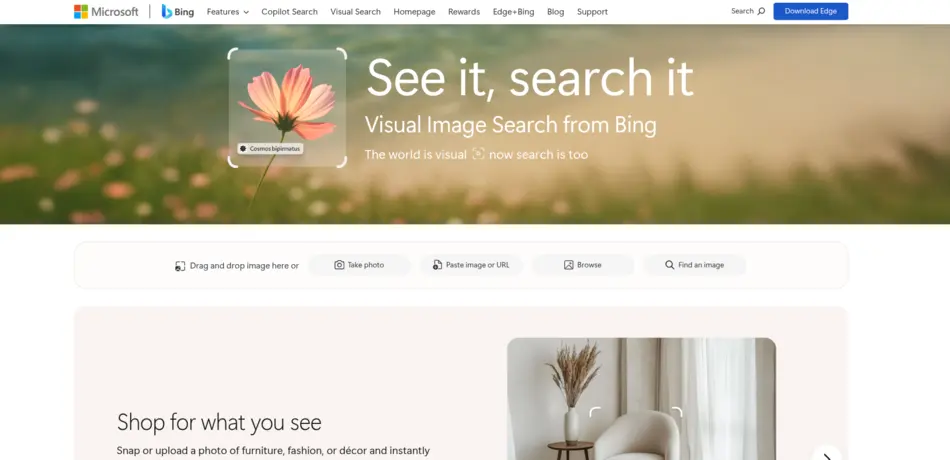
Bing Visual Search offers a clean, modern interface combined with AI-powered image recognition technology.
Key Features:
- AI-based object and face recognition
- Smart cropping and selection tools
- Integration with Microsoft Edge and Windows
- Identifies objects, landmarks, and faces
- Quick and visually appealing results
Additional Benefits:
- Useful for shopping, research, and visual discovery
- Works well for general image recognition
Limitations:
- Not as accurate as dedicated face search engines
Best For: General image recognition and casual searches
Website: https://www.microsoft.com/en-us/bing/visual-search/
8. Clearview AI Face Recognition Tool(Limited Access) – Law Enforcement Face Search (Most Powerful Database)
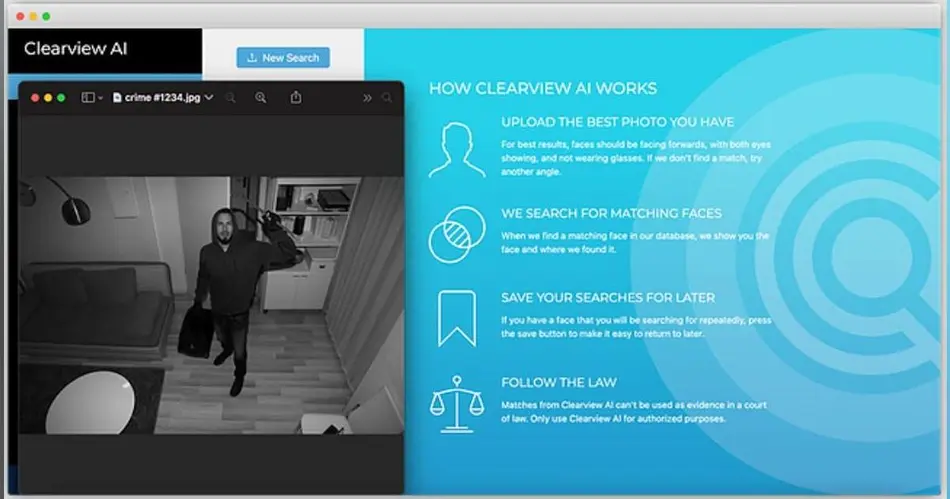
Clearview AI is one of the most powerful facial recognition systems, primarily used by law enforcement agencies and government organizations.
Key Features:
- Massive facial database collected from public sources
- Extremely high accuracy and match precision
- Advanced investigative tools
- Real-time identification capabilities
Pros:
- Industry-leading accuracy
- Used in criminal investigations
Cons:
- Not available to general public
- Major privacy and ethical concerns
Note: Not fully free or publicly accessible
Best For: Law enforcement and investigative use
Website: https://www.clearview.ai/
9. Betaface – Face Recognition API Tool (Best for Developers & Analysis)
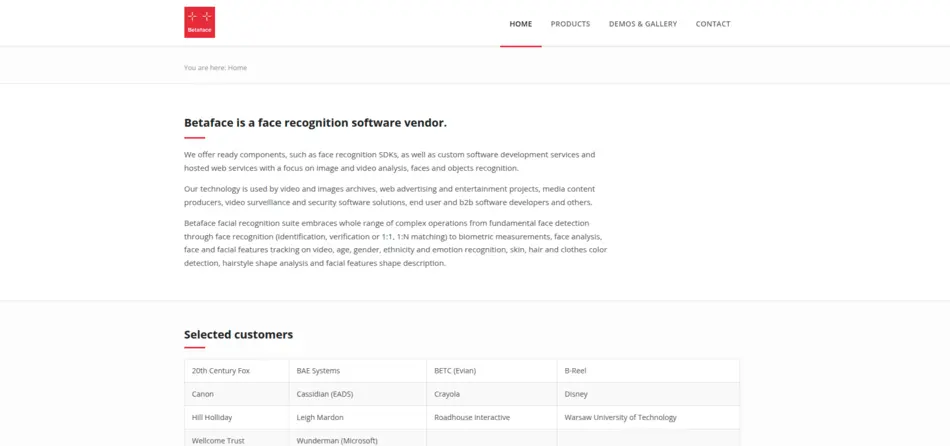
Betaface is a face recognition platform that provides both a search tool and API for developers and businesses.
Key Features:
- Face detection and recognition technology
- Emotion and age estimation
- Facial feature analysis
- API integration for apps and websites
- Free demo for testing
Additional Benefits:
- Useful for building AI-powered apps
- Supports multiple face detection in one image
Limitations:
- Not focused on finding people online
- Requires technical knowledge for full use
Best For: Developers, AI researchers, and tech projects
Website: https://www.betaface.com/
10. Search4Faces – Reverse Face Lookup Tool (Best for Social Media Search)
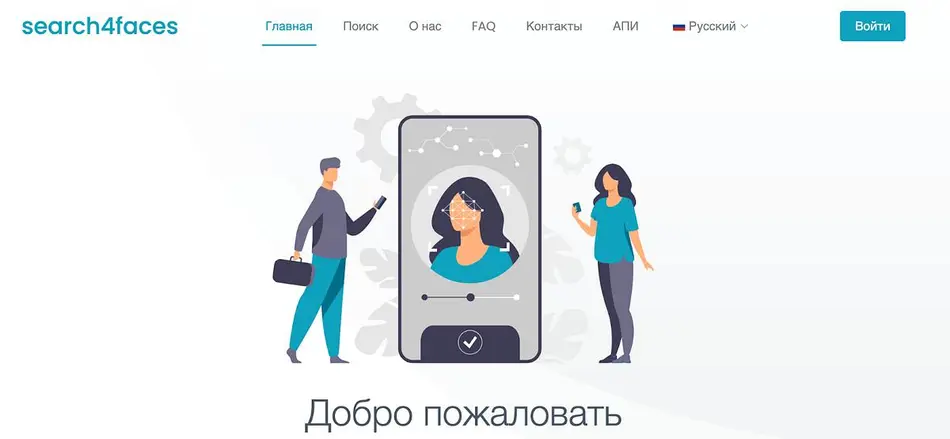
Search4Faces is designed specifically to find people across social media platforms using facial recognition.
Key Features:
- Social media profile matching
- AI-powered face recognition
- Simple and user-friendly interface
- Supports multiple platforms
- Free limited searches
Pros:
- Great for finding online profiles
- Easy to use even for beginners
Cons:
- Limited database compared to larger tools
- Accuracy may vary depending on image quality
Best For: Finding people on social media platforms
Website: https://search4faces.com/
FAQs About Reverse Face Search Engines
1. What is a reverse face search engine?
A reverse face search engine allows users to upload a photo and find similar images or identify individuals online. It uses AI and facial recognition algorithms to analyze facial features and match them with images available across the internet.
2. Are reverse face search tools free to use?
Many reverse face search tools offer free versions with limited features. Some tools restrict the number of searches per day, while others provide basic results for free and require payment for advanced data or deeper searches.
3. Which reverse face search engine is the most accurate?
PimEyes and Yandex are considered among the most accurate reverse face search engines due to their advanced AI algorithms and large image databases, which help deliver highly relevant and precise results.
4. Can I find someone’s social media using a face search?
Yes, some tools like FaceCheck.ID and Search4Faces are designed to locate social media profiles using facial recognition. However, results depend on publicly available data and privacy settings.
5. Is reverse face search legal?
Reverse face search is generally legal if used responsibly and ethically. However, laws vary by country, and misuse for harassment, stalking, or unauthorized surveillance may lead to legal consequences.
6. Do these tools work with low-quality images?
Most tools perform better with high-resolution images. Low-quality or blurry images may reduce accuracy, making it harder for AI to match facial features effectively.
7. Can reverse face search detect fake profiles?
Yes, reverse face search tools can help identify fake profiles by showing where the same image appears online, helping users detect scams or impersonation.
8. Are my uploaded images सुरक्षित?
Most reputable tools claim to protect user privacy and do not store images permanently. However, users should always review privacy policies before uploading sensitive photos.
9. What are the limitations of free face search tools?
Free tools often limit search frequency, accuracy, or access to detailed results. Premium versions usually provide deeper insights, more matches, and advanced filtering options.
10. Can reverse face search work offline?
No, reverse face search engines rely on online databases and AI processing. Without internet access, these tools cannot compare images or generate results.
Final Thoughts
Reverse face search technology has transformed how we verify identities and protect ourselves online. Whether you’re trying to find someone, detect scams, or simply explore image sources, these tools offer powerful solutions.
However, with great power comes responsibility. Always use these tools ethically, respect privacy, and follow local laws. Choosing the right tool depends on your needs—whether it’s accuracy, simplicity, or privacy protection.
Found this helpful? Save it to your Pinterest board!