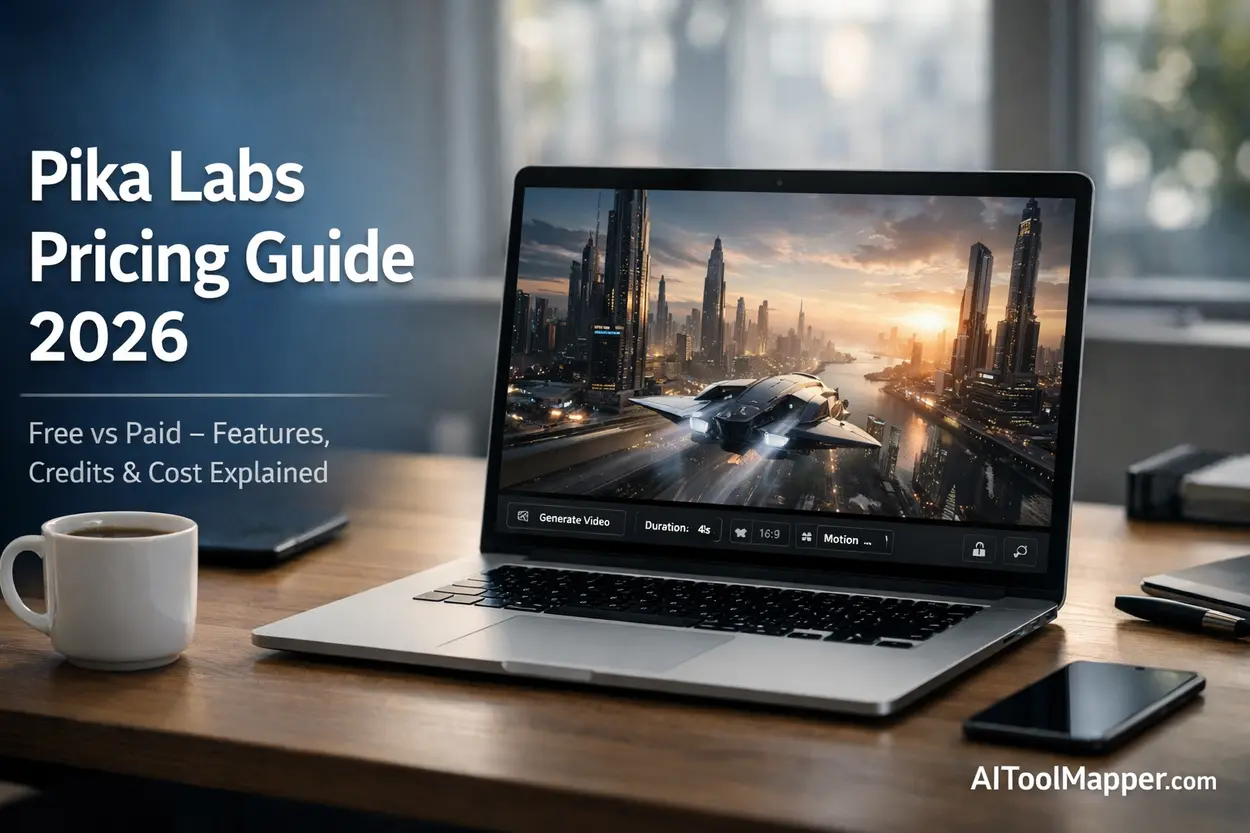
Pika Labs pricing is based on a credit-based system where users generate AI videos using allocated credits. Pika Labs is a powerful generative AI tool that transforms text prompts into short videos. It offers a free plan with limited credits, while paid plans unlock higher-quality outputs, faster rendering, and commercial usage rights. This guide explains Pika Labs features, pricing plans, and whether it’s worth upgrading in 2026.
📌 Key Takeaways
- Pika Labs is a cutting-edge text-to-video AI generator
- It offers a free plan with limited credits for beginners
- Paid plans provide more credits, faster rendering, and premium features
- Ideal for content creators, marketers, and AI enthusiasts
- Pika Labs pricing depends on a flexible credit-based system
What Is Pika Labs? Is Pika Labs Free or Paid?
Artificial intelligence is reshaping content creation at a pace few expected. A year ago, creating a video required editing software, technical skills, and hours of effort. Today? You can type a sentence and get a video in seconds.
That’s where Pika Labs AI enters the picture.
But the real question most users ask is simple:
👉 Is Pika Labs free, or do you have to pay to use it properly?
Let’s break it down—step by step, without fluff.
What Is Pika Labs AI?
At its core, Pika Labs is a generative AI video platform designed to turn text prompts into short, dynamic videos.
Think of it like this:
Instead of editing videos manually, you describe what you want—and AI builds it for you.
Why It’s Trending in 2026
The rise of AI video generator tools has created massive demand. Platforms like Pika Labs are trending because they:
- Remove technical barriers
- Speed up content production
- Allow anyone to create cinematic visuals
Creators, marketers, and even small businesses are now using tools like this to compete with large production studios.
And yes—this is exactly why “Pika Labs pricing” has become such a hot topic.
How Does Pika Labs Work?
Understanding how Pika Labs works is surprisingly simple.
Step-by-Step Process
- Enter a prompt
Example: “A futuristic city with flying cars at sunset” - AI processes the input
It uses trained models to interpret visuals, motion, and style - Video generation begins
The system renders frames and sequences - Output is delivered
A short AI-generated video clip
The Role of AI Models
Behind the scenes, Pika Labs uses:
- Diffusion models
- Motion prediction systems
- Visual synthesis engines
This combination allows it to act as a prompt-to-video AI tool, bridging imagination and reality.
Key Features of Pika Labs
Let’s talk about what makes this tool stand out.
1. Text-to-Video Generation
The core feature. You type, it creates.
This is where Pika Labs AI video generator shines the most.
2. Image-to-Video Conversion
Upload an image → animate it.
Perfect for:
- Social media creatives
- Product showcases
- Storytelling visuals
3. AI Editing Tools
Pika Labs doesn’t just generate—it lets you refine:
- Scene transitions
- Motion adjustments
- Style tweaks
4. Style & Animation Controls
Want cinematic? Cartoon? Realistic?
You can control:
- Lighting
- Camera motion
- Animation effects
5. Fast Rendering Engine
Speed matters.
Compared to traditional editing software, Pika Labs can produce results in minutes—not hours.
Is Pika Labs Free or Paid?
Here’s the direct answer:
👉 Pika Labs is both free and paid.
It follows a freemium model, which means:
- You can start for free
- But serious usage requires a paid plan
Who Should Use the Free Plan?
The free plan is ideal if you:
- Are just exploring AI tools
- Want to test video prompts
- Don’t need commercial use
But if you’re serious about content creation… you’ll hit limits quickly.
Pika Labs Free Plan Explained
Let’s break down the Pika Labs free plan limits.
What You Get
- Limited monthly credits
- Basic video generation
- Standard quality output
Limitations
Here’s where it gets restrictive:
- ❌ Limited video length
- ❌ Slower rendering speed
- ❌ Watermarks or branding
- ❌ No commercial rights (in most cases)
The Credit System
Pika Labs uses a video generation credits system.
Every action costs credits:
- Generating a video = X credits
- Editing = additional credits
Once you run out… you wait or upgrade.
Pika Labs Paid Plans & Pricing (2026)
Now let’s talk about the real focus keyword: Pika Labs pricing.
How Pricing Works
Instead of fixed unlimited access, Pika Labs uses:
👉 Subscription + Credits Model
You pay monthly and receive credits.
Typical Pricing Structure (Estimated)
While pricing may evolve, most plans follow this pattern:
| Plan | Monthly Cost | Credits | Best For |
|---|---|---|---|
| Free | ₹0 | Limited | Beginners |
| Starter | ₹800–₹1500 | Moderate | Creators |
| Pro | ₹2500–₹5000 | High | Professionals |
| Enterprise | Custom | Unlimited | Businesses |
What Paid Plans Unlock
- ✔️ More credits
- ✔️ Faster rendering
- ✔️ HD / advanced quality
- ✔️ Priority processing
- ✔️ Commercial usage rights
Cost vs Value
If you’re posting regularly on platforms like YouTube or Instagram, the ROI becomes clear.
Instead of hiring editors, you generate videos instantly.
Pika Labs Free vs Paid
| Feature | Free Plan | Paid Plan |
|---|---|---|
| Credits | Limited | Higher |
| Speed | Slow | Faster |
| Quality | Standard | HD / Advanced |
| Commercial Use | Restricted | Allowed |
| Support | Basic | Priority |
Is Pika Labs Worth It?
Let’s be honest.
Not every AI tool lives up to the hype.
So—is Pika Labs worth it?
Pros
- Easy to use
- Fast video generation
- Great for social media
- Constant updates
Cons
- Credit limitations
- Can get expensive at scale
- Quality still evolving
Verdict
👉 If you’re a casual user, stick to the free plan
👉 If you’re a content creator, upgrading is worth it
Pika Labs Use Cases
This tool isn’t just for tech enthusiasts.
1. Content Creators
- YouTube shorts
- Instagram reels
- TikTok videos
2. Social Media Marketers
- Ad creatives
- Brand storytelling
- Visual campaigns
3. Businesses
- Product demos
- Explainer videos
- Promotional clips
4. AI Enthusiasts
Experimentation and innovation.
Pika Labs Alternatives
No tool exists in isolation.
Here are some strong Pika Labs alternatives:
- Runway ML
- Synthesia
- Kaiber AI
- Luma AI
Each has its own strengths, especially in areas like avatars or cinematic rendering.
Common Issues & Limitations
Even powerful tools have drawbacks.
1. Credit Exhaustion
You’ll run out faster than expected.
2. Rendering Delays
Free users often face slower processing times.
3. Quality Limitations
AI videos are impressive—but not perfect.
Tips to Use Pika Labs Efficiently
Want better results without wasting credits?
1. Optimize Your Prompts
Be specific:
❌ “A city”
✔️ “A cyberpunk city at night with neon lights and flying cars”
2. Save Credits
- Avoid unnecessary re-renders
- Test prompts in smaller formats
3. Use Styles Wisely
Experiment, but don’t overdo it.
FAQs
Is Pika Labs completely free?
No, Pika Labs is not completely free. It provides a limited free plan where users receive a small number of credits to generate basic AI videos. However, advanced features such as HD quality, faster rendering, and commercial rights are only available through paid subscription plans.
How many credits does Pika Labs give?
Pika Labs offers different credit allocations depending on the plan. Free users typically receive a small monthly credit allowance suitable for testing. Paid subscribers get significantly higher credits, allowing them to create longer videos, experiment with styles, and access more advanced AI video generation features without frequent limitations.
Can I use Pika Labs for commercial use?
Commercial usage is generally restricted on the free plan. If you want to use AI-generated videos for business purposes such as ads, client work, or monetized content, you’ll need a paid plan. These subscriptions usually include licensing rights that allow legal and professional use of generated videos.
What is the cost of Pika Labs?
Pika Labs pricing depends on subscription tiers and credit usage. Entry-level paid plans typically start around ₹800–₹1500 per month, while advanced or professional plans can cost ₹2500–₹5000 or more. The final cost depends on how many credits you need and the level of features you require.
Is Pika Labs better than other AI video tools?
Pika Labs is a strong competitor in the AI video space, especially for text-to-video generation. However, tools like Runway ML and Synthesia may offer better performance in cinematic editing or avatar-based videos. The right choice depends on your content goals and workflow needs.
What are the limitations of the Pika Labs free plan?
The free plan comes with several limitations, including restricted credits, slower rendering speed, and lower video quality. Users may also face watermarks and limited customization options. It’s best suited for beginners testing the platform rather than professionals needing consistent, high-quality video output.
How does the Pika Labs credits system work?
Pika Labs uses a credit-based system where each video generation or edit consumes a certain number of credits. More complex prompts, longer videos, or higher-quality outputs typically use more credits. Once credits are exhausted, users must wait for renewal or upgrade their plan.
Does Pika Labs support text-to-video AI?
Yes, Pika Labs is primarily a text-to-video AI tool. Users can input descriptive prompts, and the AI generates short video clips based on those instructions. This makes it ideal for creators who want to turn ideas into visual content quickly without needing advanced editing skills.
Are Pika Labs videos watermark-free?
Videos generated on the free plan may include watermarks or branding. To remove watermarks and access clean, professional-quality outputs, users typically need to upgrade to a paid plan. This is especially important for businesses or creators producing client-facing or monetized content.
Is Pika Labs suitable for beginners?
Yes, Pika Labs is beginner-friendly and designed with a simple interface that doesn’t require technical expertise. Even first-time users can generate videos using basic prompts. However, mastering prompt writing and optimizing credits may take some practice for better results.
Conclusion
AI video tools are no longer the future—they’re the present.
Pika Labs AI stands out as one of the most exciting platforms in this space, offering a powerful mix of simplicity and creativity.
So, is Pika Labs free or paid?
👉 It’s both—but the real value lies in its paid plans.
If you’re experimenting, the free version is enough.
If you’re building content seriously, upgrading is the smart move.