
If you’ve ever wondered whether your business could run smoother, faster, and with fewer repetitive tasks, you’re not alone. In 2026, automation isn’t just a competitive advantage—it’s becoming a necessity. The best AI automation tools for business are no longer reserved for tech giants. From small startups to large enterprises, organizations are turning to AI tools for business automation to streamline workflows, reduce operational costs, and make smarter decisions based on real-time data.
So, which AI automation tools are best for businesses and why? The short answer: platforms like Zapier, UiPath, Microsoft Power Automate, and Workato lead the market due to strong integrations, scalability, and AI-powered workflow intelligence. Meanwhile, tools like HubSpot AI and ClickUp AI bring automation directly into marketing and project management environments.
In this guide, we’ll compare features, pricing, use cases, and scalability. We’ll break down AI workflow automation tools in simple terms, explore enterprise AI automation software, and help you choose the right AI business automation solutions based on your needs.
Which AI automation tools are best for businesses in 2026?
The best AI automation tools for business include Zapier AI for no-code workflow automation, UiPath for enterprise-grade robotic process automation, Microsoft Power Automate for ecosystem integration, Workato for complex enterprise workflows, and HubSpot AI for marketing and CRM automation. These platforms help automate repetitive tasks, integrate apps, and improve operational efficiency.
What should businesses consider before choosing an AI automation tool?
Businesses should evaluate integration capabilities, scalability, pricing structure, security compliance, AI-driven analytics, and ease of use. Small businesses often prefer no-code tools like Zapier or Make, while enterprises lean toward UiPath or Automation Anywhere for advanced automation and governance controls.
What Are AI Automation Tools?
AI automation tools are software platforms that use artificial intelligence to automate business processes, decisions, and workflows. Unlike traditional rule-based automation, AI-powered business process automation AI tools can learn from data, adapt to patterns, and improve over time.
Traditional automation works like a checklist: “If X happens, do Y.” AI-powered automation goes further. It analyzes context, predicts outcomes, and can even generate responses. Think chatbots that understand natural language, RPA bots that process invoices intelligently, or CRM systems that predict lead scoring.
Examples include:
- Workflow automation between apps
- AI chatbots for customer support
- AI RPA tools for business (invoice processing, payroll automation)
- CRM automation with predictive analytics
Organizations increasingly rely on AI workflow automation tools because manual processes simply can’t scale. If your team is still copying data between spreadsheets, responding manually to every support ticket, or tracking leads by hand, you’re likely leaving efficiency on the table.
For deeper insight into AI adoption trends, research from McKinsey & Company highlights how AI-driven automation significantly boosts productivity in operations-heavy industries.
Benefits of Using AI Automation Tools for Businesses
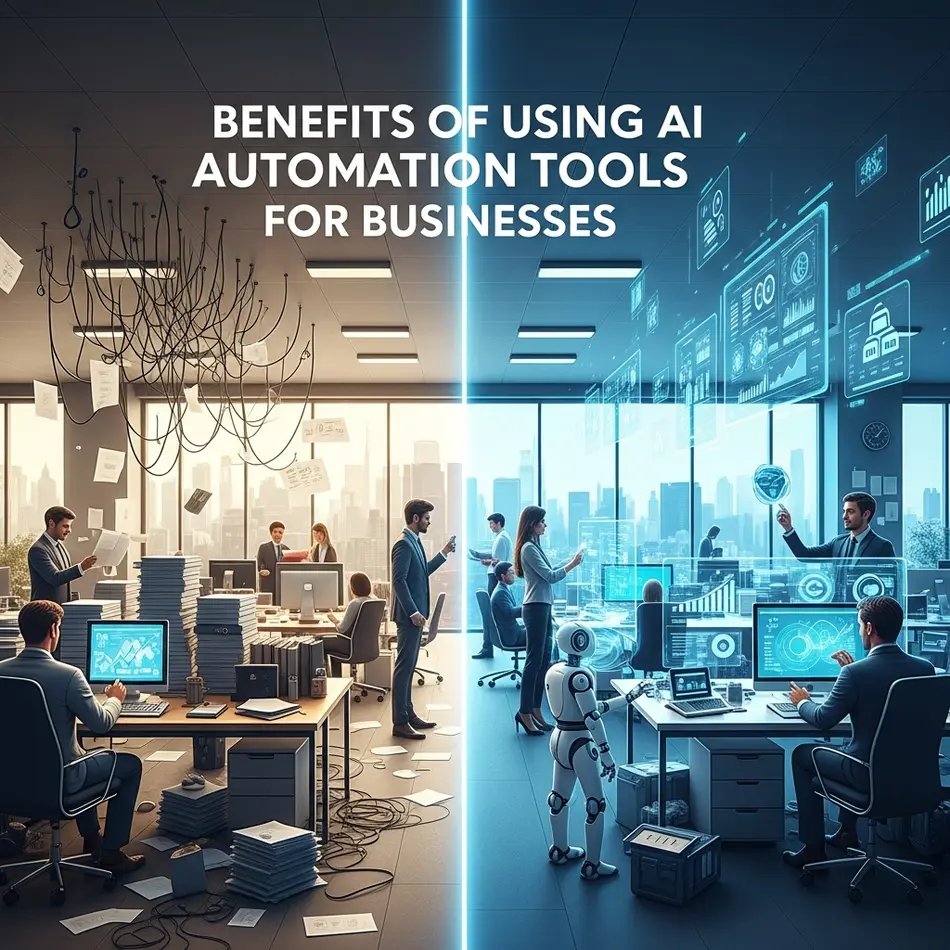
Adopting AI business automation solutions isn’t just about speed—it’s about strategic advantage.
Key Benefits:
- Saves Time & Operational Costs
AI powered business automation reduces repetitive manual work. Teams focus on strategy instead of admin tasks. - Improves Accuracy & Productivity
Automated AI workflow software minimizes human error in data entry and reporting. - Scales Business Operations
As your business grows, AI automation scales effortlessly without proportional increases in staff. - Better Decision-Making Using AI Data
AI analyzes trends and provides predictive insights, supporting smarter business decisions.
According to insights shared by Harvard Business Review, companies that embed AI into workflows often experience measurable improvements in both efficiency and innovation.
Best AI Automation Tools Compared for Businesses (2026)
Below is a high-level comparison of top AI automation platforms dominating the market.
| Tool | Best For | Key Features | Pricing | Rating |
| Zapier AI | No-code automation | 6,000+ integrations, AI actions | Freemium | 4.7/5 |
| Make | Visual workflow builders | Advanced scenario logic | Freemium | 4.6/5 |
| UiPath | Enterprise RPA | AI-powered bots, governance | Enterprise pricing | 4.8/5 |
| Automation Anywhere | Large enterprises | Cloud-native RPA | Enterprise | 4.7/5 |
| Microsoft Power Automate | Microsoft ecosystem users | Copilot AI integration | Tiered pricing | 4.6/5 |
| Workato | Complex enterprise workflows | Recipe-based automation | Custom pricing | 4.7/5 |
| HubSpot AI | Marketing & CRM | AI content & sales automation | Subscription | 4.5/5 |
| ClickUp AI | Project management | Task & doc automation | Add-on pricing | 4.5/5 |
Tool #1 – Zapier AI

Zapier remains one of the most accessible AI automation platforms for businesses. With thousands of integrations, it connects apps without requiring code.
Key Features:
- AI-powered workflow suggestions
- App integrations (Slack, Gmail, CRM tools)
- Trigger-based automation
Pros: Easy to use, massive ecosystem
Cons: Expensive at scale
Best Use Case: Small to mid-sized businesses seeking fast automation without IT support.
Explore automation tools like this on AI Tool Mapper’s directory for detailed comparisons.
Tool #2 – Make (formerly Integromat)
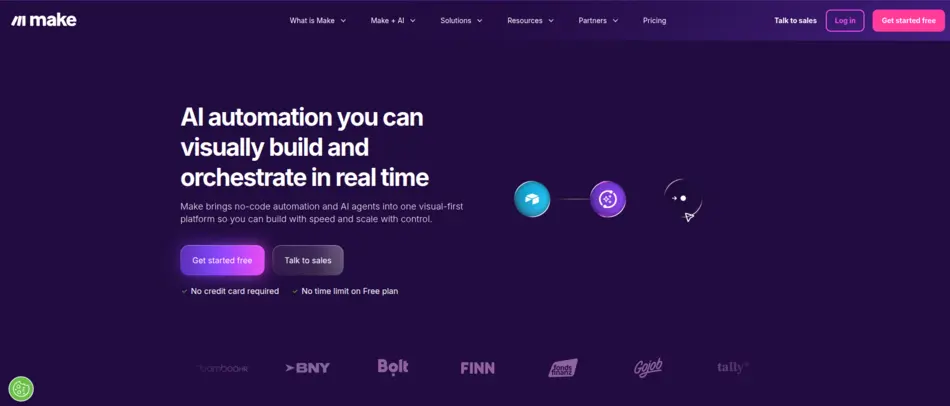
Make is an AI automation platform designed for businesses that require more customization than basic automation tools provide. It supports API connections, data transformation, and conditional branching—making it ideal for startups and growing businesses.
Key Features
- Visual drag-and-drop workflow builder
- Advanced conditional logic
- API & webhook support
- Data parsing and transformation tools
- AI-enhanced automation suggestions
Pros
- Highly customizable workflows
- Affordable for small businesses
- Strong integration ecosystem
Cons
- Learning curve for beginners
- Interface can feel complex at first
Pricing Model
Freemium plan available. Paid plans scale based on operations and execution volume.
Best Use Case
Best AI automation tools for small business teams that need advanced automation but want to avoid enterprise-level pricing.
Tool #3 – UiPath
UiPath is widely recognized as a leader in enterprise AI automation software and robotic process automation (RPA). If you’re managing compliance-heavy workflows, financial operations, or large-scale back-office tasks, UiPath provides AI RPA tools for business with unmatched scalability.
Key Features
- AI document understanding
- Computer vision for UI automation
- Bot orchestration & governance
- Enterprise security controls
- Scalable automation cloud
Pros
- Enterprise-grade security
- Advanced AI-powered business automation
- Strong analytics dashboard
Cons
- Higher cost compared to SMB tools
- Requires technical setup
Pricing Model
Enterprise pricing (custom quotes).
Best Use Case
Large enterprises looking for business process automation AI tools with governance and compliance frameworks.
Tool #4 – Automation Anywhere
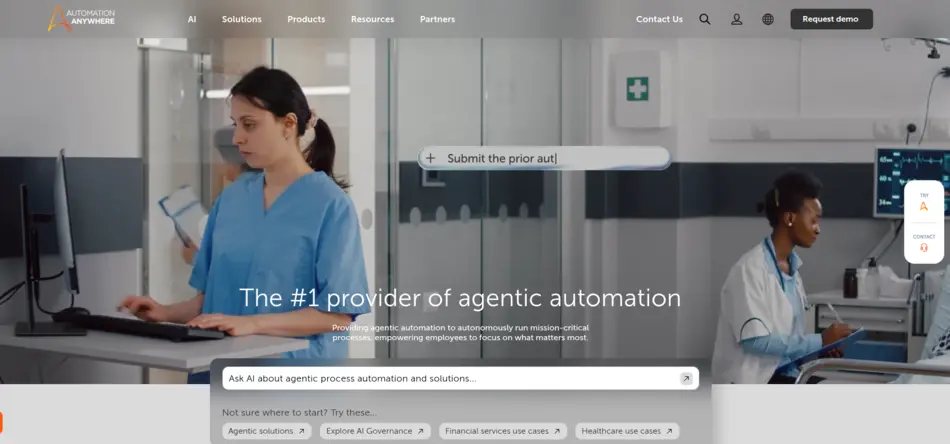
Built for global enterprises, Automation Anywhere helps organizations automate structured and unstructured data processes at scale.
Key Features
- Cloud-native architecture
- Intelligent document processing
- Bot lifecycle management
- Analytics & reporting tools
Pros
- Highly scalable
- Strong security compliance
- AI-driven bot intelligence
Cons
- Expensive for startups
- Best suited for enterprise IT teams
Pricing Model
Custom enterprise pricing.
Best Use Case
Enterprise AI automation tools for multinational companies managing thousands of workflows.
Tool #5 – Microsoft Power Automate & Copilot AI

Microsoft Power Automate integrates seamlessly within the Microsoft ecosystem, making it a practical choice for organizations already using Microsoft 365.
Key Features
- Deep Microsoft ecosystem integration
- AI Copilot workflow suggestions
- RPA desktop flows
- Pre-built templates
Pros
- Cost-effective for Microsoft users
- Strong enterprise compliance
- Familiar UI for Office users
Cons
- Limited flexibility outside Microsoft ecosystem
Pricing Model
Tier-based subscription (per user/per flow).
Best Use Case
Businesses heavily invested in Microsoft infrastructure seeking AI tools for business automation.
Tool #6 – Workato

Workato is among the top AI automation platforms built specifically for complex enterprise workflows.
Key Features
- Recipe-based automation
- Enterprise-grade API integrations
- AI-based workflow recommendations
- Governance and compliance tools
Pros
- Highly scalable
- Advanced integration capabilities
- Enterprise-ready security
Cons
- Premium pricing
- Overkill for small businesses
Pricing Model
Custom pricing based on usage.
Best Use Case
Large enterprises seeking enterprise AI automation software with high customization.
Tool #7 – HubSpot AI
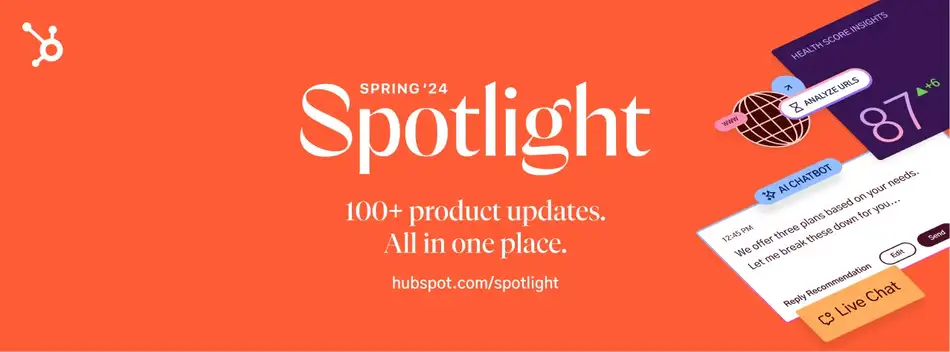
HubSpot AI integrates automation directly into CRM, marketing, and sales pipelines.
Key Features
- AI-powered content creation
- Automated sales follow-ups
- Predictive lead scoring
- CRM workflow automation
Pros
- Ideal for marketing & sales teams
- All-in-one CRM + automation
- Beginner-friendly
Cons
- Can get expensive as contacts grow
Pricing Model
Subscription-based (tiered).
Best Use Case
Marketing-focused AI business automation solutions for lead generation and nurturing.
Tool #8 – ClickUp AI
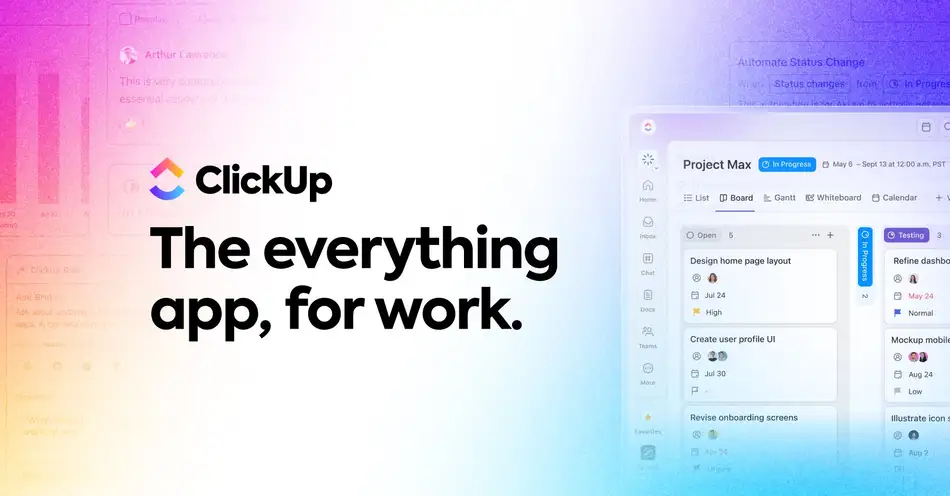
ClickUp AI blends project management with automated AI workflow software.
It automates task summaries, meeting notes, document drafting, and workflow triggers within project pipelines.
Key Features
- AI task summarization
- Automated documentation
- Workflow triggers
- Team collaboration automation
Pros
- Improves productivity
- Affordable add-on
- Easy to integrate with teams
Cons
- Primarily project-focused
- Limited enterprise RPA functionality
Pricing Model
AI add-on pricing per workspace.
Best Use Case
Startups and agencies looking to automate internal workflows.
Tool #9 – Notion AI
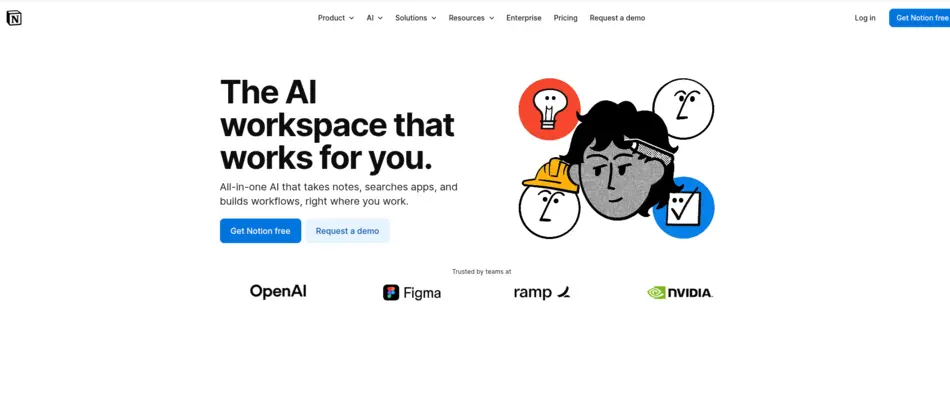
Notion AI enhances documentation and internal knowledge management automation.
It uses AI to summarize documents, generate drafts, and automate knowledge workflows inside teams.
Key Features
- AI-generated summaries
- Automated documentation
- Smart content suggestions
- Knowledge base optimization
Pros
- Strong for documentation
- Simple pricing
- Improves internal productivity
Cons
- Not full-scale RPA
- Limited app integrations compared to Zapier
Pricing Model
AI add-on subscription.
Best Use Case
Content-heavy teams managing SOPs and documentation.
Tool #10 – Jasper AI

Jasper AI focuses primarily on AI-powered marketing automation.
Jasper helps businesses automate content creation for ads, emails, blog posts, and landing pages.
Key Features
- AI content generation
- Brand voice customization
- Marketing automation integrations
- Campaign templates
Pros
- Excellent for marketing teams
- Saves time on content production
- Easy onboarding
Cons
- Not full business process automation AI tools
- Focused on content only
Pricing Model
Subscription-based plans.
Best Use Case
Marketing teams seeking AI-powered business automation for content workflows.
Tool #11 – AgentGPT / AutoGPT (Enterprise AI Agents)
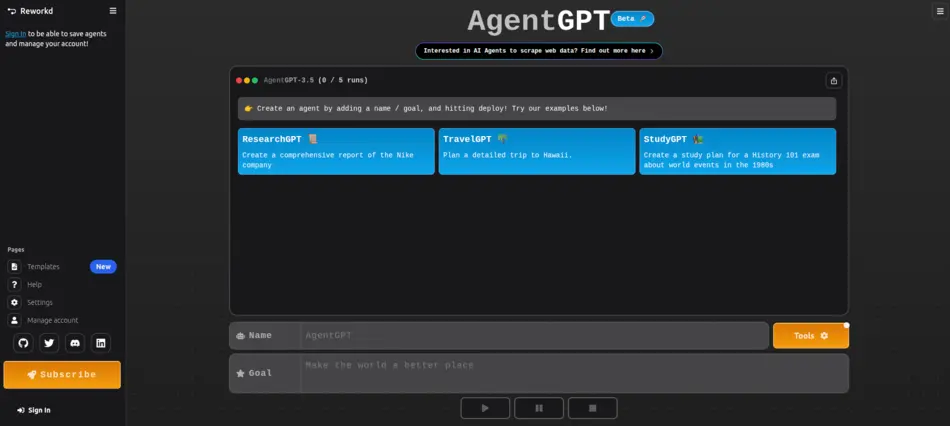
AgentGPT and AutoGPT represent a new generation of AI workflow automation tools where automation isn’t just rule-based—it’s reasoning-based. These tools are designed for businesses experimenting with advanced AI business automation solutions such as research automation, content planning, competitive intelligence, and process optimization.
Key Features
- Autonomous goal-based task execution
- Multi-step reasoning workflows
- API integration capabilities
- Web browsing & research automation
- Open-source customization (AutoGPT)
Pros
- Highly innovative automation model
- Great for research & strategy automation
- Flexible for experimentation
Cons
- Requires technical expertise
- Still evolving in enterprise stability
- Security & governance need careful setup
Pricing Model
AgentGPT offers web-based access with usage-based pricing, while AutoGPT is open-source but may require infrastructure costs.
Best Use Case
Businesses exploring next-gen enterprise AI automation software for strategic automation rather than simple task automation.
Tool #12 – Saner.AI
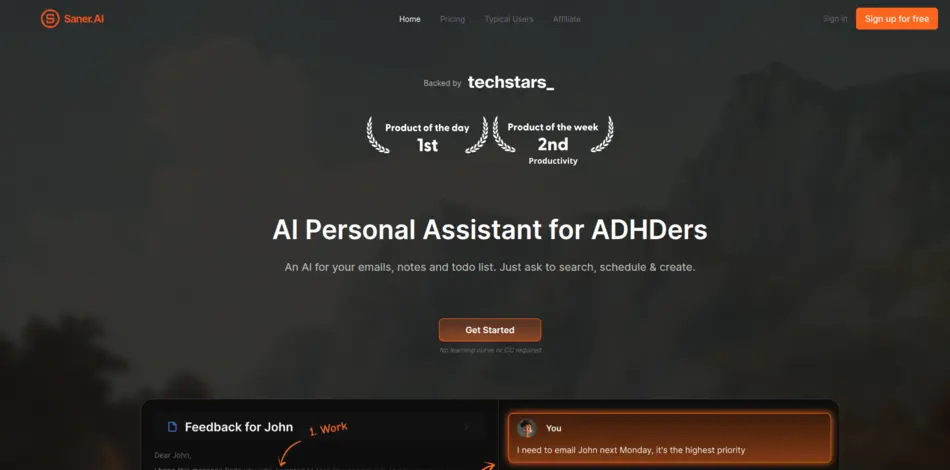
Saner.AI is built for founders, creators, and business teams who struggle with scattered information. It combines note-taking, AI summarization, and automated task suggestions into a unified productivity environment.
Key Features
- AI-powered note organization
- Smart task extraction from notes
- Context-based content summarization
- Knowledge workflow automation
Pros
- Excellent for knowledge workers
- Improves focus and clarity
- Simple onboarding
Cons
- Limited enterprise integrations
- Not a full RPA solution
Pricing Model
Freemium model with premium productivity plans.
Best Use Case
Small teams and startups looking for lightweight AI tools for business automation focused on knowledge and productivity workflows.
Tool #13 – Lindy

Lindy is designed for professionals who want AI-powered business automation for communication-heavy tasks. Instead of manually replying to emails or coordinating schedules, Lindy uses AI to automate and personalize responses.
Key Features
- Automated email drafting & replies
- Meeting scheduling automation
- Calendar coordination
- CRM integration support
Pros
- Saves executive time
- Reduces scheduling friction
- Improves response consistency
Cons
- Limited operational automation
- Mostly communication-focused
Pricing Model
Subscription-based pricing per user.
Best Use Case
Executives, consultants, and sales leaders looking for AI workflow automation tools to manage high-volume communication efficiently.
Tool #14 – Diaflow
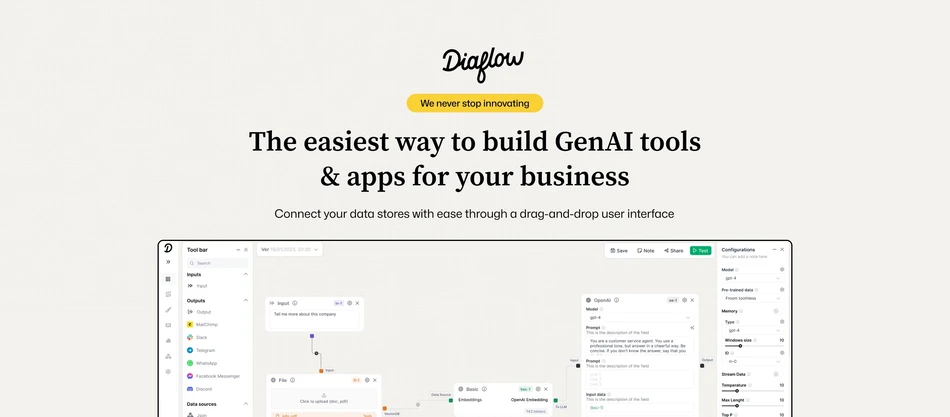
Diaflow focuses on helping businesses create automated AI workflow software without heavy coding. It supports integration with APIs, cloud apps, and databases while adding AI-based optimization to workflow execution.
Key Features
- Drag-and-drop workflow builder
- AI-based decision logic
- Multi-app integrations
- Data analytics dashboard
Pros
- Intuitive interface
- AI-enhanced automation logic
- Suitable for SMBs
Cons
- Smaller ecosystem compared to Zapier
- Limited enterprise case studies
Pricing Model
Tiered pricing based on automation volume.
Best Use Case
Growing businesses seeking scalable AI automation tools comparison 2026 alternatives beyond mainstream platforms.
Tool #15 – n8n
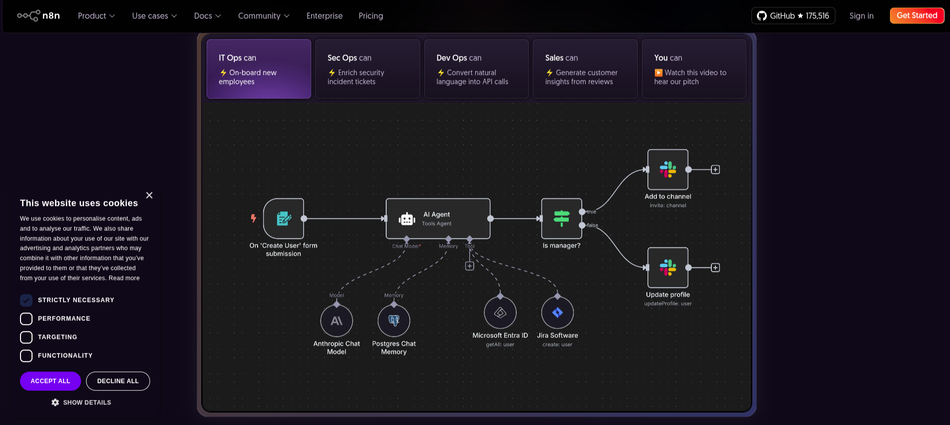
n8n combines the flexibility of open-source infrastructure with advanced automation capabilities. Unlike fully hosted automation tools, n8n can be self-hosted, making it attractive for businesses with strict data security requirements.
Key Features
- Open-source customization
- Self-hosting option
- Advanced workflow logic
- API & webhook integration
- AI node integrations
Pros
- Highly flexible
- Cost-effective at scale
- Full data control
Cons
- Requires technical setup
- Not beginner-friendly
Pricing Model
Free self-hosted version; paid cloud hosting plans available.
Best Use Case
Tech-driven companies seeking AI RPA tools for business that offer customization and data ownership.
AI Automation Tools Comparison by Business Type
For Small Businesses & Startups
The best AI automation tools for small business include Zapier, Make, and HubSpot AI. They offer freemium models and minimal setup requirements.
For Enterprises
Enterprise AI automation tools like UiPath, Automation Anywhere, and Workato provide governance, compliance controls, and advanced AI RPA tools for business.
For Marketing & Sales Teams
HubSpot AI and Jasper AI dominate marketing-driven AI business automation solutions.
For Customer Support Automation
AI chatbots integrated with CRM and RPA streamline customer service workflows.
How to Choose the Best AI Automation Tool for Your Business
If you’re asking, “How to choose AI automation tool for business?” start here:
- Define business size & goals
- Evaluate integration support
- Check ease of use
- Review pricing & scalability
- Assess security & compliance
The right AI automation tools comparison 2026 should always match your operational maturity.
AI Automation Tools Pricing – Free vs Paid
Free AI automation tools often limit task volume and integrations. Paid tools offer analytics, compliance features, and priority support.
When should you upgrade? Once automation ROI outweighs subscription cost.
Real-World Use Cases of AI Automation in Business
AI workflow automation tools are widely used for:
- Lead generation
- Customer support ticket routing
- Data entry & reporting
- Marketing campaign automation
For instance, marketing teams automate segmentation while finance teams use AI RPA tools for business invoice processing.
Pros and Cons of AI Automation Tools
Advantages
- Efficiency gains
- Reduced human error
- Scalability
Challenges
- Initial setup cost
- Learning curve
- Data security concerns
FAQs – AI Automation Tools
1. What are the best AI automation tools for businesses?
Top AI automation tools in 2026 include Zapier, UiPath, Microsoft Power Automate, Workato, and HubSpot AI. These platforms streamline workflows, automate repetitive tasks, and improve productivity across marketing, sales, and operations for businesses of all sizes.
2. Are AI automation tools safe for business data?
Yes, AI automation tools are generally safe when they follow strict security protocols like data encryption, GDPR compliance, and role-based access control. Businesses should choose reputable vendors, regularly audit workflows, and implement internal security policies to minimize risks and ensure sensitive data remains protected.
3. Can small businesses afford AI automation tools?
Absolutely. Many AI automation platforms offer free plans or affordable tiered pricing, making them accessible to small businesses and startups. Tools like Zapier and HubSpot AI allow businesses to start small and scale as their automation needs grow.
4. Do AI automation tools require coding skills?
Not necessarily. Most modern AI automation tools provide no-code or low-code interfaces with drag-and-drop builders, making them easy to use for non-technical users. Platforms like Microsoft Power Automate enable users to create workflows without writing code.
5. What industries benefit most from AI automation tools?
AI automation tools are widely used in industries like eCommerce, healthcare, finance, marketing, and customer support. They help automate repetitive processes, improve decision-making, and enhance customer experiences, making them valuable across both service-based and product-based businesses.
6. How do AI automation tools improve productivity?
AI automation tools reduce manual tasks, minimize human errors, and speed up processes. By automating workflows like data entry, email responses, and reporting, teams can focus on strategic work, leading to higher efficiency and better overall business performance.
7. Can AI automation tools integrate with existing software?
Yes, most AI automation tools are designed to integrate seamlessly with popular apps like CRMs, email platforms, and project management tools. For example, Workato and Zapier support thousands of integrations to connect your existing tech stack easily.
8. What is the difference between AI automation and RPA?
AI automation uses machine learning and data analysis to make intelligent decisions, while RPA (Robotic Process Automation) focuses on rule-based repetitive tasks. Tools like UiPath combine both to deliver more advanced automation solutions.
9. How long does it take to implement AI automation tools?
Implementation time varies depending on complexity, but many no-code tools can be set up within hours or days. Larger enterprise solutions may take weeks for full deployment, especially when integrating multiple systems and customizing workflows.
10. Are AI automation tools worth the investment?
Yes, AI automation tools offer strong ROI by saving time, reducing operational costs, and improving accuracy. Businesses often see increased efficiency and scalability, making these tools a valuable long-term investment for growth and competitive advantage.
Final Verdict – Which AI Automation Tool Is Best for You?
There isn’t a single winner in the best AI automation tools for business category. The right choice depends on your company size, technical resources, and growth goals.
If you want simple automation: Zapier or Make.
If you need enterprise RPA: UiPath or Automation Anywhere.
If marketing automation is your focus: HubSpot AI.
Explore, compare & submit AI automation tools on AI Tool Mapper to discover the right solution tailored to your business.
Key Takeaways
- AI automation is no longer optional for scalable businesses.
- Small businesses benefit from no-code AI workflow automation tools.
- Enterprises need governance-focused AI RPA tools for business.
- Integration and ROI matter more than feature lists.
- Smart implementation drives real competitive advantage.
Found this helpful? Save it to your Pinterest board!