Pika Labs is an AI-powered video generation tool used to create videos from text prompts and images. It allows content creators, marketers, educators, and businesses to produce engaging, high-quality videos quickly—without needing advanced editing skills. Common uses include social media videos, marketing campaigns, storytelling, and AI-powered animations.
Key Takeaways
- Pika Labs uses AI to convert text and images into engaging videos
- Ideal for creators, marketers, educators, and small businesses
- Simplifies video production with automation
- Perfect for short-form content like Reels, Shorts, and TikTok
- No professional editing skills required
What is Pika Labs Used For?
Let’s be honest—creating videos the traditional way is exhausting.
You plan the script, shoot footage, edit clips, add transitions, fix audio… and by the time you’re done, your idea already feels outdated. Sound familiar?
This is exactly where Pika Labs uses AI to change the game.
Instead of spending hours editing, you simply type what you want—and the tool generates a video for you. Yes, just like that.
Whether you’re a content creator, a business owner, or someone experimenting with AI video tools, Pika Labs offers a faster, smarter, and more creative way to produce videos at scale.
What is Pika Labs?

Pika Labs is an advanced AI video creation platform that allows users to generate videos from text prompts or images.
Think of it like this:
👉 You describe a scene
👉 The AI visualizes it
👉 And within seconds, you get a video
How It Works
Pika Labs operates on two main concepts:
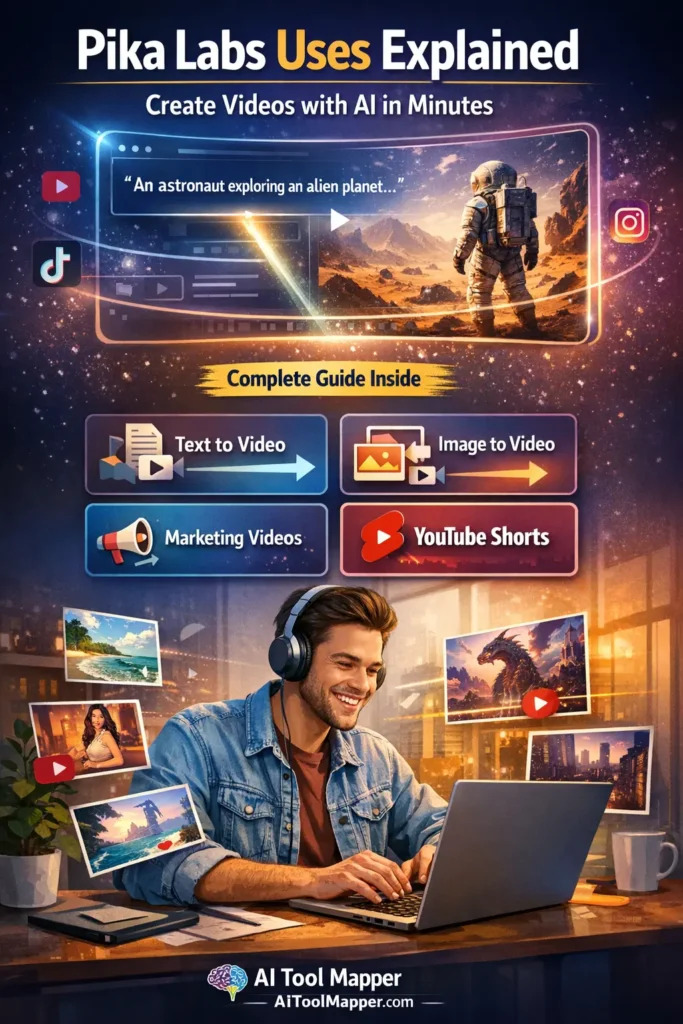
- Text-to-video AI → Converts written prompts into video clips
- Image-to-video AI → Animates static images into dynamic visuals
This makes it part of the growing ecosystem of AI content creation tools that are reshaping how we create digital media.
Key Features of Pika Labs
1. Text-to-Video Generation
The core feature of Pika Labs is its ability to generate videos from text prompts.
Example:
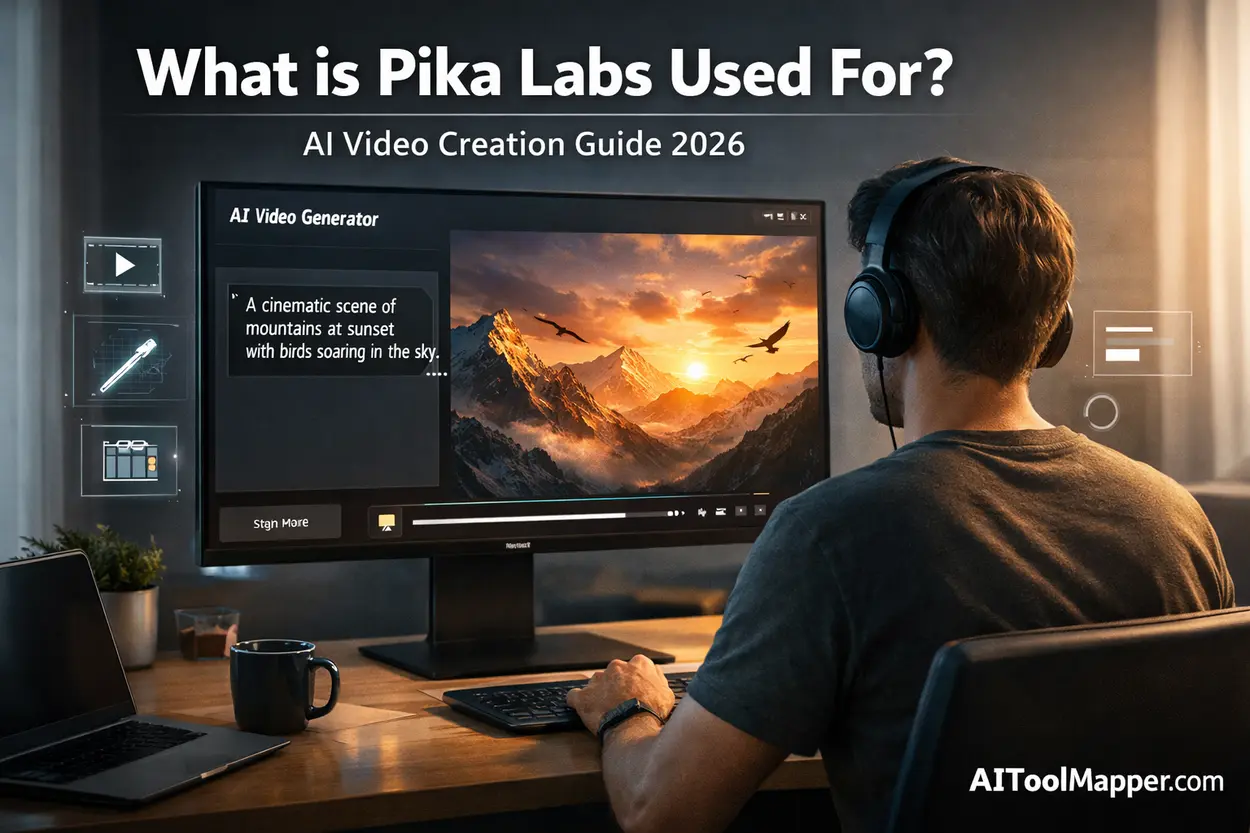
“Create a cinematic sunset over mountains with birds flying”
Within seconds, the AI produces a visual clip based on your input.
2. Image-to-Video Transformation
Got a static image? Turn it into motion.
Pika Labs can convert images into video animation, adding life and depth to visuals that would otherwise remain still.
3. AI Animation & Effects
From smooth transitions to cinematic effects, Pika Labs acts like an AI animation software—without the complexity.
4. Prompt-Based Customization
The more detailed your prompt, the better your output.
This gives users full creative control without needing editing software.
5. Fast Rendering
Unlike traditional editing tools, Pika Labs delivers results in seconds or minutes, making it ideal for fast-paced content needs.
Top Use Cases of Pika Labs
Let’s explore where Pika Labs uses truly shine.
1. Social Media Content Creation
Short-form video is dominating platforms like Instagram, TikTok, and YouTube Shorts.
Pika Labs makes it incredibly easy to create:
- Reels
- Shorts
- Viral clips
- Story-based content
👉 Instead of recording videos daily, you can automate content creation.
Example:
A creator generates 10 motivational videos in under an hour using AI prompts.
2. Marketing & Advertising Videos
Marketing teams are increasingly using Pika Labs AI video generator to:
- Create product demos
- Design ad creatives
- Produce brand storytelling videos
Instead of hiring expensive video editors, businesses can now generate content instantly.
👉 Check out how brands are leveraging video marketing statistics to boost engagement.
3. YouTube & Content Creation
Want to start a faceless YouTube channel?
Pika Labs is perfect for:
- Explainer videos
- Storytelling content
- Educational animations
👉 You can combine it with scripts generated by AI writing tools and build a full content pipeline.
4. Educational & Training Videos
Educators are using Pika Labs to:
- Simplify complex topics
- Create engaging lessons
- Build online courses
Imagine turning a boring lecture into an animated explainer—within minutes.
5. Creative Storytelling & Animation
Filmmakers and creatives are experimenting with:
- Short films
- AI-generated scenes
- Concept storytelling
This is where Pika Labs truly shines as a creative video generation tool.
Who Should Use Pika Labs?
Pika Labs isn’t just for tech experts.
It’s built for:
✔ Content Creators
Scale your content without burnout
✔ Digital Marketers
Create ads and campaigns faster
✔ Small Business Owners
Promote products without hiring agencies
✔ Educators
Make learning visual and engaging
✔ Freelancers
Offer video creation services without advanced skills
Benefits of Using Pika Labs
1. Saves Time & Cost
Traditional video production can take hours or days.
Pika Labs reduces this to minutes.
2. No Editing Skills Required
You don’t need to learn complex software like Premiere Pro.
3. Scalable Content Creation
Create multiple videos in one session—perfect for social media automation.
4. Creative Flexibility
Experiment with ideas instantly without risk.
Limitations of Pika Labs
Let’s keep it real—no tool is perfect.
❌ Limited Customization
Compared to professional tools, control is still limited.
❌ Output Quality May Vary
Results depend heavily on prompt quality.
❌ Learning Curve for Prompts
Writing effective prompts takes practice.
Pika Labs vs Other AI Video Tools
| Feature | Pika Labs | Runway ML | Synthesia | Kaiber |
|---|---|---|---|---|
| Text-to-video | ✅ | ✅ | ❌ | ✅ |
| Image-to-video | ✅ | ✅ | ❌ | ✅ |
| AI avatars | ❌ | ❌ | ✅ | ❌ |
| Ease of use | ⭐⭐⭐⭐ | ⭐⭐⭐ | ⭐⭐⭐⭐ | ⭐⭐⭐ |
| Best for | Creators | Filmmakers | Corporate | Artists |
👉 If you’re exploring alternatives, check our guide on AI Tool Mapper for curated AI video tools.
How to Use Pika Labs (Step-by-Step Guide)
Step 1: Sign Up
Create an account on the platform
Step 2: Enter Prompt
Describe your video idea
Step 3: Customize
Adjust style, tone, and visuals
Step 4: Generate
Let AI create your video
Step 5: Download
Export and share
Tips to Get Better Results with Pika Labs
- Write detailed prompts
- Use high-quality images
- Keep videos short for engagement
- Experiment with styles
- Iterate and refine
👉 Learn more about prompt engineering from prompt design best practices.
FAQs
Is Pika Labs free or paid?
Pika Labs offers both free and paid plans to suit different users. The free version provides limited credits and basic features, allowing beginners to explore the platform. Premium plans unlock faster rendering, higher-quality outputs, and advanced customization, making them ideal for professionals and businesses creating videos regularly.
Can beginners use Pika Labs?
Yes, Pika Labs is designed with beginners in mind. Its simple, prompt-based interface allows users to create videos just by typing descriptions. There’s no need for editing skills or technical knowledge, making it an excellent choice for first-time users exploring AI video creation tools.
What type of videos can I create?
With Pika Labs, you can create a wide range of videos, including social media clips, marketing ads, explainer videos, educational content, and storytelling animations. Its text-to-video and image-to-video capabilities make it flexible for both personal and professional video creation needs.
Is Pika Labs good for YouTube?
Pika Labs is highly effective for YouTube, especially for Shorts and faceless content channels. It allows creators to produce consistent, engaging videos quickly without filming or editing. This makes it a powerful tool for scaling content production and growing a YouTube audience efficiently.
What are alternatives to Pika Labs?
Some popular alternatives to Pika Labs include Runway ML, Synthesia, and Kaiber. These tools offer different features such as AI avatars, advanced editing controls, and unique artistic styles. Choosing the right alternative depends on your content goals, budget, and level of customization required.
How does Pika Labs work?
Pika Labs works by using artificial intelligence to convert text prompts or images into short video clips. Users describe a scene or upload visuals, and the AI generates a video based on that input. The better and more detailed your prompt, the more accurate and engaging the final output will be.
Do I need video editing skills to use Pika Labs?
No, you don’t need any video editing skills to use Pika Labs. The platform is built to simplify video creation using AI automation. Everything is controlled through prompts, so even users with zero editing experience can produce high-quality videos in minutes.
Is Pika Labs suitable for businesses?
Yes, Pika Labs is highly useful for businesses looking to create marketing videos, product demos, and social media content quickly. It reduces production costs and speeds up content creation, making it especially valuable for startups, small businesses, and digital marketing teams.
Can Pika Labs create realistic videos?
Pika Labs can generate visually impressive and creative videos, but realism depends on the prompt and complexity of the scene. While it produces high-quality outputs, extremely detailed or cinematic realism may still require refinement or additional tools for professional-grade production.
What are the benefits of using Pika Labs?
Pika Labs offers several benefits, including faster video creation, reduced costs, ease of use, and creative flexibility. It allows users to generate multiple videos quickly, experiment with ideas, and scale content production without needing expensive software or professional editing skills.
Is Pika Labs better than traditional video editing?
Pika Labs is faster and easier than traditional video editing, especially for short-form and AI-generated content. However, professional editors may still prefer traditional tools for precise control. Pika Labs is best suited for speed, automation, and creative experimentation rather than detailed manual editing.
Can I use Pika Labs for social media marketing?
Absolutely, Pika Labs is ideal for social media marketing. It helps users create engaging short-form videos for platforms like Instagram, TikTok, and YouTube Shorts. Its speed and automation make it perfect for maintaining consistent posting and increasing audience engagement.
Conclusion
So, what is Pika Labs used for?
In simple terms—it’s a powerful AI tool that turns ideas into videos.
From social media content to marketing campaigns, from education to storytelling, the possibilities are expanding every day.
If you’ve ever felt stuck creating videos, Pika Labs might be the shortcut you’ve been waiting for.
👉 And if you’re exploring more tools like this, platforms like AIToolMapper.com can help you discover the best AI solutions for your workflow.